
A Cisco IOS XE router in an Azure virtual network terminates IPsec and must forward campus traffic toward application hosts. Azure drops those transit packets. IP forwarding on the router's NIC is disabled. What must be enabled?
Select an answer to reveal the explanation.
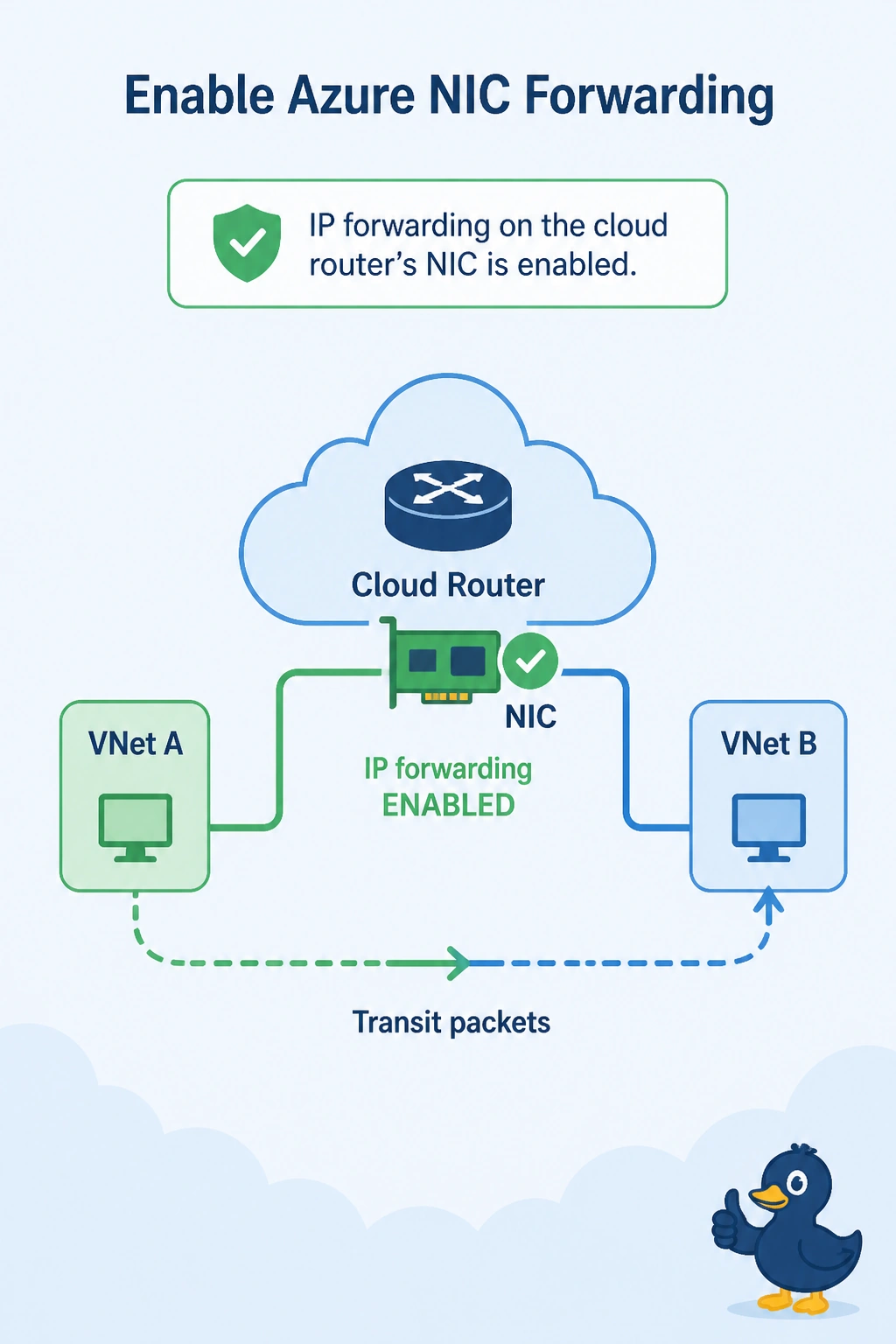
Short Explanation
Azure will not let a virtual machine play router until you say it may. You enable IP forwarding on the cloud router's NIC so transit packets are allowed. A public address on every host throws away the router you just built, and the campus BGP setting does not flip that Azure switch.
Full Explanation
Azure drops packets that arrive at a NIC when the destination is not that NIC, unless IP forwarding is enabled. A Cisco IOS XE router in the virtual network is forwarding campus traffic toward other hosts, so those packets are transit. With IP forwarding disabled, Azure discards them even though IPsec is up and the router has a route. Enable IP forwarding on that NIC. OSPF on the Azure VPN gateway does not control this NIC, and the gateway is not the device dropping the transit packets. Giving every application host a public IP bypasses the cloud router and publishes hosts the design meant to keep private. BGP multipath on the campus router changes how the campus installs equal routes. It does not toggle IP forwarding on an Azure NIC. Exam caveat: the subnet route table still has to point the campus prefix at the cloud router's NIC. IP forwarding without that route never sees the packets. Operational check: the NIC should show IP forwarding enabled, and a packet from the campus should arrive on an application host after the change.