
A university IOS XE router uses the correct pre-shared key toward an Azure route-based VPN gateway, but IKEv2 never completes. The router identifies itself with a hostname. Azure is configured to expect the router's public IPv4 address. What must change?
Select an answer to reveal the explanation.
Short Explanation
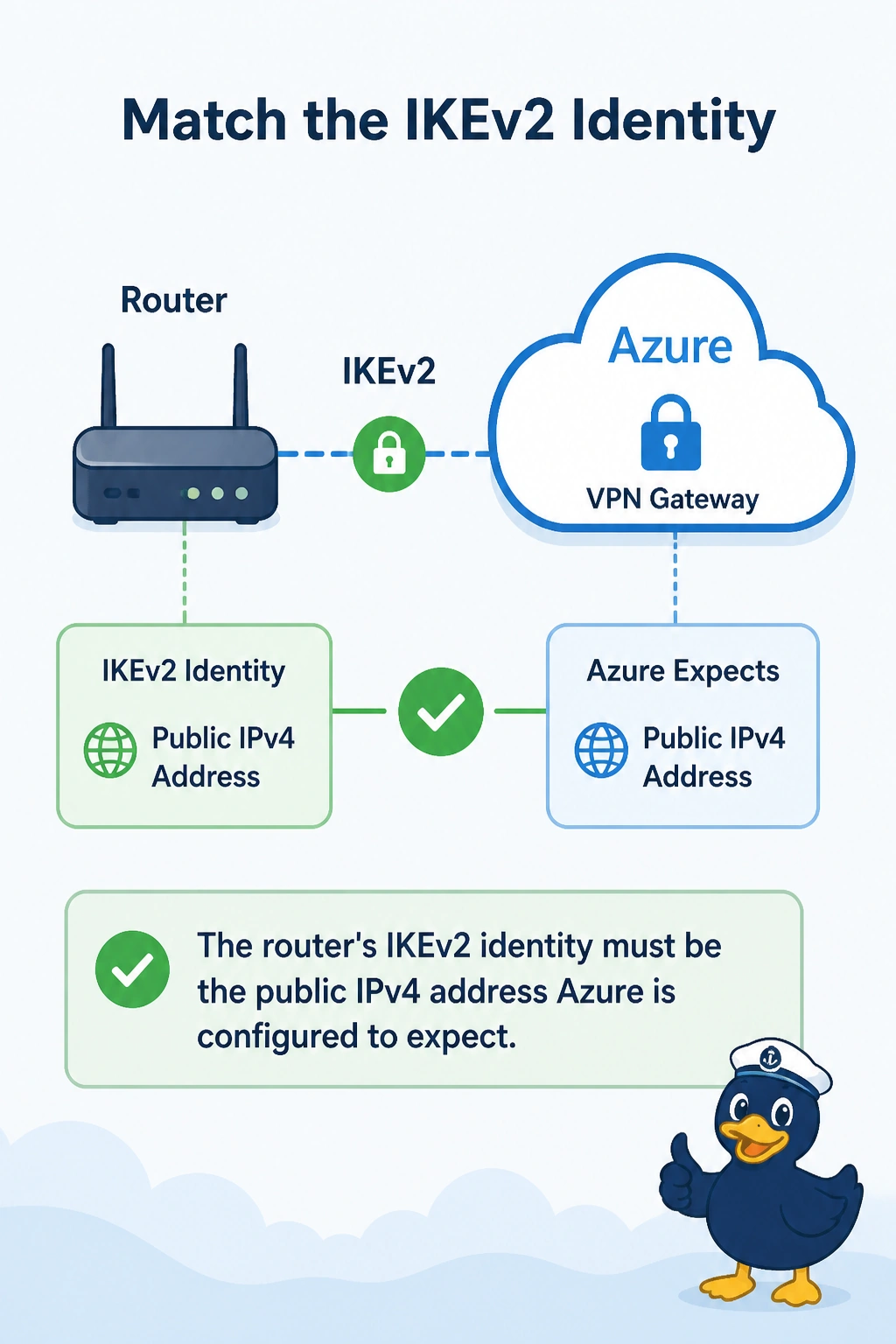
You have the right password but the wrong name tag. Set the router’s IKEv2 identity to the public IPv4 address Azure expects. A correct pre-shared key cannot make an identity match, and BGP is not part of that handshake.
Full Explanation
IKEv2 authenticates the peer and checks the identity it presents. The pre-shared key can be correct while the identity still fails: this router sends a hostname, but Azure is configured to expect the router’s public IPv4 address. Change the router’s IKEv2 local identity to that address so both sides match. The BGP ASN is not an IKEv2 identity, and BGP cannot start until IKE completes. OSPF does not advertise a hostname to the Azure VPN gateway, which does not use OSPF to match IKE identities. The tunnel MTU affects packet sizes after a tunnel exists; it is not consulted before the identity check in the initial IKE exchange. Exam caveat: identity types must match on both ends. You could instead configure Azure to expect the hostname, but one side must change; leaving them different keeps phase 1 down. Practical check: inspect IKEv2 negotiation output for an identity mismatch, then use show crypto ikev2 sa to confirm the security association reaches a ready state.