
You maintain automation scripts on a shared Linux jump host used by three engineers, and every script must keep using the host's Python installation. One teammate pinned an older library version for an IOS XE backup job while your new Meraki script needs a newer release, and a fresh pin should take effect as soon as pip installs it. Which approach isolates each project's pinned dependencies while keeping the host interpreter?
Select an answer to reveal the explanation.
Short Explanation
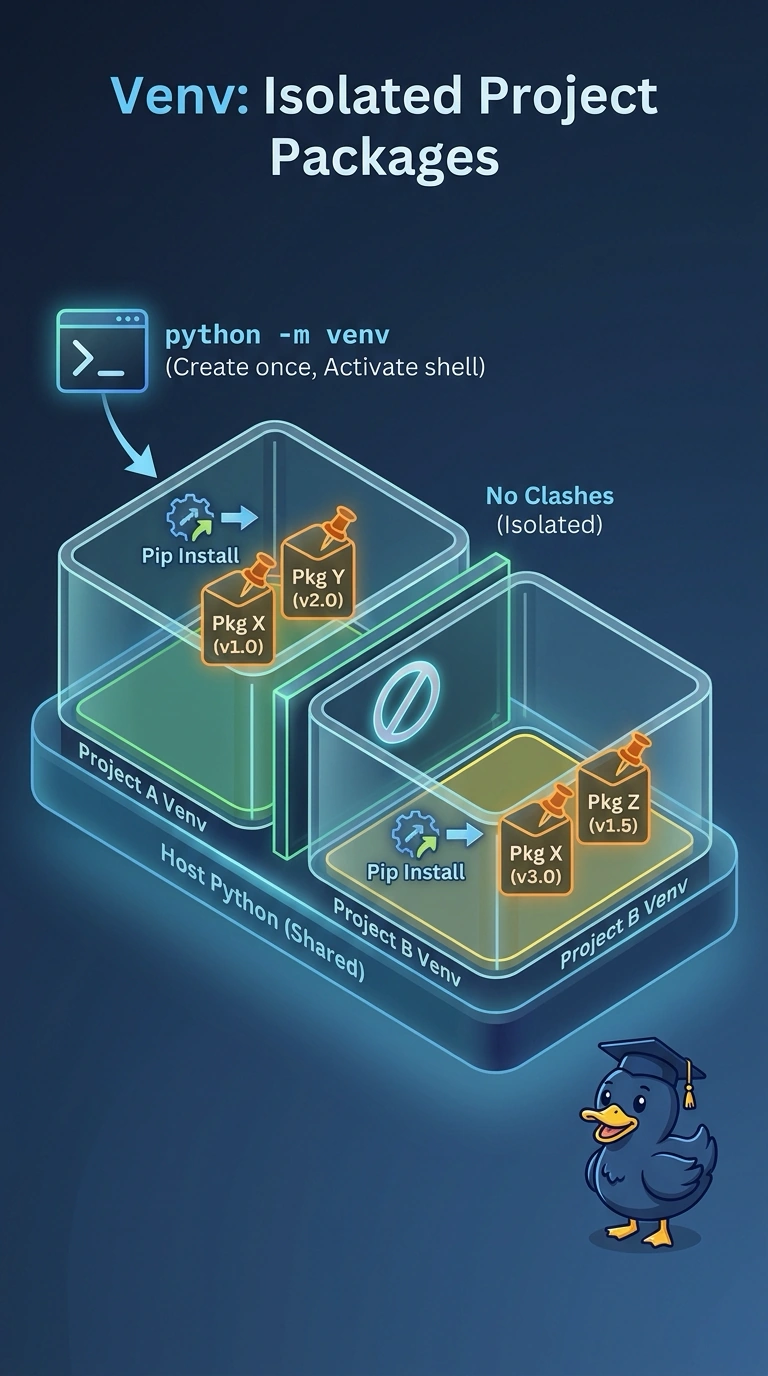
A virtual environment gives each project its own private package folder, so pinning an older library for one job never disturbs another. You still run the host Python, and a fresh pin takes effect the moment pip installs it. It's like each engineer getting their own toolbox on a shared workbench.
Full Explanation
A virtual environment made with python -m venv is a small directory with its own site-packages folder and a pointer to the interpreter it was created from. Activating it redirects pip and python to that folder, so each project installs, pins and upgrades its own copies of the libraries it needs without touching the shared packages other scripts import, while the host interpreter stays exactly as your team installed it. Adding or bumping a package inside one environment takes effect immediately, which satisfies your requirement that no image build sits in the workflow. Upgrading shared site-packages is the single-version approach: it puts every script on one dependency set and walks straight back into the version conflict you were escaping. Setting PYTHONPATH is an import-path override that only shadows modules you copy by hand, and pip still writes to the shared interpreter, so nothing is genuinely isolated. Wrapping each script in its own container gives real isolation, but it breaks the immediate-install rule because every version change means building and shipping a new image. Exam caveat: a virtual environment isolates installed packages, not the interpreter version itself, so create it with the Python binary you actually need. Practical check: activate each environment, run pip list, and confirm the pinned versions differ from the system-wide list.