
A newly onboarded branch router shows as reachable in SD-WAN Manager, but its configuration never arrives and the site stays unavailable while every other site works normally. An engineer wants to confirm the router control-plane health through the monitoring APIs before touching the data plane. Which API view should they query first?
Select an answer to reveal the explanation.
Short Explanation
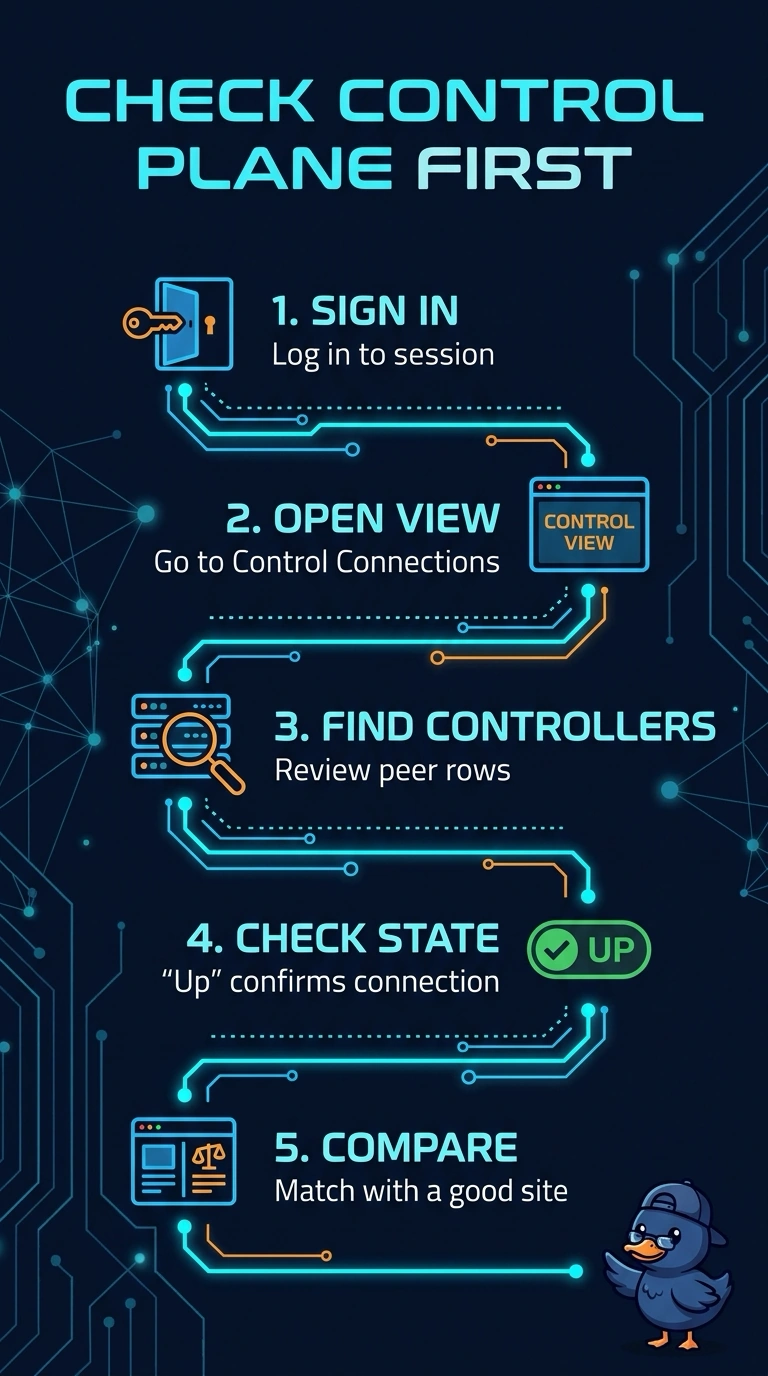
Check the control connections view first: it shows whether your router has reached its controllers, like checking the phone line before troubleshooting what’s being sent over it. BFD, tunnel, and interface views focus on overlay or link activity, and a healthy control connection doesn’t guarantee your configuration arrived.
Full Explanation
An SD-WAN router establishes control connections to controllers as part of joining the fabric. The control connections API is therefore the direct first probe of control-plane health: it lists peer information and connection state, so missing or down controller entries can point to reachability, firewall, certificate, or controller problems. A control connection being up does not guarantee that configuration has been delivered; configuration or template issues may still need investigation. BFD sessions measure liveness between overlay peers and can be healthy even when a controller connection is unavailable. Tunnel status describes data-plane reachability between sites, while interface statistics show local link activity; neither directly confirms controller connectivity. Practical check: query control connections for the branch, then compare the controller peer rows with a healthy site.