
A network operations engineer must pull CPU and memory statistics for 25 edge routers from SD-WAN Manager for one specific Monday window in a capacity report. The dashboard already shows this data, but the API call has to cover exactly that range. Which request should the script send to the statistics query API to reproduce the Monday window?
Select an answer to reveal the explanation.
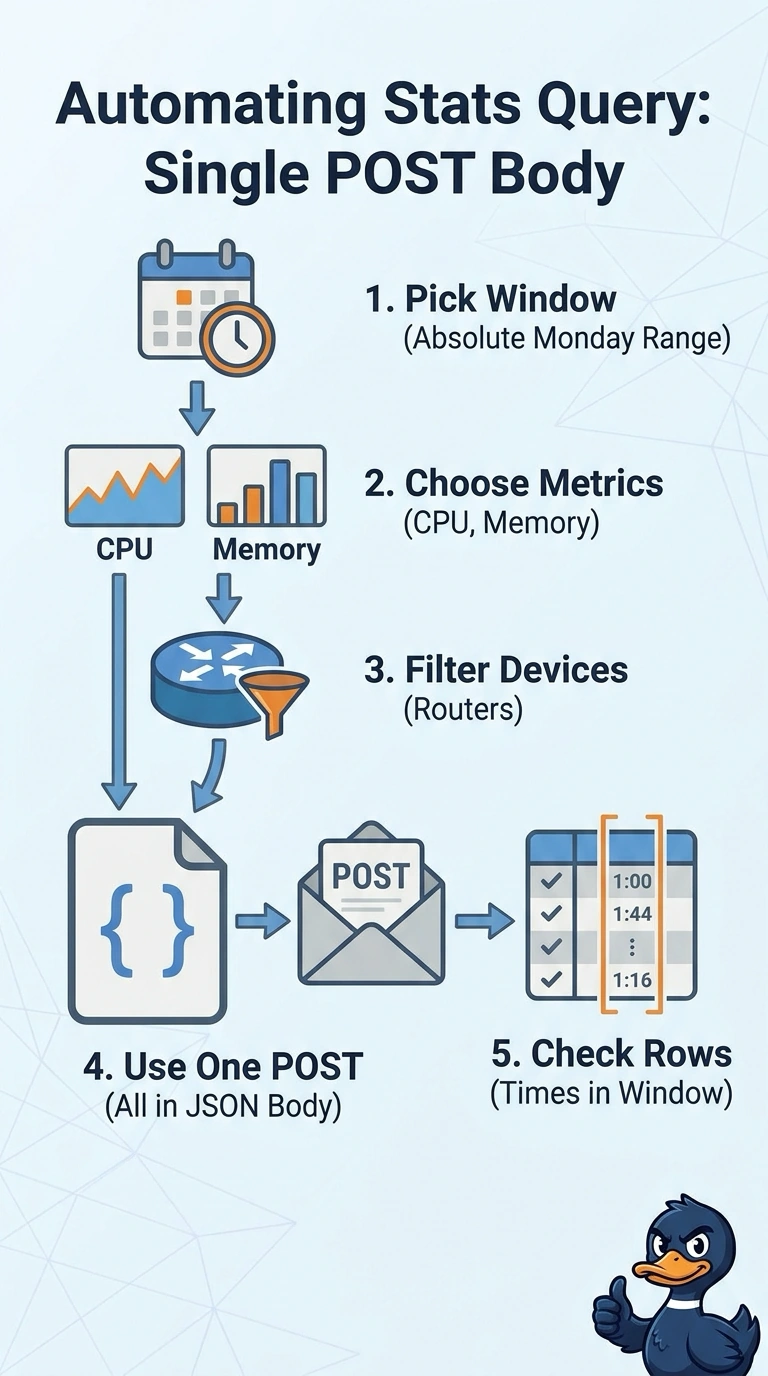
Short Explanation
You've got it — the statistics query is body-driven, so the time range travels with the metrics instead of hanging off the URL. Booking a clinic appointment works the same way: the dates belong on the form, not in the receptionist's head.
Full Explanation
The correct request is a POST with a JSON body that specifies the CPU and memory metrics, identifies the 25 routers, and sets explicit start and end timestamps for Monday. Pinning both bounds makes the query reproduce the requested window rather than depend on a dashboard selection or a time range inferred by the service. A GET request with the same values in its URL is a familiar pattern for retrieval APIs, but it fails if this statistics query endpoint accepts the query only through a POST body; the values alone do not satisfy that request contract. Using a rolling 24-hour window can be convenient for routine monitoring, yet it does not guarantee the particular Monday interval, even when the metrics and device selection are correct. Omitting the router filter may return valid CPU and memory statistics over the correct period, but for the broader fleet rather than the specified 25 devices, so the report’s population is wrong. Exam caveat: an API’s HTTP method, parameter placement, timestamp format, and supported filters are endpoint-specific, so do not generalize from another endpoint’s conventions. Practical check: inspect the generated request body and response metadata, then verify the returned time bounds and device IDs against the requested Monday window and router list.