
An automation team has loaded the Cisco-IOS-XE-native interface module into YANG Suite and needs a NETCONF edit-config RPC that sets one interface description. Which YANG Suite action generates the XML?
Select an answer to reveal the explanation.
Short Explanation
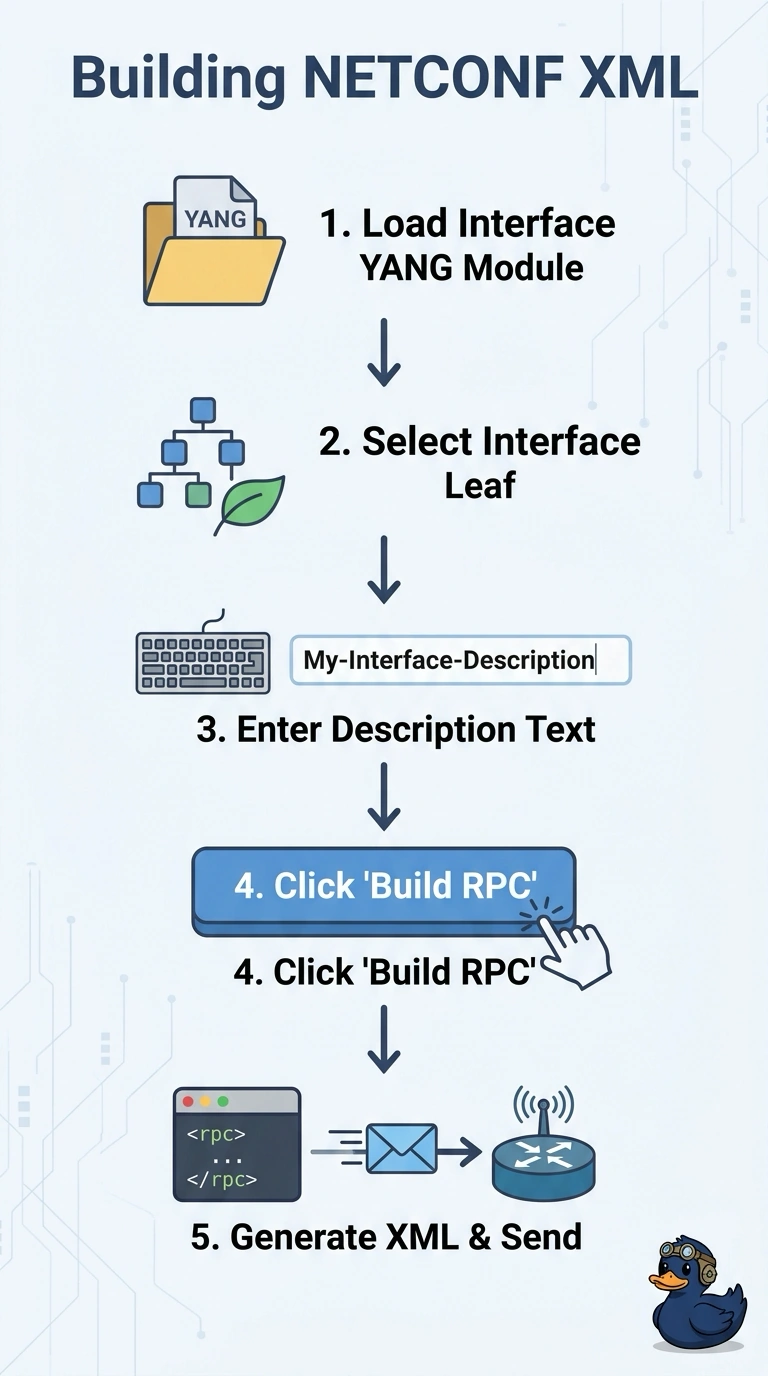
In YANG Suite’s NETCONF plugin, select the interface nodes and enter your values, like filling in a form. Then click Build RPC to generate the XML for your edit-config request.
Full Explanation
The correct approach is model-driven RPC construction in YANG Suite’s NETCONF plugin: select the interface nodes from the loaded Cisco-IOS-XE-native model, enter the desired values, and click Build RPC. The plugin uses those selections and values to produce the XML for a NETCONF edit-config request, so the payload’s structure follows the model rather than relying on CLI syntax. Pasting a running-config section relies on CLI-to-YANG translation, but YANG Suite does not automatically convert that text into an XML payload; running-config is CLI text, not a YANG payload. Reusing a RESTCONF GET response relies on treating retrieved data as a write request, but the response represents current data and, unchanged, does not set the new description. Writing the RPC in a text editor and checking its tags in YANG Suite is manual XML authoring, not generation by the plugin; validation or inspection does not turn manually written content into a generated payload. Exam caveat: Build RPC creates the request XML, but does not itself send or apply it, so inspect the request and confirm the target datastore before sending. Practical check: after the edit-config request succeeds, read the interface back and verify that its description has the intended value.