
A NetDevOps team reviews a pull request that automates QoS on Catalyst switches. The git diff shows hunks with + and - lines across two files, one staged change, and one unstaged edit. The reviewer must confirm only the intended policy-map change will commit. Which reading git diff output behavior should the reviewer use to see what changed accurately?
Select an answer to reveal the explanation.
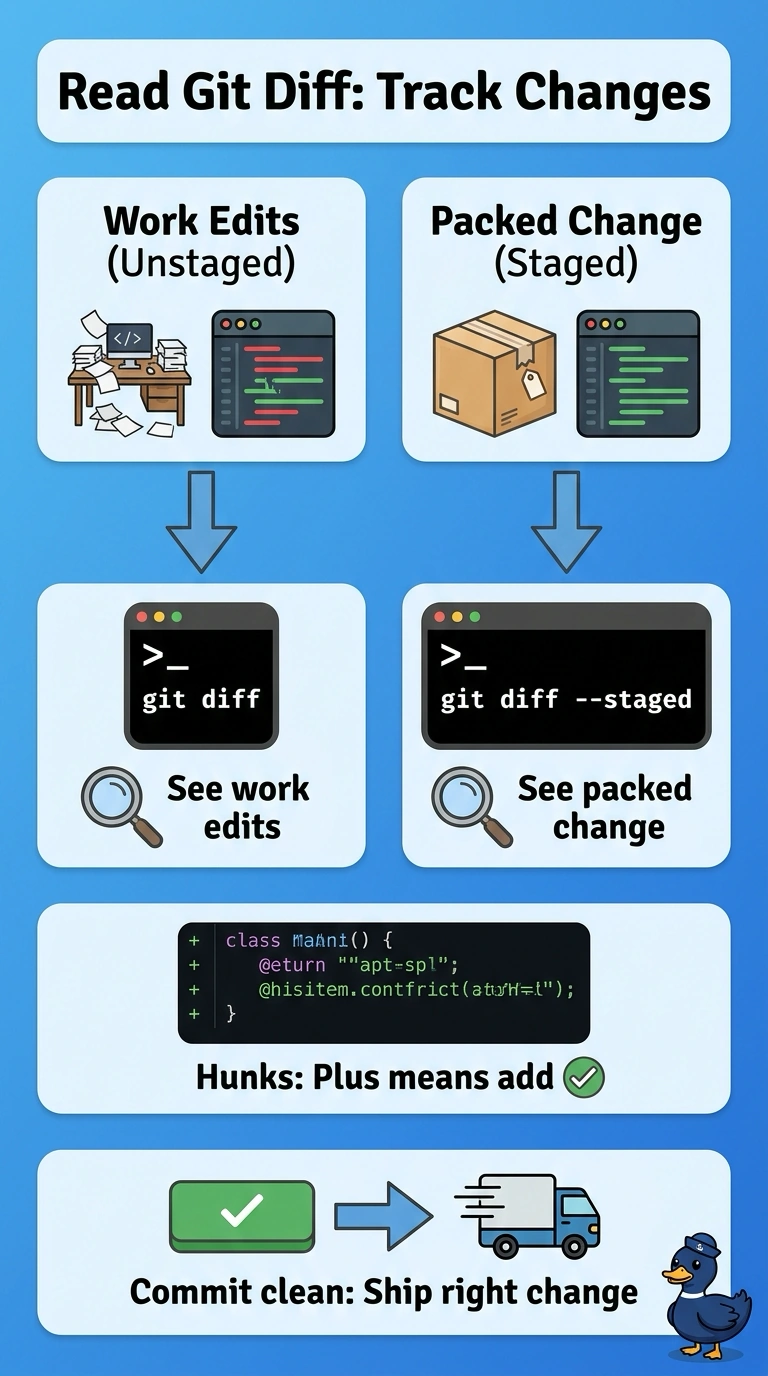
Short Explanation
Diffs are your before-and-after photos for code. Staged versus unstaged views show you exactly what is packed for the next commit.
Full Explanation
The correct approach uses both views because Git compares different snapshots: git diff shows changes in the working tree that are not staged, while git diff --staged (also called --cached) shows the index compared with the latest commit. Reviewing both patch outputs lets the reviewer examine the actual line-level edits in each file and verify that the intended policy-map change—and only the intended change—is staged for the commit. Comparing git diff HEAD with the working tree is a useful way to see the combined tracked changes, but it merges staged and unstaged work into one view, so it does not establish which lines will be committed. The --stat summary efficiently reports changed-file counts and line totals, but omits the hunks needed to validate the QoS policy content. Inspecting only --cached can verify the proposed commit’s staged patch, but it fails to account for the separate unstaged edit when the task is to review all changes accurately. Exam caveat: ordinary git diff output does not include untracked files, which must first be added or inspected separately. Practical check: run git status, inspect both patch views, and confirm the staged diff contains only the intended policy-map change before committing.