
A Flask service receives Meraki webhook alerts whenever an access point goes offline. The team configured a shared secret for the webhook, so each POST carries it as a sharedSecret field in the JSON body. Anyone who finds the public URL can still post fake alerts. Which check best rejects requests that do not know the configured shared secret?
Select an answer to reveal the explanation.
Short Explanation
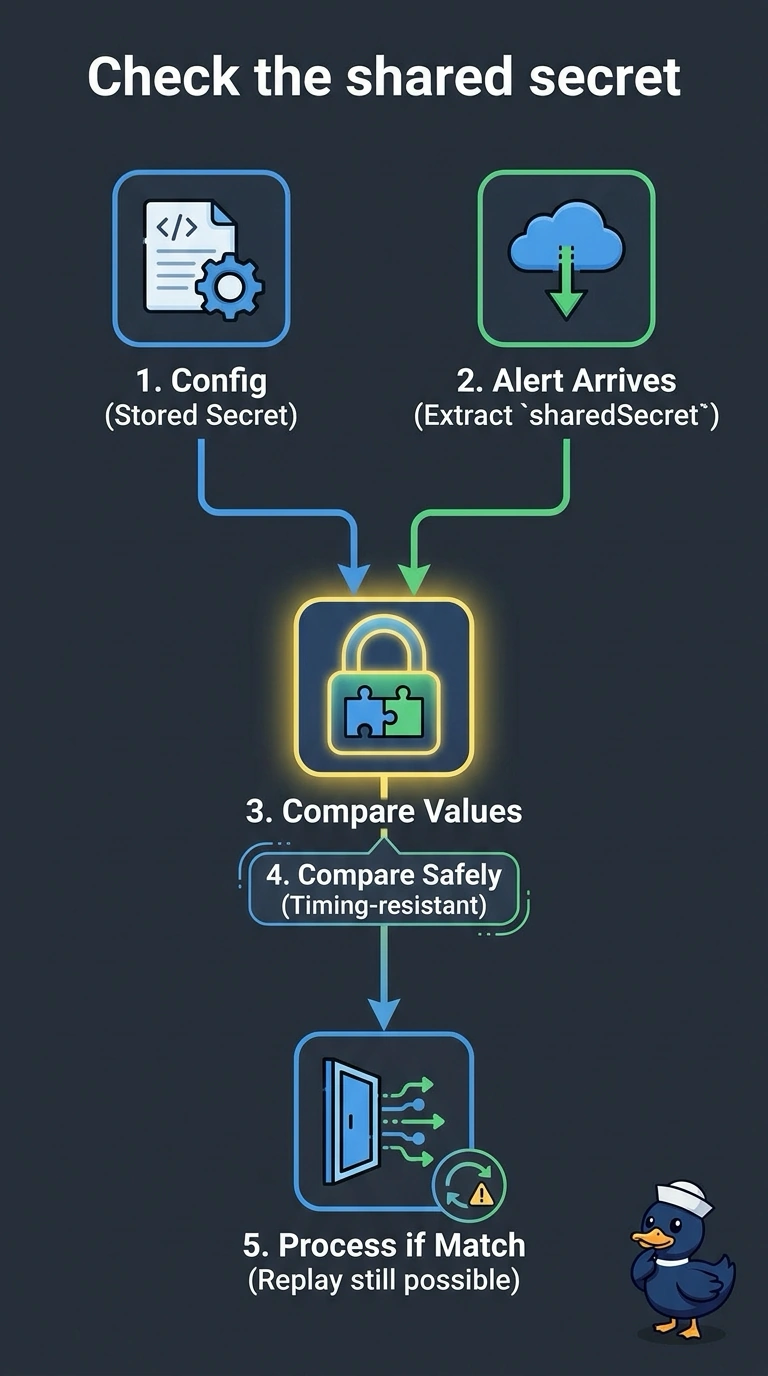
Meraki includes the configured secret in the message. Extract the sharedSecret field and compare it with your stored copy, ideally using a timing-safe comparison. This checks that the request contains the configured value, but it does not prevent replay of a captured request.
Full Explanation
Meraki webhooks can include the configured shared secret as a field in the alert body. Comparing that field with your stored copy rejects requests that do not know the configured value; a constant-time comparison can avoid leaking comparison information through timing. However, this is not firm proof that a request originated from the dashboard: a captured valid request can be replayed, and anyone who obtains the shared secret can send a forged request. TLS protects the secret in transit but does not independently authenticate the webhook sender. Hashing the raw body with HMAC-SHA256 and matching a signature header fails because Meraki does not provide that signature header. Matching the organization identifier fails because it is plain text in the payload and can be copied. HTTPS with an allow-list of alert types protects the connection and limits which events you process, but does not establish who sent the request. The sharedSecret field may be absent if no secret is configured or if a custom payload template omits it, so confirm the payload your receiver gets. Test with a dashboard alert and a request containing an incorrect secret.