
A provisioning engineer is writing a reusable Python function that adds branch networks to a Meraki organization for a growing chain of clinics. Each branch will run wireless access points and a security appliance, so the function has to ask Dashboard for those product lines as it creates the network. Which required parameters must every create-network request body contain?
Select an answer to reveal the explanation.
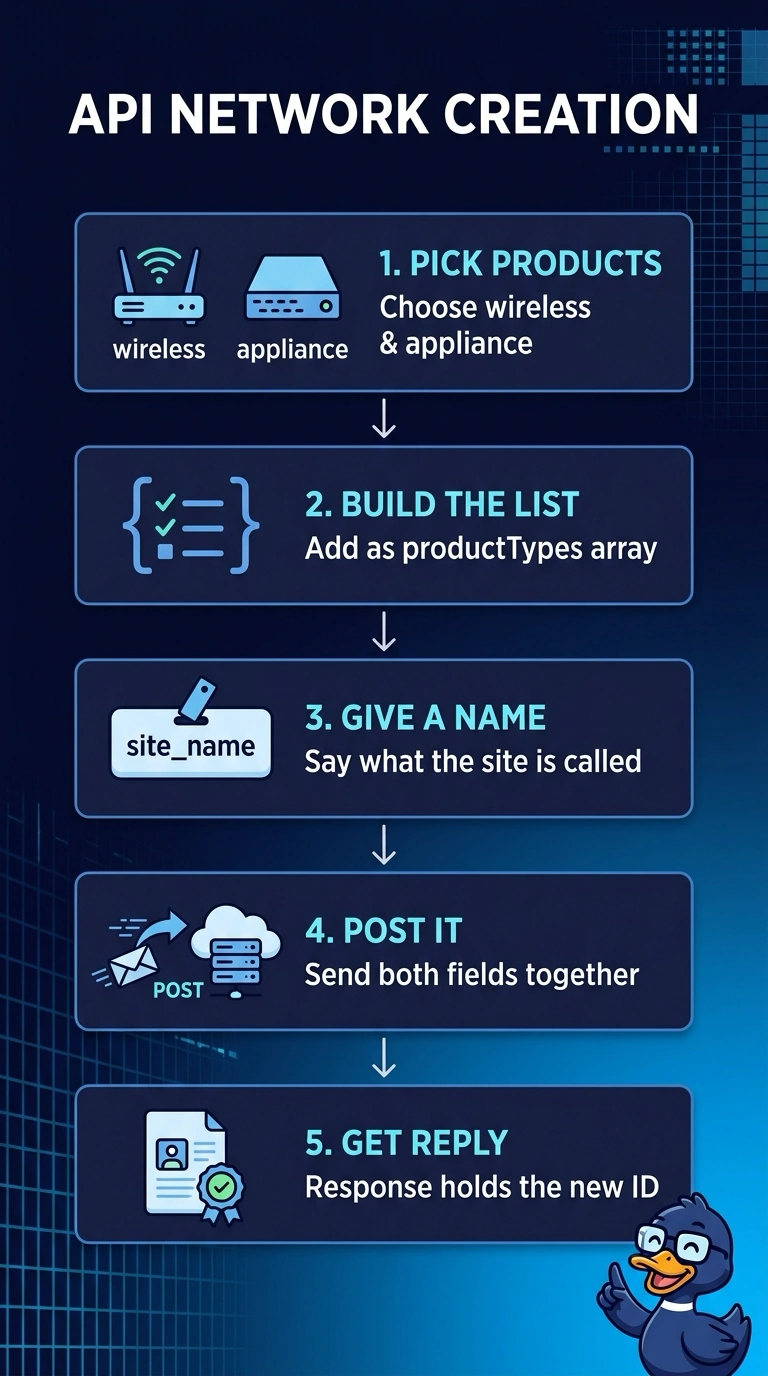
Short Explanation
Every create-network request needs a name and a productTypes array listing the hardware you’re enabling, such as wireless access points and a security appliance. It’s like labeling a toolbox and listing which tools belong inside; timezone and tags are optional, and the organization ID goes in the URL.
Full Explanation
For a Meraki Dashboard create-network request, the required body fields are the network name and a productTypes array identifying the product lines the network will use. This tells Dashboard what kinds of devices the network is intended to support—for example, wireless access points and a security appliance—so it can create the network with those product types. The response supplies the new network ID for use in later API calls. The timezone approach confuses configuration with required network identity: a timezone can set the local time used for reports, but it is optional and does not replace either required field. The organization-ID-in-the-body approach puts a resource locator in the wrong place: the organization ID is supplied in the URL path, not in the request body. The tags approach confuses descriptive metadata with product configuration: tags can label a site or region, but they do not declare which product lines the network will use and are optional. Exam caveat: do not treat useful site settings or metadata as required fields merely because they may be included in a request. Practical check: verify the current API reference for the accepted productTypes values, then inspect the response for the created network ID.