
A new WAN Edge at a retail store will not join the fabric. It has DHCP Internet access, correct system clock, and reaches the Validator, but the Manager GUI shows the device as invalid and no control connection is established. Which troubleshooting check best identifies why this WAN Edge does not join the fabric?
Select an answer to reveal the explanation.
Short Explanation
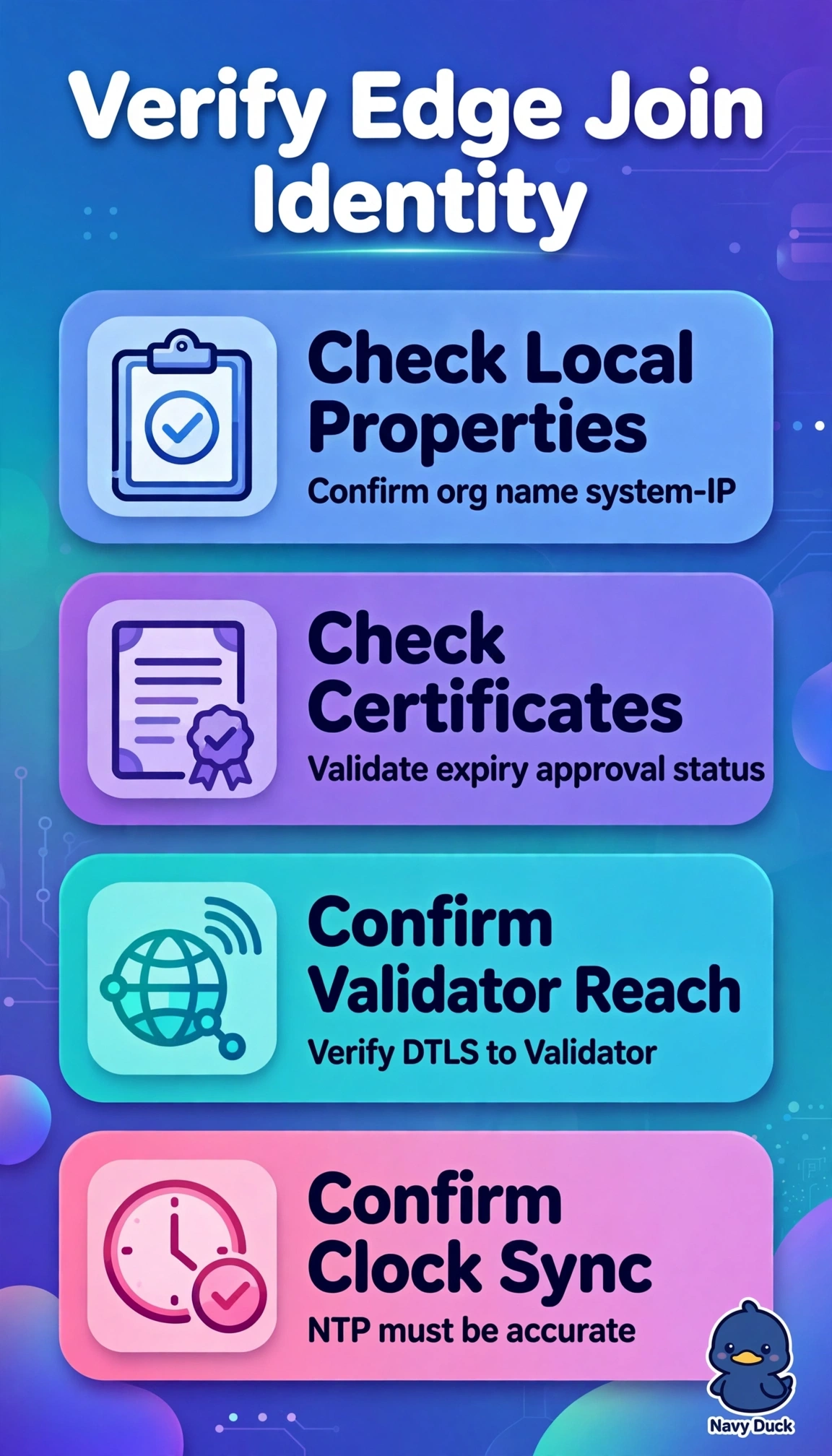
You have reachability, but not trust, so you should check identity first. Your organization-name and certificate must match the fabric before a control connection can form. Think of it as showing the right ID before entering a secure building.
Full Explanation
Control-plane onboarding can fail when identity does not match, even when underlay reachability works. Run show sdwan control local-properties to verify organization-name, system-ip, Validator address, and certificate state, then check Certificates in Manager for certificate validity, expiry, and approval state. This is the best check because an invalid device cannot establish a control connection until its identity and trust are accepted. Running show sdwan omp routes and checking Data Policies fails by concept: OMP routes require an established control connection, while Data Policies affect data forwarding rather than onboarding authentication. Running show interface statistics and checking Deep Packet Inspection fails because interface statistics and application inspection concern LAN traffic, not chassis identity or authorization of control connections to the SD-WAN Controller. Running show ip route service VPN and checking Topology view fails because service-VPN routes and overlay topology depend on successful control connectivity; they do not explain an invalid certificate. An exam caveat is that the Validator orchestrates introduction, but Manager authorizes the certificate. In practice, compare organization-name casing, confirm NTP synchronization, and re-verify the bootstrap file before resetting the device.