
A logistics firm with 120 WAN Edges schedules a Manager-initiated upgrade from 20.9 to 20.12 overnight. The change window is short, WAN links are unstable, and leadership requires automatic recovery if edges lose contact after the new image boots. Which rollback behavior should the engineer explain to satisfy the recovery requirement?
Select an answer to reveal the explanation.
Short Explanation
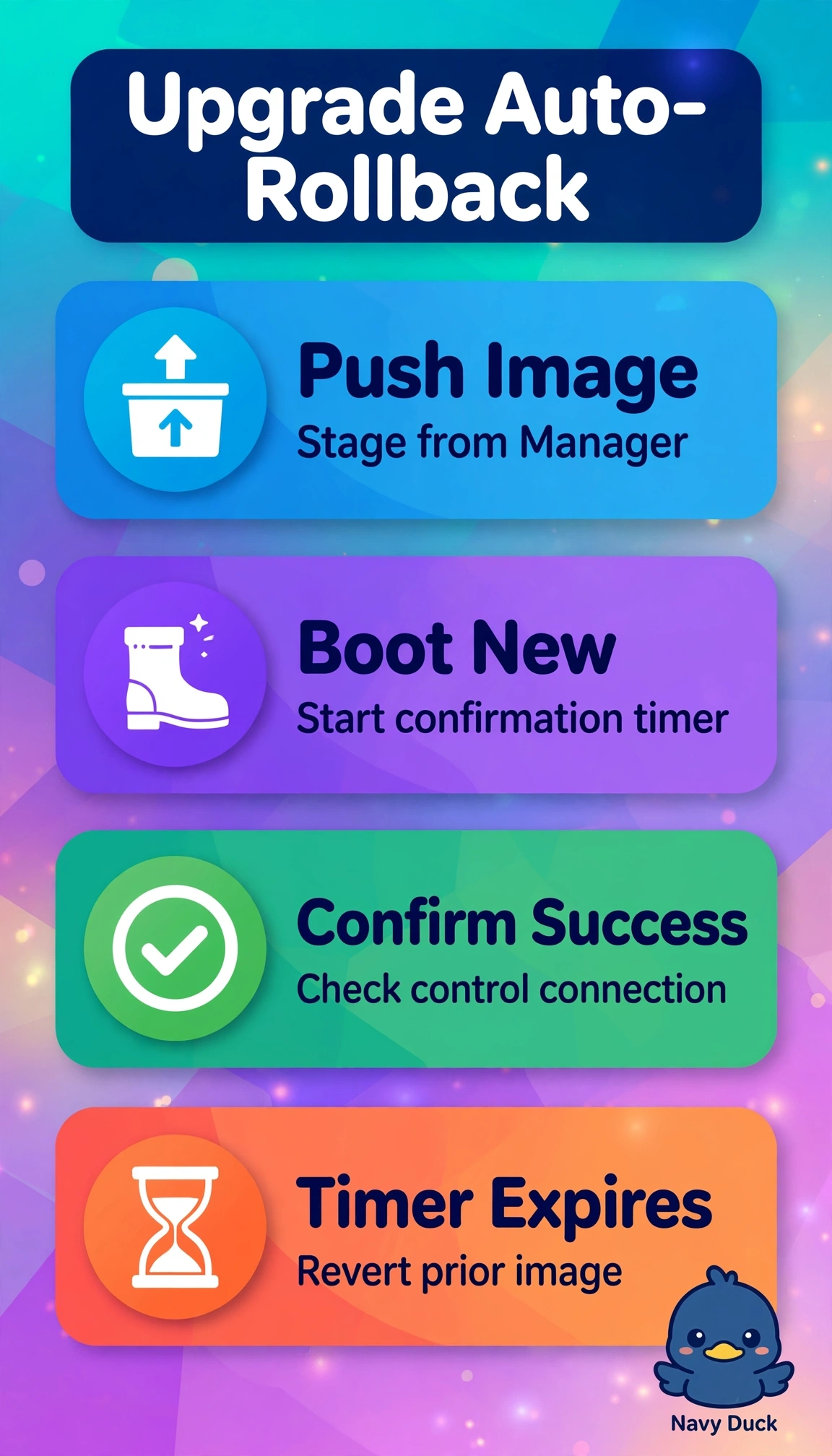
Overnight upgrades get scary without a safety net. You are covered because the auto-rollback timer reverts to the previous working image if the edge never confirms.
Full Explanation
The Manager-initiated upgrade workflow is designed for exactly this large-scale overnight scenario because after pushing 20.12 the edge boots the new image and starts an upgrade timer that awaits confirmation of successful connectivity and validation; if the timer expires without confirmation due to unstable WAN transport or any failure to re-establish control connections, the device automatically reboots back to the prior 20.9 image, which satisfies leadership demand for hands-off recovery without reopening a short change window. Pre-staging the image before activation is standard practice to shorten download time and cope with unstable links since files transfer ahead of the window, yet it only optimizes preparation and provides no post-boot recovery logic if contact is lost. Scheduled archiving with manual template restore is also routine for audit and controlled remediation when validation finds errors, but it depends on engineer intervention and restores configuration templates rather than rescuing an unreachable edge automatically. Similarly, automatic config rollback that reverts prior templates after failed reconnect is valuable for correcting bad policy pushes, but it addresses the configuration layer and does not reinstall the prior software image required after a failed 20.9 to 20.12 boot. For the exam, do not confuse image rollback with template or policy rollback, and remember that missed confirmation and timer expiry is the trigger, not successful confirmation. Practically, verify the timer value fits the window for 120 devices, confirm Manager reachability thresholds, and lab-test expiry to observe automatic revert before production night.