
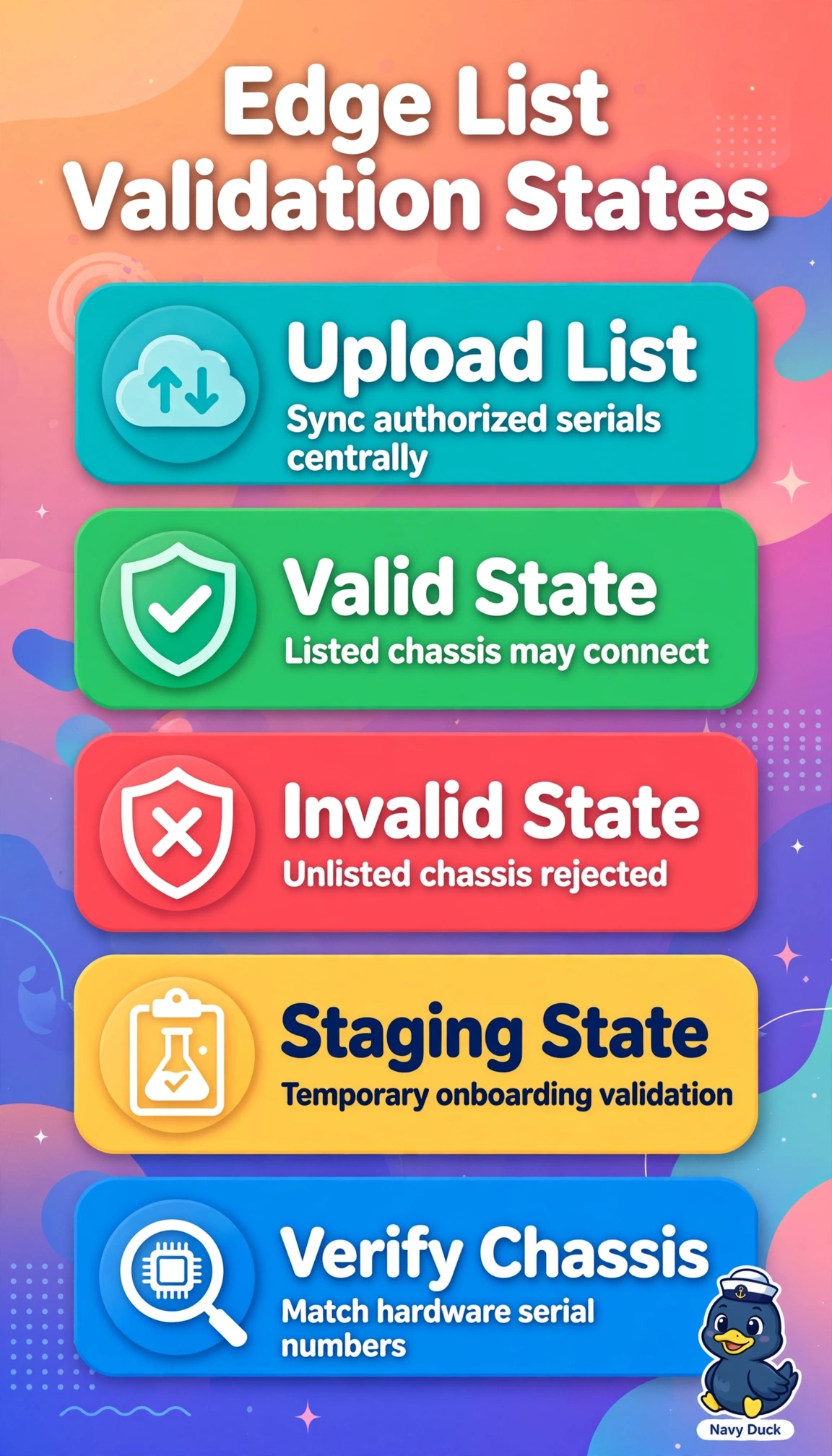
A retailer is staging 25 new WAN Edge routers for stores. The engineer syncs the Smart Account and uploads the authorized serial file in SD-WAN Manager, but five routers show Invalid while the rest show Valid. Which validation check determines that an Invalid device cannot establish control connections?
Select an answer to reveal the explanation.
Short Explanation
You've got the right instincts checking that list first — validation is your bouncer at the fabric door. Like a guest list, no match means no entry even if everything else looks perfect.
Full Explanation
SD-WAN Manager (formerly vManage) maintains the authorized WAN Edge serial number list that is synchronized to SD-WAN Controller and SD-WAN Validator to authorize onboarding, and a device in Valid state has its serial and chassis number present in that list and is permitted to form DTLS/TLS control connections, while Invalid means the serial is absent or mismatched so controllers reject peering during validation even if certificates, templates, and reachability are correct. The bootstrap system-IP approach fails because system IP affects overlay identity and OMP uniqueness but does not drive the Valid versus Invalid validation state, which is purely list membership. The expired certificate approach fails because expiry breaks authentication after validation and produces certificate errors rather than an Invalid list state. The template variable approach fails because template mismatches affect configuration push and interface activation, not whether the controller considers the chassis authorized to join. Exam caveat: distinguish Staging and Valid workflows from Invalid rejections and remember list upload versus certificate installation are separate steps. Practical check: re-sync the Smart Account, re-upload the WAN Edge list, and verify the chassis numbers match the shipping labels before troubleshooting certificates.