
A city IT team enables EIGRP for dual-stack parks cameras and must keep IPv4 and IPv6 routing logically separate inside the same named process. Which approach matches EIGRP address-family behavior?
Select an answer to reveal the explanation.
Short Explanation
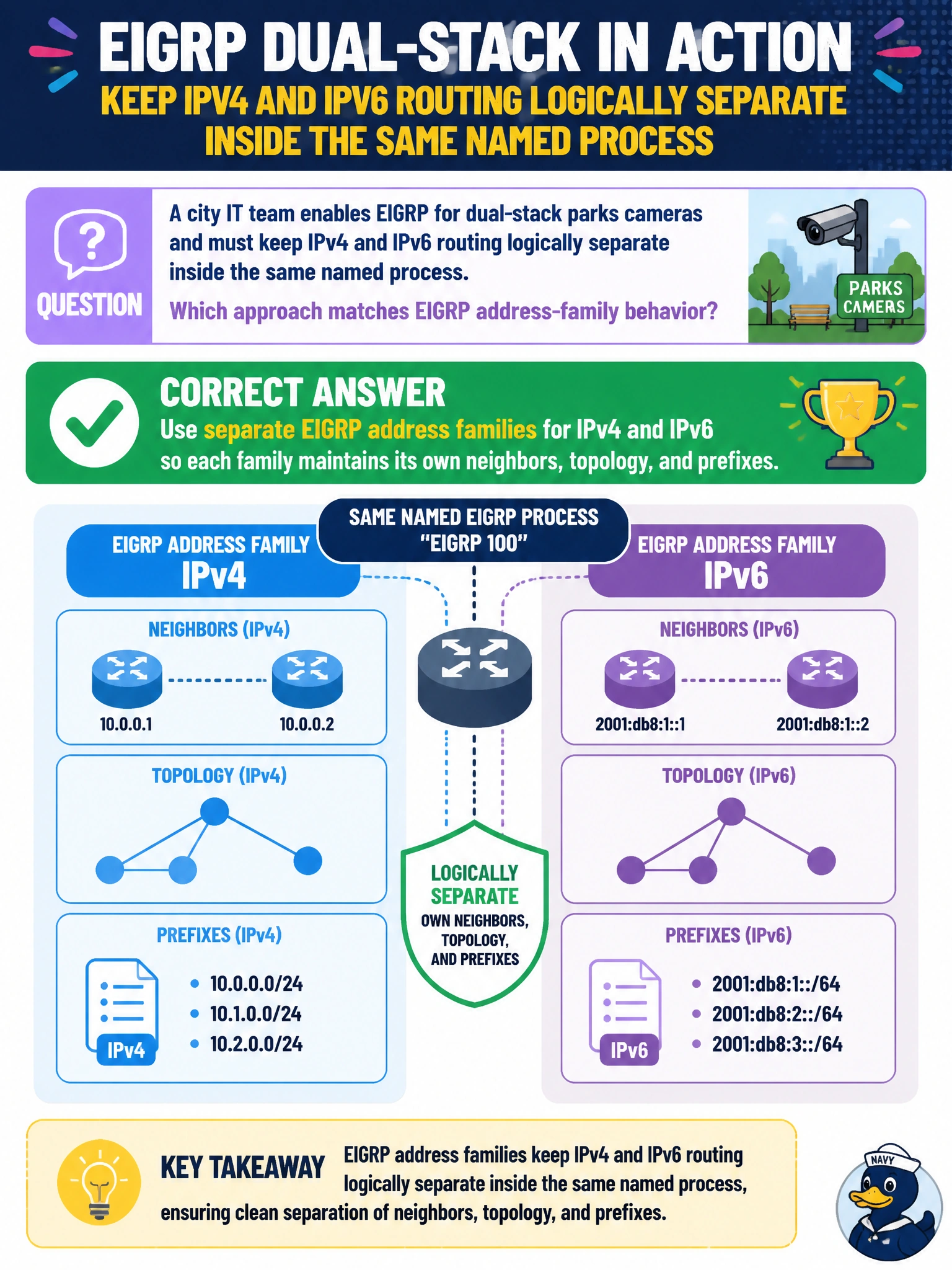
Think of IPv4 and IPv6 as two channels on the same EIGRP radio: you can run both under one named process, while each address family keeps its own neighbors, topology, and prefixes. Separate address families keep the parks camera routes organized without merging the stacks.
Full Explanation
EIGRP address-family behavior keeps IPv4 and IPv6 logically separate even when both run under the same named process on a dual-stack parks camera edge. You use separate address families, and each maintains its own neighbor relationships, topology table, and advertised prefixes. This lets the router forward both stacks with EIGRP while keeping their routing information distinct; the IPv4 and IPv6 AFs do not become one mixed topology or share neighbor and K-value state by default. Configuring a single mixed AF so both protocols share one topology table and one set of K-values fails because EIGRP does not merge IPv4 and IPv6 into one AF topology that way. Disabling the IPv4 AF when IPv6 cameras are added fails because a router can run both AFs concurrently. Placing IPv6 camera prefixes into OSPFv2 while EIGRP’s IPv4 AF handles both stacks fails because OSPFv2 is IPv4-only and cannot carry native IPv6 prefixes. Exam caveat: remember “same process, separate AFs”; one show command or neighbor table may not cover both stacks. Practical check: verify IPv4 and IPv6 EIGRP neighbors separately, confirm camera prefixes appear in the correct AF topology and routing table, and check that intended K-values, stub settings, and authentication are applied in the appropriate address family.