
An incident responder acquires a volatile memory image from a compromised Windows server suspected of running a fileless script entirely in memory. Which Volatility analysis approach best recovers the exact execution parameters and runtime context passed to that process?
Select an answer to reveal the explanation.
Short Explanation
When an attacker runs code straight in RAM, the hard drive is practically a blank slate. You need to look inside the running process's own memory structures, or you will waste hours hunting for files that never touched disk.
Full Explanation
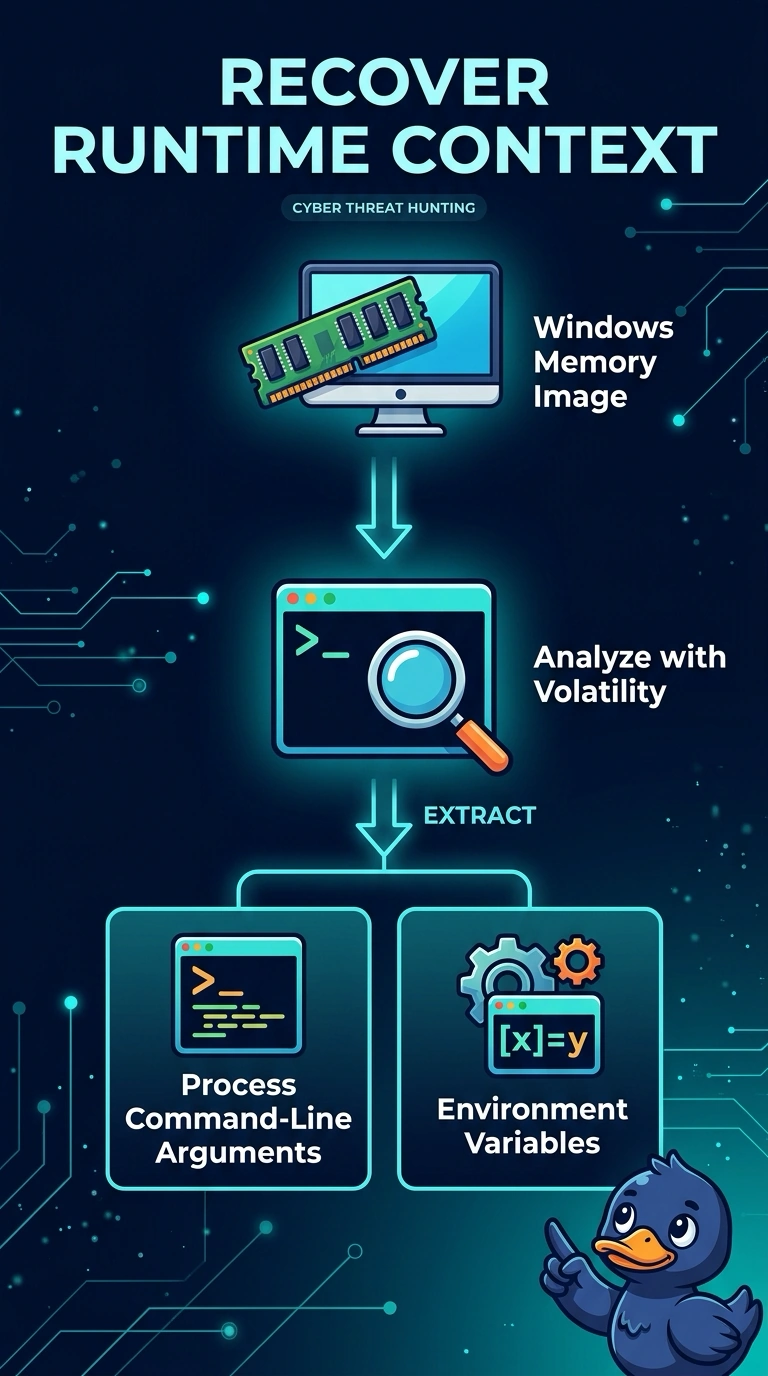
Fileless attacks execute payloads directly in memory without writing traditional scripts or binaries to disk, leaving disk-centric artifacts incomplete. To reconstruct what ran, responders Extract process command-line arguments and environment variables from the memory image using Volatility plugins such as cmdline and envars, which read the process environment block directly from RAM. Choosing to Hash the recovered hibernation file to check against threat feeds fails because a hibernation file hash only identifies an entire compressed system state rather than per-process runtime parameters. Choosing to Inspect only the Windows Prefetch directory on the disk image misses transient in-memory arguments and fails entirely if Prefetch is disabled on the server. Choosing to Query the master file table for deleted batch script filenames assumes a script was written to and deleted from NTFS, which does not occur during pure memory-resident execution. As a caveat, adversaries can overwrite or clear process environment block strings after launch to hinder memory forensics. Operationally, cross-check Volatility command-line and environment-variable outputs against parent-process creation records in your SIEM to confirm the full execution chain.