
A threat hunter suspects attackers are executing encoded PowerShell commands in memory on corporate laptops without saving script files to disk. Which telemetry source best captures the decoded command text?
Select an answer to reveal the explanation.
Short Explanation
Encoded PowerShell hides its payload like a message written in shorthand, so looking at network pipes alone will never tell you what the script actually ran. The trap is relying on perimeter or network logs to inspect in-memory host execution.
Full Explanation
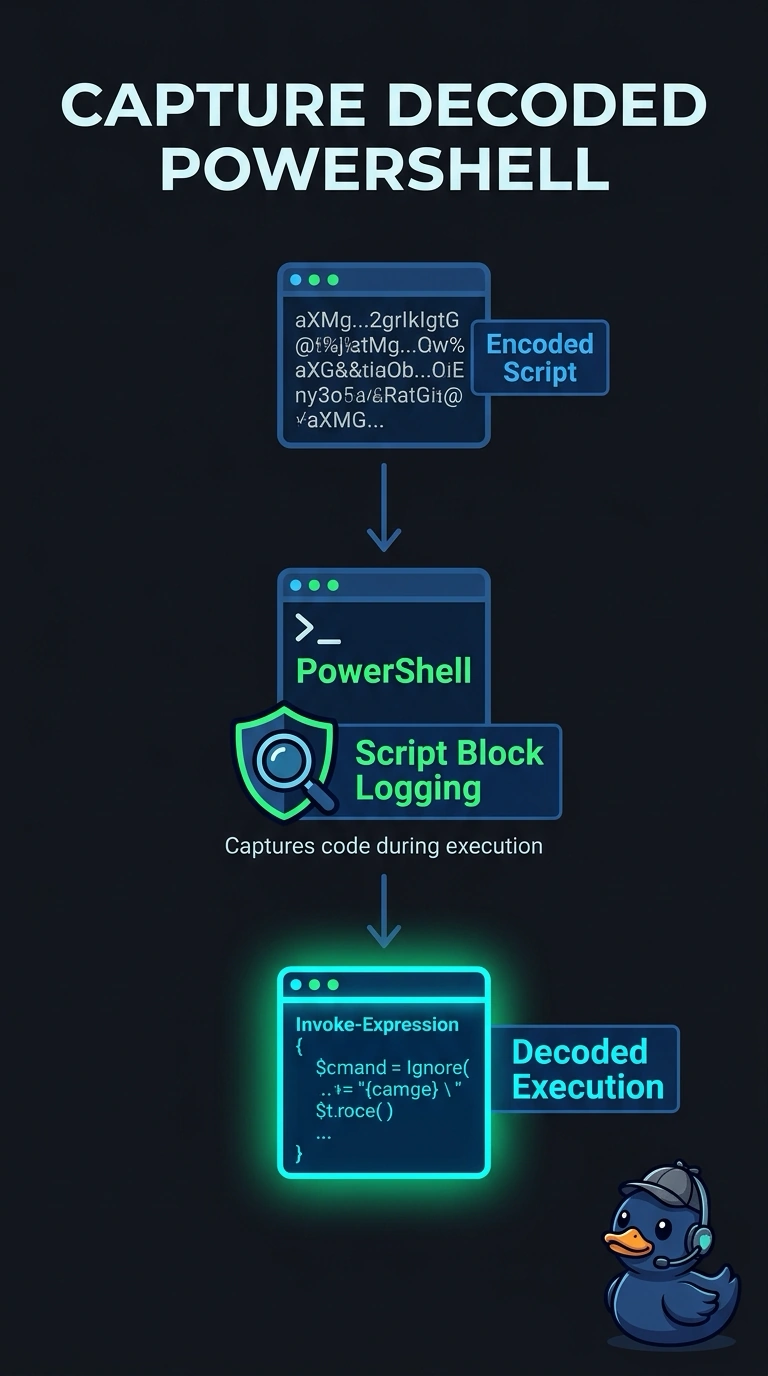
Hunting fileless script execution requires host telemetry that records commands after deobfuscation. Enabling PowerShell script block logging capturing decoded execution records the full script content as the engine processes and runs it in memory, exposing encoded or dynamically constructed payloads even when no script file touches disk. By contrast, Perimeter firewall connection summary records only show network endpoints, ports, and byte counts, providing zero visibility into local script interpreters. Similarly, DHCP lease assignment history on branch switches maps IP addresses to MAC addresses over time and reveals nothing about endpoint command execution. Web proxy bandwidth utilization totals by subnet measure aggregate traffic volume and cannot inspect local scripting behavior. As a caveat, script block logging increases endpoint log volume, so SIEM pipelines should filter benign administrative automation while retaining suspicious invocations. As an operational check, confirm that script block logging policy is enabled on endpoints and verify that decoded events appear intact in the SIEM.