
Attackers exploited a network service that already has a vendor patch, but the response team only disabled workstation USB ports. Which post-incident action addresses the cause?
Select an answer to reveal the explanation.
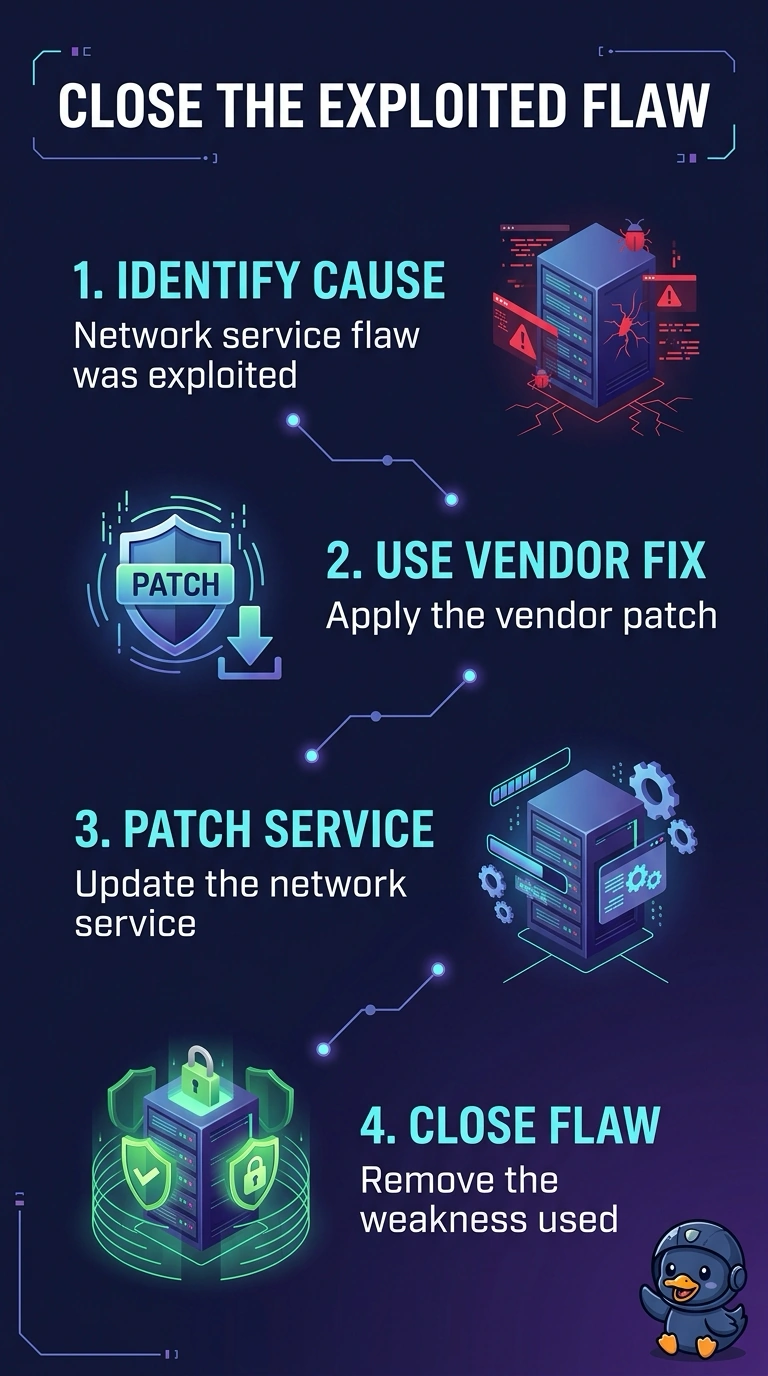
Short Explanation
Disabling USB after a network-service exploit is like fixing a side gate when the entry was the front door. You address the cause by applying the vendor patch to the service that was exploited. Keeping USB ports disabled, reimaging laptops, or rotating the guest wireless passphrase leaves that flaw in place.
Full Explanation
The intrusion used a network service that already has a vendor patch, so applying the patch to the exploited service addresses the cause by closing the flaw the attacker used. Keeping workstation USB ports disabled may be a separate hardening choice, but it does not fix this network intrusion because the entry was not a removable device. Reimaging user laptops in case a removable drive carried the exploit payload assumes a USB delivery that the evidence does not describe, and it leaves the vulnerable service unchanged. Rotating the guest wireless passphrase changes an unrelated credential and also leaves that service vulnerable. Exam caveat: confirm that the patch covers the exact build that was exploited before recording the flaw as closed. Practical check: match the service version to the vendor advisory, apply the patch in the maintenance window, and rescan the host to verify that the vulnerable build is gone.