
A compromised laptop at an insurer is isolated from the network, but a malicious Run key and a malicious service are still present. What must happen before the laptop is returned to the user?
Select an answer to reveal the explanation.
Short Explanation
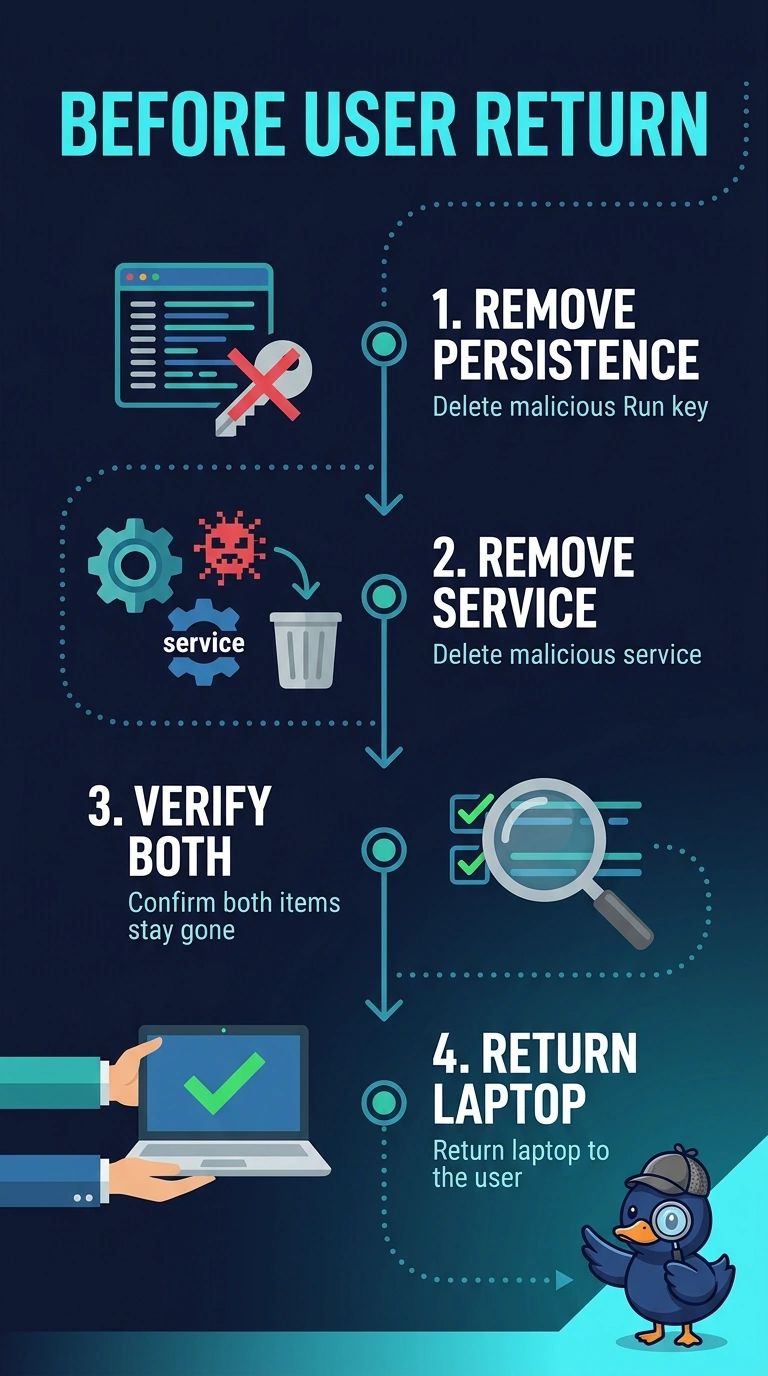
Network isolation is the quarantine room, not the cure. Before you hand the laptop back, remove the malicious Run key and service, then confirm they stay gone to clear persistence. Reconnecting with those startup items still loaded can bring the malware back.
Full Explanation
Isolation stops the laptop from communicating with the network, but it does not remove persistence. Before you return the laptop, remove the malicious Run key and service, then confirm both stay gone across a reboot so the host cannot re-establish the malware when it reconnects. Leaving the Run key and service loaded and treating network isolation as the permanent fix ends containment without eradication; those startup items can run again when the laptop returns to the network. Renaming the laptop and rejoining the domain without changing either startup item gives the malware a new name on the domain but leaves its persistence intact. Disabling the screen lock so the user can sign in faster weakens a local control and does nothing to remove the Run key or service. Exam caveat: if the service binary remains on disk, deleting only the registry value may let the same file be wired back in, so remove the startup entries and the file they point to. Practical check: while the laptop is still isolated, reboot it after cleanup and confirm the Run key value and service are absent before reconnecting it.