
A factory ransomware playbook says only to investigate and does not name file-share isolation or backup protection. What incident-specific containment is missing?
Select an answer to reveal the explanation.
Short Explanation
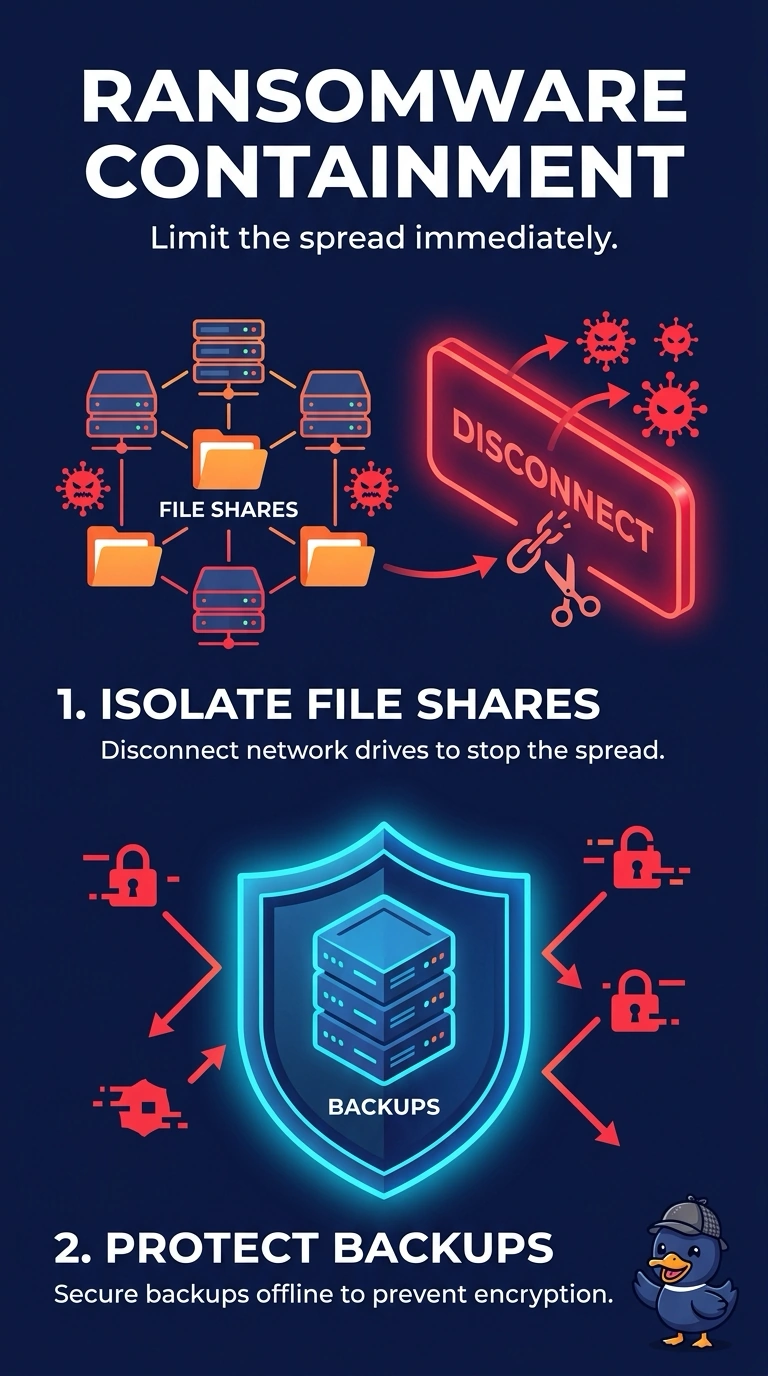
A playbook that only says investigate is a fire alarm with no extinguisher nearby. You are missing named containment for the file shares and protection for the backups. A product catalog or a rule to image every server does not stop ransomware from walking the shares.
Full Explanation
Incident-specific containment for ransomware is the set of actions that stop encryption from spreading and that keep recovery copies intact. The missing piece is named steps to isolate the file shares and to protect backups from encryption, not a vague instruction to look around. Share isolation stops more files from being encrypted, and backup protection keeps a recovery copy the ransomware cannot rewrite, which a generic investigate line does not specify. Nothing further is not missing merely because a generic investigate step is written in the playbook; investigate does not disconnect a share or freeze a backup. A product catalog listing Umbrella, Secure Endpoint, and Secure Network Analytics names tools and still does not say to isolate shares or shield backups. A rule to image every factory server before any file share is taken off the network puts a perfect copy ahead of stopping the encryption that is underway. Exam caveat: evidence capture still matters, but an ongoing ransomware event needs the share and backup actions named in the playbook itself. Operational check: read the ransomware playbook and mark whether it states who isolates the shares and who takes backups offline or immutable.