
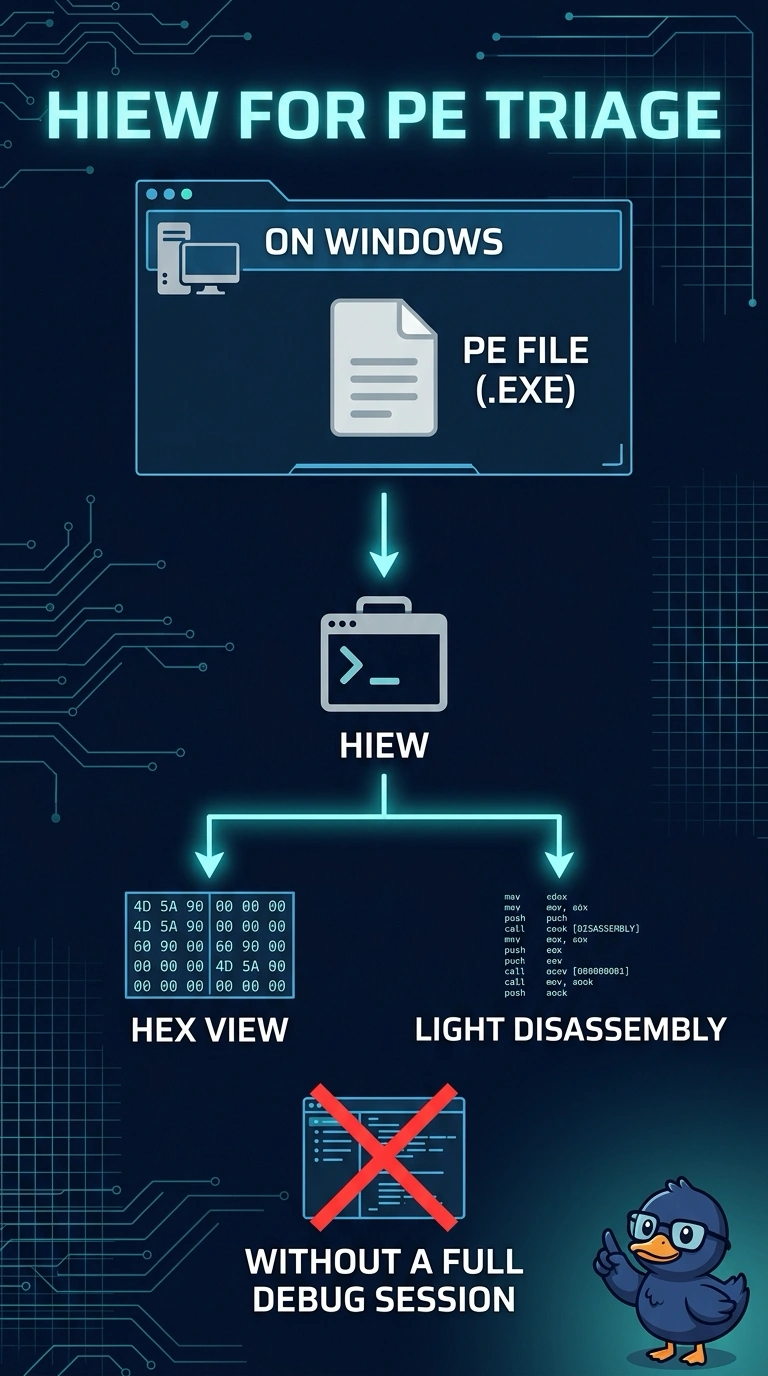
During PE triage, an analyst wants a hex view and a lightweight disassembly on Windows, without starting a full debug session. Where does Hiew fit in that request?
Select an answer to reveal the explanation.
Short Explanation
You’re looking for a quick file inspection, not a full debug session. Hiew on Windows gives you a hex view and light disassembly without running the PE. Single-stepping it on your daily laptop or treating HxD’s hex pane as disassembly doesn’t fit that request.
Full Explanation
Hiew fits this request because it is a Windows hex editor that can also show a lightweight disassembly of file bytes without a full debug session. You can open the PE, read its hex view, and switch to the decode view without single-stepping a live process. Using Hiew as a live debugger and single-stepping the PE on your analyst daily laptop turns a static inspection into execution on the computer you use every day, the risk the request is trying to avoid. Using HxD on macOS and treating its hex pane as a full disassembly of imported calls gets both the platform and the tool’s function wrong: HxD is a Windows hex editor and does not disassemble calls. Executing the PE first so a decompiler can rebuild the listing from runtime memory runs the sample just to obtain information you can inspect statically. Exam caveat: if you later need true single-stepping, use an isolated debugger rather than turning this Hiew inspection into a live run on your daily laptop. Practical check: open the PE in Hiew, switch between the hex and disassembly views, and confirm you have not issued a run or step against the file.