
A dropped executable on a school file server shows created and modified times from last year in its standard-information timestamps, while the file-name timestamps in the MFT were written today. Which anti-forensic trick does that mismatch suggest?
Select an answer to reveal the explanation.
Short Explanation
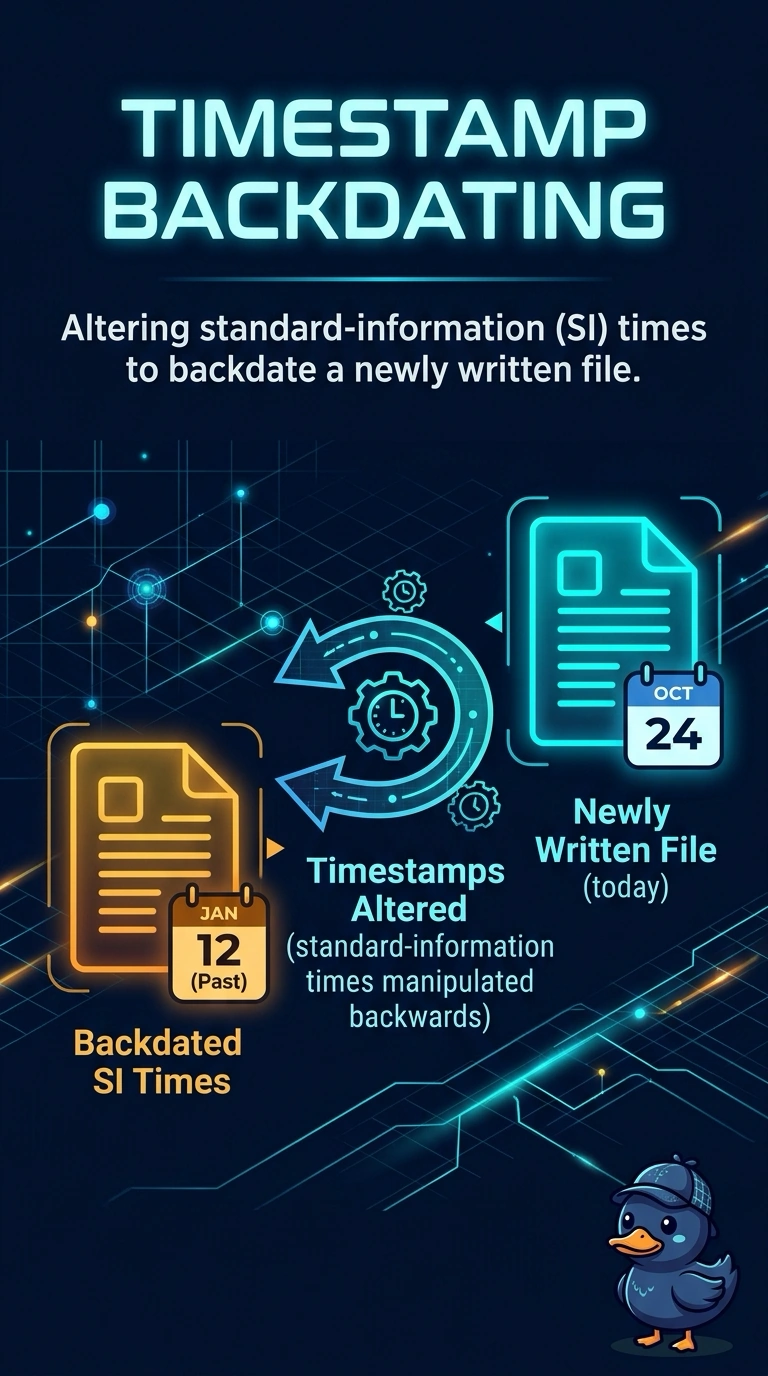
You can picture a folder dated last year while its cabinet card shows it was filed today. That mismatch suggests altered timestamps: someone backdated a newly written file’s standard-information times. Secure wiping, security-log clearing, and a packed wrapper do not explain the two sets of dates.
Full Explanation
On NTFS, standard-information timestamps include the created and modified times people commonly read, and timestamp tools can rewrite them. The file-name timestamps stored in the MFT are maintained by the file system and are harder to forge. When standard-information created and modified times show last year but file-name timestamps show today, the visible dates may have been pushed into the past on a newly written file; this suggests altered timestamps, not a file that has truly remained unchanged since last year. Secure wiping overwrites executable contents to prevent recovery of the bytes; it does not explain a readable executable with this split set of dates. Security-log clearing removes audit events about the copy, but does not rewrite timestamps stored on the file. A packed wrapper compresses or wraps the executable body to hide internal strings; that also does not account for the timestamp mismatch. Exam caveat: a copy tool that preserves timestamps can leave older standard-information times, so compare both timestamp sets and the MFT record number before concluding that the dates were deliberately altered. Practical check: in the MFT entry, place the standard-information created and modified times next to the file-name times, and note which set matches today.