
For a few minutes an analyst must watch which files one still-running Windows process touches. Which approach records that activity?
Select an answer to reveal the explanation.
Short Explanation
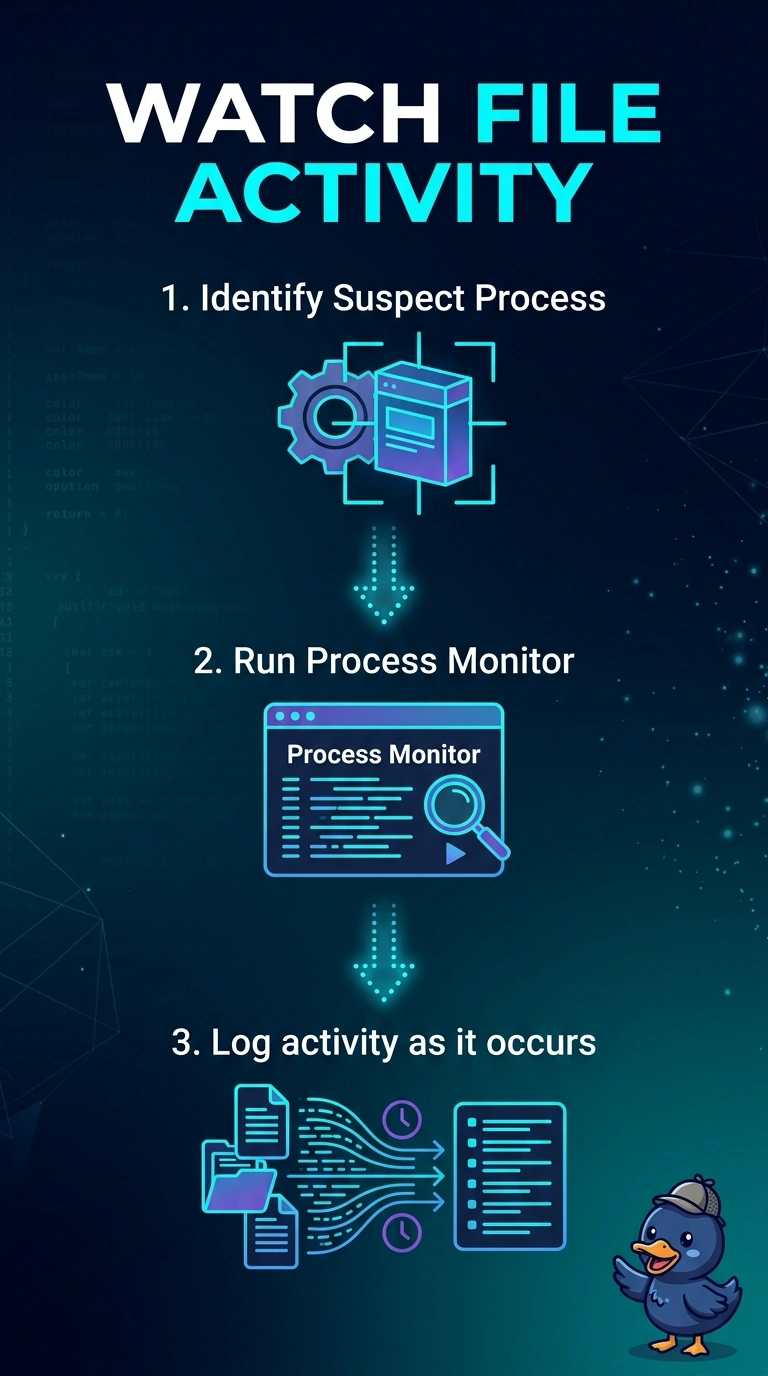
A camera running for a few minutes shows you who touched the cabinet, while an old photo only shows the room as it was. Process Monitor can filter to the live process and log file activity as it happens. A saved memory image, Autoruns, or a disk image of what is already stored will not record the next few minutes of writes.
Full Explanation
Process Monitor can focus on a live Windows process and log the file activity as it occurs, which is the record of touches during the watch. A saved memory image opened in Volatility can list files that process had mapped at one past moment, and it cannot see writes that happen after the image was taken. Do not expect Autoruns to record file writes across the next few minutes; it catalogs autostart entries rather than tracing activity. A fresh disk image you search for paths the process is about to touch shows files already stored, not operations still in the future. Process Monitor records creates, writes, and deletes with timestamps, so you can see the order rather than one leftover path. A point-in-time image cannot show a file the process will touch a minute later, and a short focused trace stays readable if you note the process name in the filter. Exam caveat: start the trace before the activity you care about, or that window is simply missing from the log. Operational check: filter the Process Monitor log to the process name and confirm file events with timestamps covering the minutes you watched.