
A Linux analysis host holds a large Cisco Umbrella CSV export. What is a Bash pipeline built with awk, or with jq after a format conversion, meant to accomplish versus opening each row by hand?
Select an answer to reveal the explanation.
Short Explanation
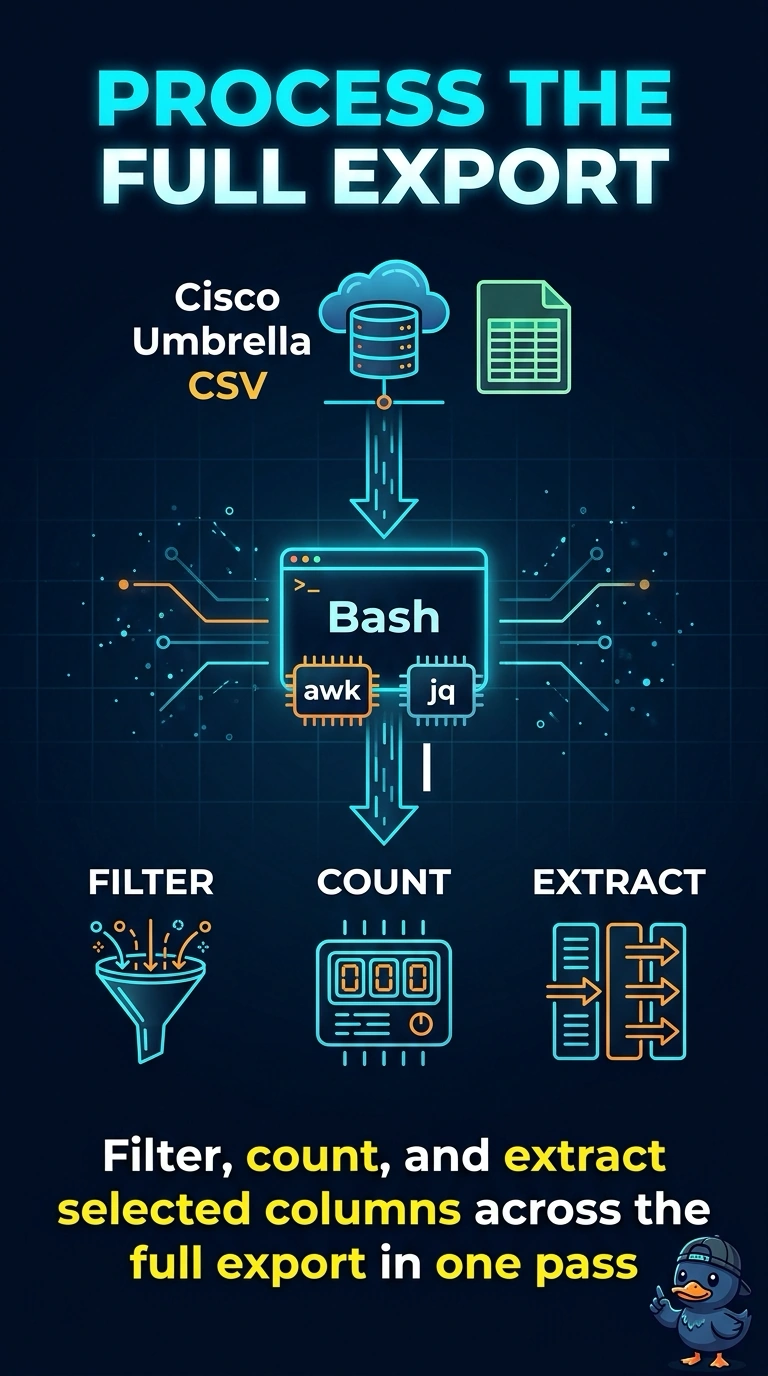
Reading a huge CSV by hand is counting a stadium through binoculars, one seat at a time. You use a Bash pipeline with awk, or jq after a conversion, to filter, count, and extract columns across the full export. Opening every row in an editor does not scale.
Full Explanation
A Bash pipeline exists here to do repeatable reduction of a large text export. Filter, count, and extract selected columns across the full export in one pass so the analyst gets totals and the rows that matter without scrolling the Cisco Umbrella CSV by hand. awk handles field splitting on the CSV text directly. jq fits after a format conversion into JSON, not as a binary disassembler. Open each row in a text editor and mark matching lines with a highlighter by hand and the result depends on stamina and cannot be rerun when the export is refreshed. Load the export into radare2 so the rows can be disassembled like a binary and you point a reversing tool at spreadsheet text that has no instructions. Forward the export to the feed vendor and wait for a manual row count and you give away a wait cycle for arithmetic the host can do locally. Exam caveat: quote handling in CSV can break a naive field split, so a stubborn file may need a real CSV parser in Python rather than a one-character awk separator. Operational check: run the pipeline once, record the row count, and re-run it to confirm the same count and the same selected columns come back.