
On the analyst's Windows host, Security event logs must be filtered for one process name. Why is PowerShell Get-WinEvent the natural tool rather than a Bash rewrite on that host?
Select an answer to reveal the explanation.
Short Explanation
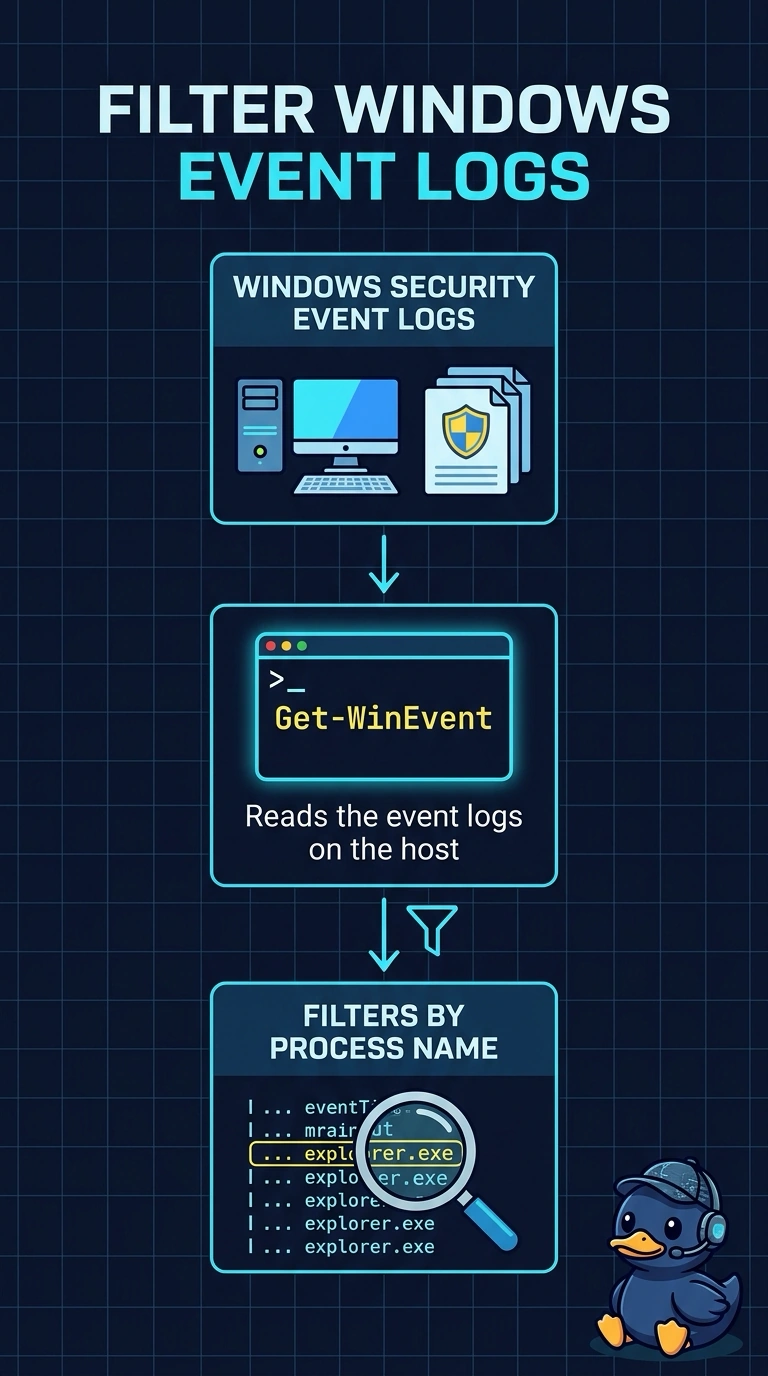
Windows event logs are a filing cabinet with its own clerk. You ask Get-WinEvent to read those logs on the Windows host and filter for the process name. Bash, strings, and rabin2 are the wrong clerks for that cabinet.
Full Explanation
Get-WinEvent reads the Windows event logs on that host and can filter a process name through the event-log provider, including Security process-creation records, without exporting the problem into another shell. That is the natural tool on the analyst Windows host because the logs are Windows event records, not text the analyst has to reinvent. Bash on that host, on the theory that Security logs are stored as ordinary shell history, starts from a false storage model; shell history is a command transcript, and the Security log is an event database. strings against the log file is not the supported search for process-creation records, because printable scraps from a binary log are not a structured filter. rabin2 against the log does not print section headers that identify the process name, because rabin2 parses executable binaries, not Windows event logs. Exam caveat: a Bash pipeline is the right habit for text exports already copied to a Linux analysis host, which is a different workstation than the one holding the live Windows logs. Operational check: run Get-WinEvent against the Security log, filter for the process name, and confirm the returned records include that name and a timestamp.