
During a university incident, responders recover this startup line: Set app = CreateObject("WScript.Shell"): app.Run "calc.exe". Which language is that snippet?
Select an answer to reveal the explanation.
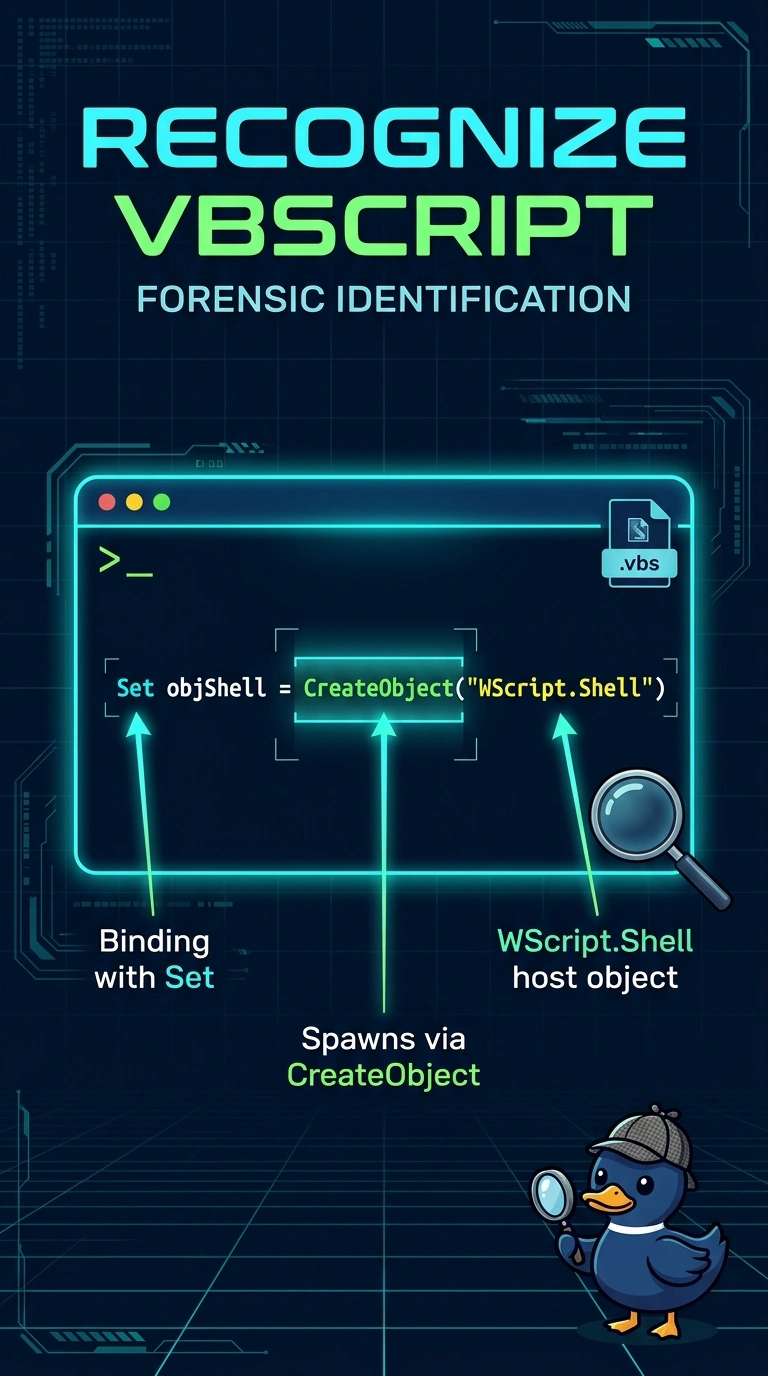
Short Explanation
You can spot the language from its syntax: CreateObject with a Set binding to the WScript host object identifies VBScript. The calculator command is what the script launches, so focus on those language fingerprints rather than the shared host name.
Full Explanation
The line is VBScript because CreateObject constructs the WScript host object and Set binds that object to app. The colon separates two VBScript statements, and app.Run calls a method on the object. The JavaScript option fails because its described syntax uses ActiveXObject and a var binding, rather than the line’s CreateObject and Set. The PowerShell option fails because it describes New-Object and a pipeline to start the calculator process; neither appears in the recovered line. The Python option fails because it describes a win32com dispatch call, which is also absent. The calculator name only tells you what the host is asked to start; Set and CreateObject are the language clues. Exam caveat: a shared WScript host name does not make the syntax JavaScript; identify the language from the constructs actually used. Practical check: compare the recovered line’s CreateObject and Set tokens with the JavaScript option’s ActiveXObject and var tokens before classifying it.