
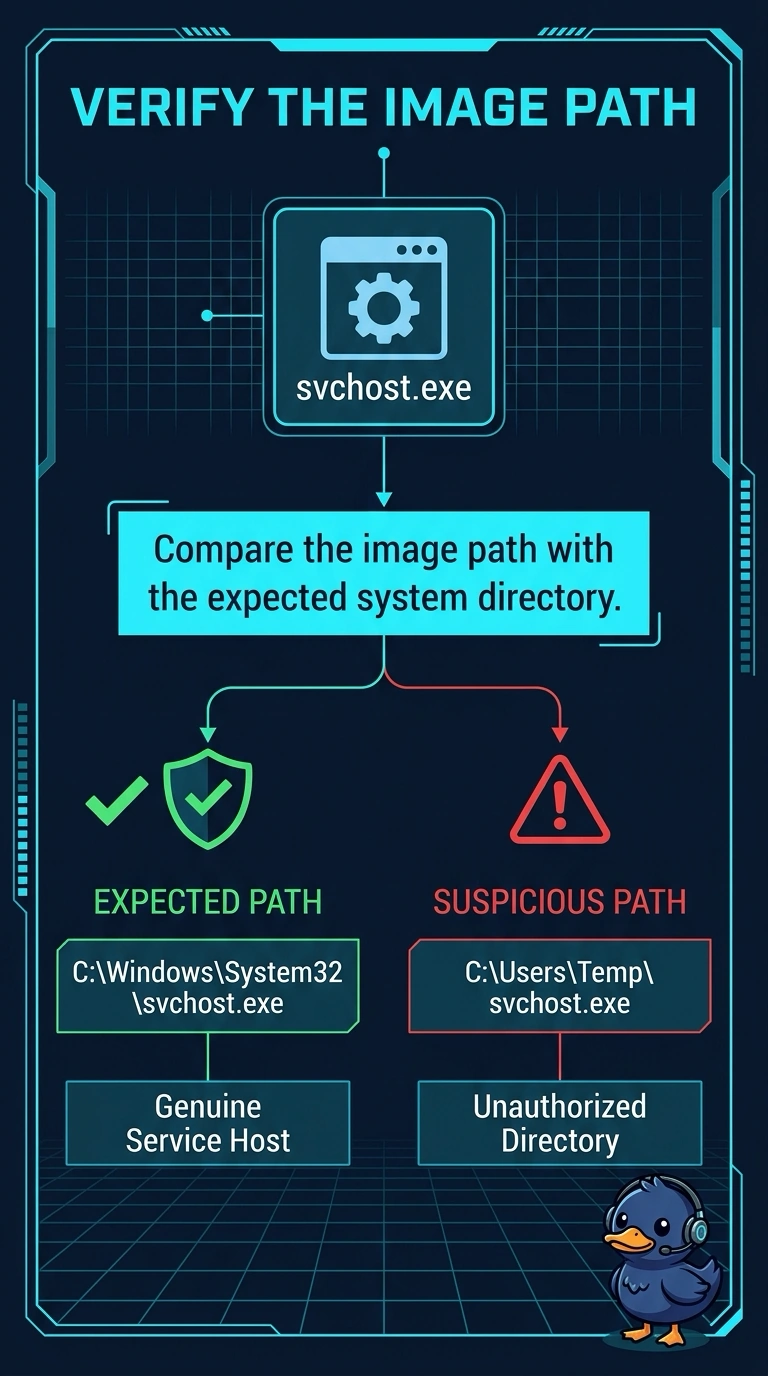
A branch-office host shows a process named svchost.exe running from a user profile directory. Why is the process name not enough, and what should be compared?
Select an answer to reveal the explanation.
Short Explanation
A familiar name on the wrong door should make you check the address. You compare the svchost.exe image path with the expected system directory, because a user-profile copy is a masquerade. The name alone, a story about relocated service hosts, and the printer list do not clear it.
Full Explanation
The process name is an attacker-controlled label. What you compare is the image path with the expected system directory for a genuine service host; a real svchost.exe is loaded from the Windows system directory, not from a user profile. Also compare the parent and the command line: a genuine service host is started by the service control process, which a profile copy usually lacks. The matching name svchost.exe is not enough to treat the process as a real service host, because a copied binary can reuse that filename. A user-profile path is not normal, and Windows does not relocate service hosts for that signed-in account into the profile. Comparing the process name with the printers installed for the currently signed-in user checks an unrelated inventory and never looks at where the image was loaded. Exam caveat: a second legitimate copy can exist under the Windows directory for a different architecture, and a profile path is still the wrong place. Operational check: record the full image path, the parent process, and the signature, and compare that path with the system directory on a known-good host.