
An analyst needs both successful and failed SSH logins on a Debian web server. Which log family should be opened first?
Select an answer to reveal the explanation.
Short Explanation
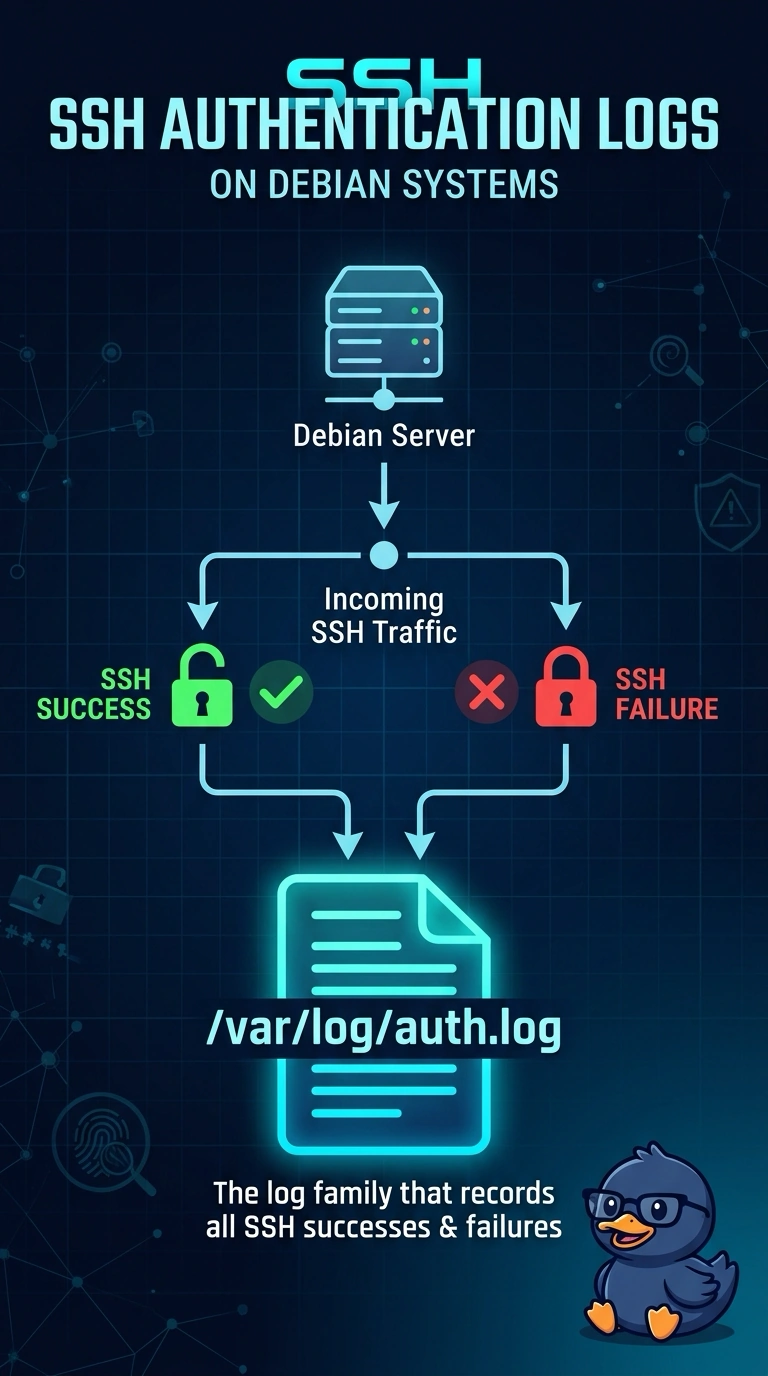
You’ll find successful and failed SSH logins in the authentication log family, commonly auth.log on Debian. The web server access log tracks HTTP requests, bash history tracks commands entered after a shell session begins, and the kernel message buffer tracks driver and hardware events.
Full Explanation
On Debian, sshd writes successful and failed logins to the authentication log family, commonly auth.log, so that is the first place to look when you need both results. An entry can identify the account and source and indicate whether authentication succeeded or failed. The web server access log records HTTP request URLs and response statuses; those describe web page requests, not SSH login attempts. The bash history file stores commands typed in an interactive shell after a session exists, so an absent history entry does not establish that a login failed, and a present entry does not list failed logins. The kernel message buffer records driver faults and hardware events, rather than SSH authentication outcomes. Exam caveat: distinguish login records from activity after login; shell history can show commands but is not a record of authentication results. Practical check: open the host’s authentication log, filter for the SSH service, and separate accepted logins from failures for the account and time period you are investigating.