
A point-of-sale investigation turns up a .js file dropped in a startup folder. What should the analyst do before any interpreter is allowed to run that script?
Select an answer to reveal the explanation.
Short Explanation
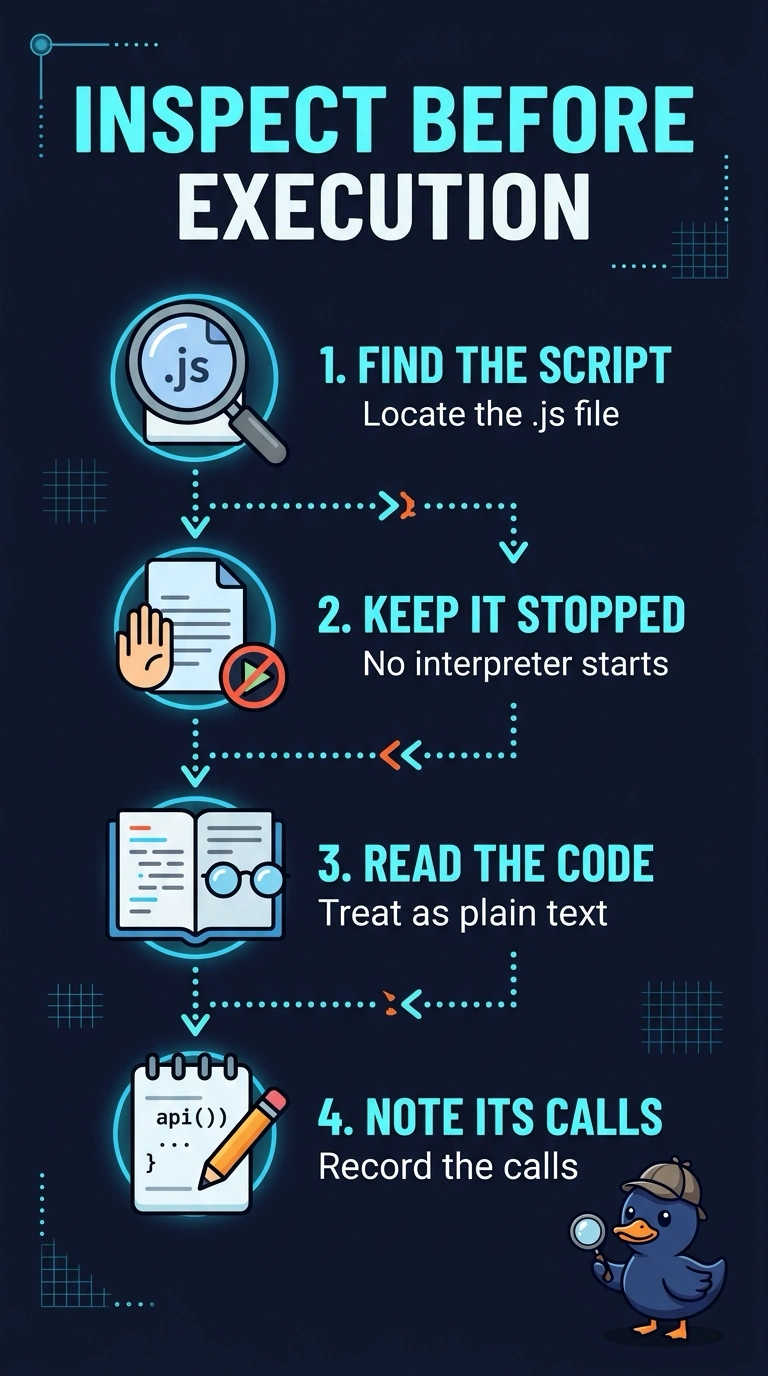
You can read the .js file as source text and note its calls before any interpreter runs it. Opening it through a handler or browser can execute untrusted code, while tracing it on the point-of-sale terminal or leaving it in the startup folder does not provide a safe first examination.
Full Explanation
JavaScript in a startup folder is source text, so your safe initial pass is static: read it as plain text and note its calls, URLs, and writers before any interpreter starts. Opening it in a browser to watch a download path is not a substitute for that review; a browser may display or download a standalone .js file, while an associated handler or embedded script can execute untrusted code and expose the analysis station to network activity. Placing the file on the point-of-sale terminal and tracing it with a local monitor runs untrusted code on the system under investigation. Renaming the extension to text does not examine the script or make it safe; whether it runs after renaming depends on the invoking command and file association. Leaving that renamed file inside the startup folder also leaves it in a launch location without revealing its behavior. Exam caveat: a controlled sandbox run may be useful later, after static notes are made, but it does not replace reading the source first. Practical check: open a copy in a text editor, record its function calls and network destinations, and then decide whether a controlled run is warranted.