
NetFlow from a branch firewall shows heavy DNS volume, yet the flow records contain no queried names, and the matching packet capture is on disk. What should analysts do to learn the names?
Select an answer to reveal the explanation.
Short Explanation
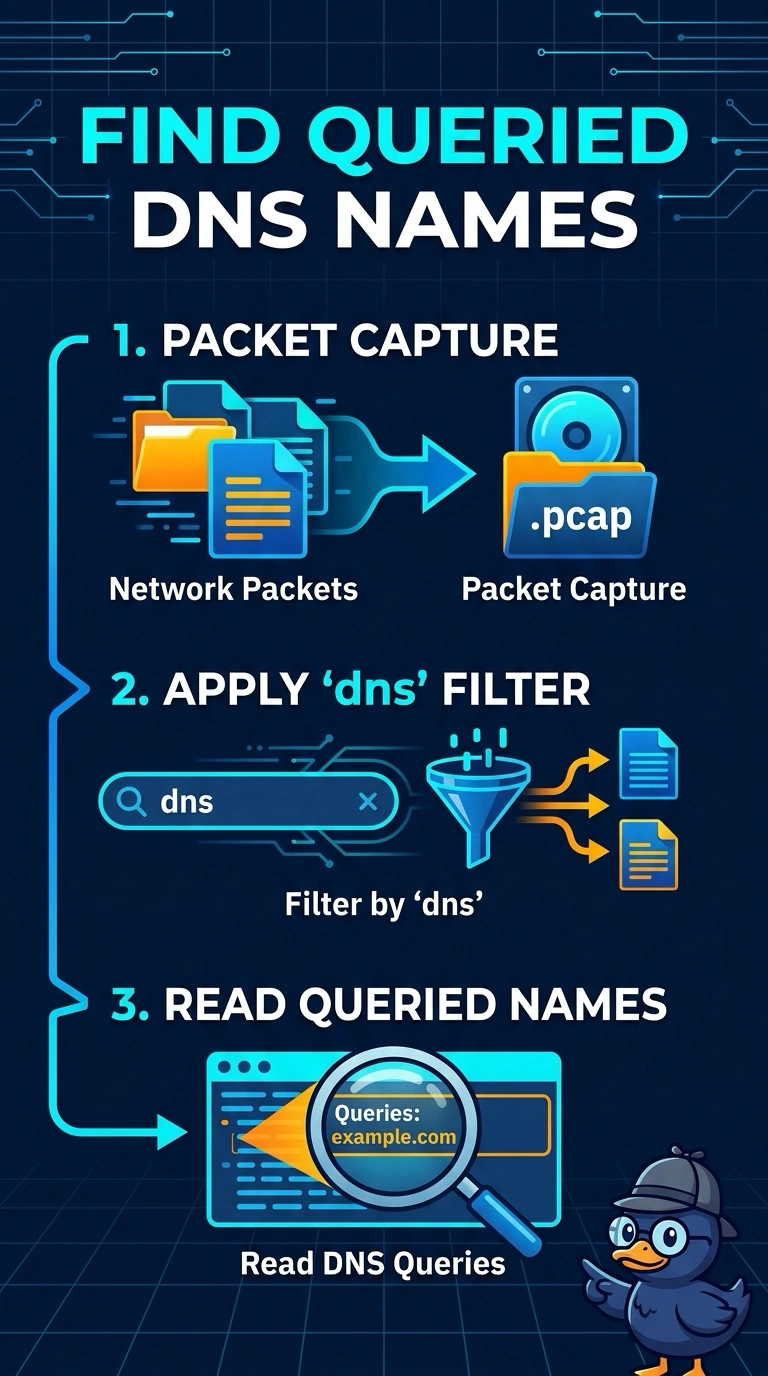
Think of NetFlow as a phone bill: you see who communicated and for how long, not what was said. You can open the packet capture and apply a DNS display filter to read the queried names. Another flow aggregation still cannot reveal names the records did not store.
Full Explanation
The flow records contain no DNS question fields, so further aggregation cannot recover names that were not stored. Inspect the captured DNS packets for the question names: since the matching packet capture is on disk, you can apply a DNS display filter and read the queried names in the packet details. A display filter hides other packets from view but does not delete them. Running a fresh NetFlow aggregation grouped by address and destination port still summarizes who communicated with the resolver and on which port; it has no query name to group. Searching the flow records for URL paths carried inside DNS asks flow data for information it does not contain, and DNS questions are not URL paths. Deleting packets that are not DNS so the saved capture retains only the names alters the file; deletion is unnecessary for reading names, and a display filter does not delete packets. Exam caveat: filtering changes the view, not the capture file, so export a filtered copy if you need a smaller file and keep the original. Practical check: open the capture, apply a DNS display filter, and list the query names without saving over the original file.