
On an NTFS volume, a file’s $STANDARD_INFORMATION timestamps appear old, while its separate $FILE_NAME timestamps fall within the incident window. Compare the two attribute timestamp sets and corroborate the discrepancy with independent logs; neither timestamp set is inherently authoritative. Which timestamp source should anchor the timeline?
Select an answer to reveal the explanation.
Short Explanation
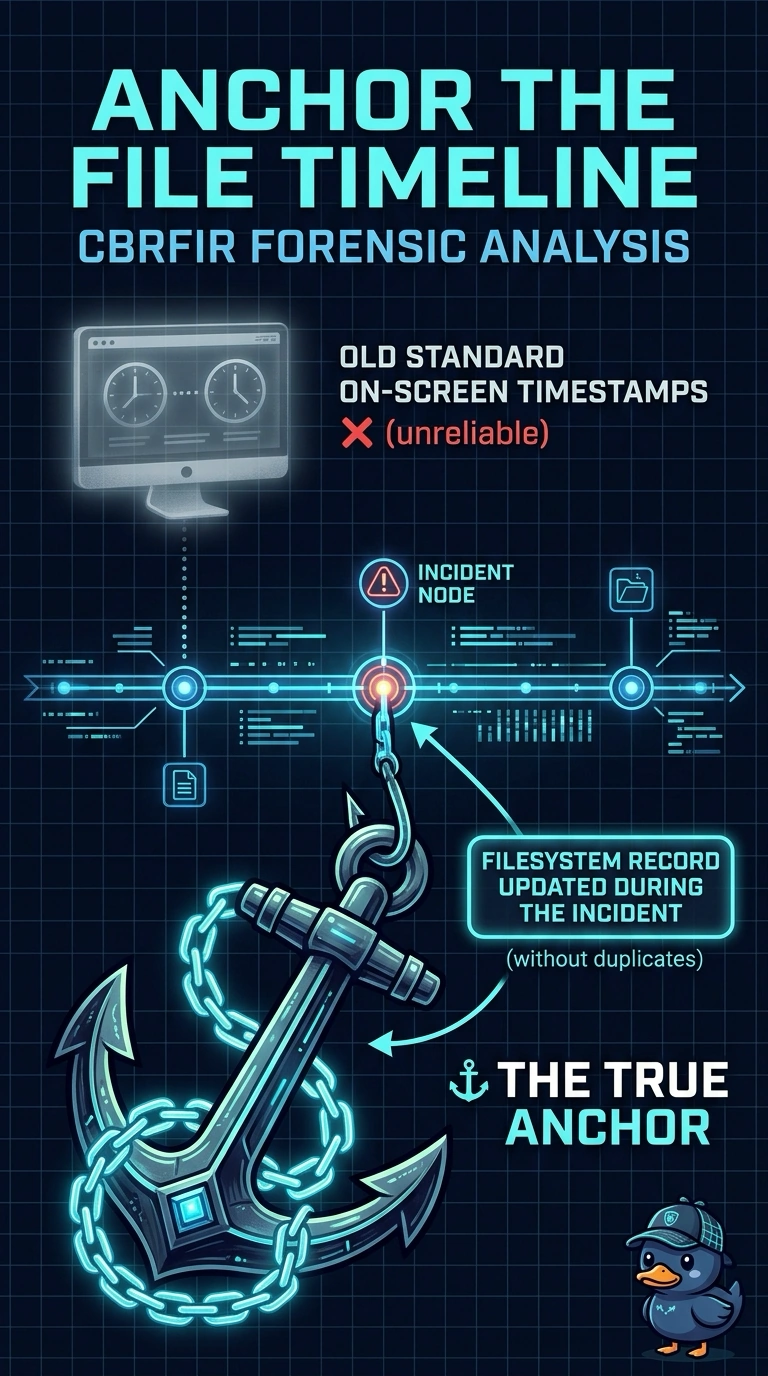
Someone can repaint the date on a picture frame; the gallery ledger is a harder place to cheat. You anchor the timeline on the filesystem record that was updated in the incident window, not on the old standard timestamps. A compile time inside the binary, or a catalog from an earlier quarter, dates something else.
Full Explanation
On NTFS, the timestamps people usually see come from the standard-information attribute, and ordinary tools can set those values into the past. The filesystem record keeps a separate set of times, including the file-name attribute, which those same calls do not rewrite. The filesystem record updated during the incident, rather than the old standard timestamps shown on screen, is the source to anchor on when the two disagree. The displayed standard timestamps, on the view that an old time on screen means the file really is old, accept the values an attacker can paint. The compile time stored inside the binary, treated as superior to every filesystem time on the host, is a header field that can be stale or forged and does not date this file's arrival on this system. The backup catalog time from an earlier quarter, preferred over both the standard stamps and the updated filesystem record, points at an older copy and ignores the record change in the incident window. Exam caveat: an attacker who can write the raw volume can alter the record too, so treat the disagreement as strong evidence and corroborate it with logs. Operational check: compare the displayed standard timestamps with the filesystem record times for the same file and write the disagreement into the timeline.