
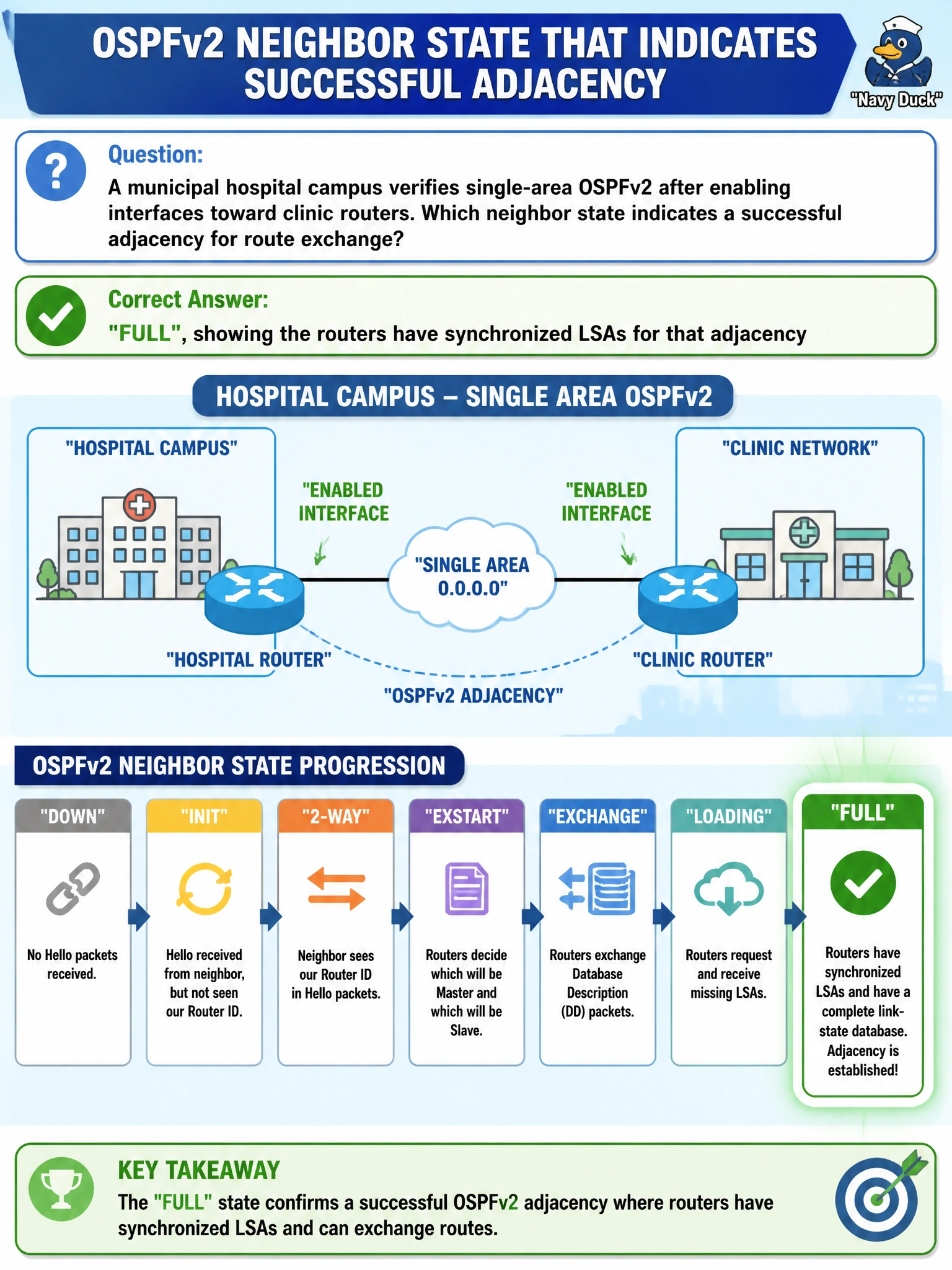
A municipal hospital campus verifies single-area OSPFv2 after enabling interfaces toward clinic routers. Which neighbor state indicates a successful adjacency for route exchange?
Select an answer to reveal the explanation.
Short Explanation
FULL is the high-five — databases are in sync and the adjacency is ready to work. Stuck in DOWN, ATTEMPT, or INIT means the conversation never finished.
Full Explanation
For municipal hospital campus single-area OSPFv2, FULL is the neighbor state that indicates databases have been exchanged and synchronized for that adjacency, allowing reliable route calculation and exchange based on a shared LSDB view. Progressing through DOWN → INIT → 2-WAY → EXSTART → EXCHANGE → LOADING → FULL is the normal adjacency formation path on a working link; FULL is the success criterion for route exchange readiness on that neighbor relationship.
DOWN means no usable Hello relationship, not that Hellos are optional on Ethernet. ATTEMPT is an NBMA-oriented state and is not “enough” to install all inter-area Type-5 LSAs by itself. Remaining in INIT forever means the neighbor saw Hellos one way or incompletely and Database Description exchange did not complete; it does not prove DR election finished successfully.
Exam caveat: on broadcast segments, DROTHER–DROTHER pairs may remain 2-WAY while still being FULL with the DR/BDR; do not require FULL between every pair. Operational check: show ip ospf neighbor expecting FULL to the appropriate peers, verify routes from clinic LSAs appear, and investigate any neighbor stuck below FULL for timer, area, MTU, or authentication mismatches.