
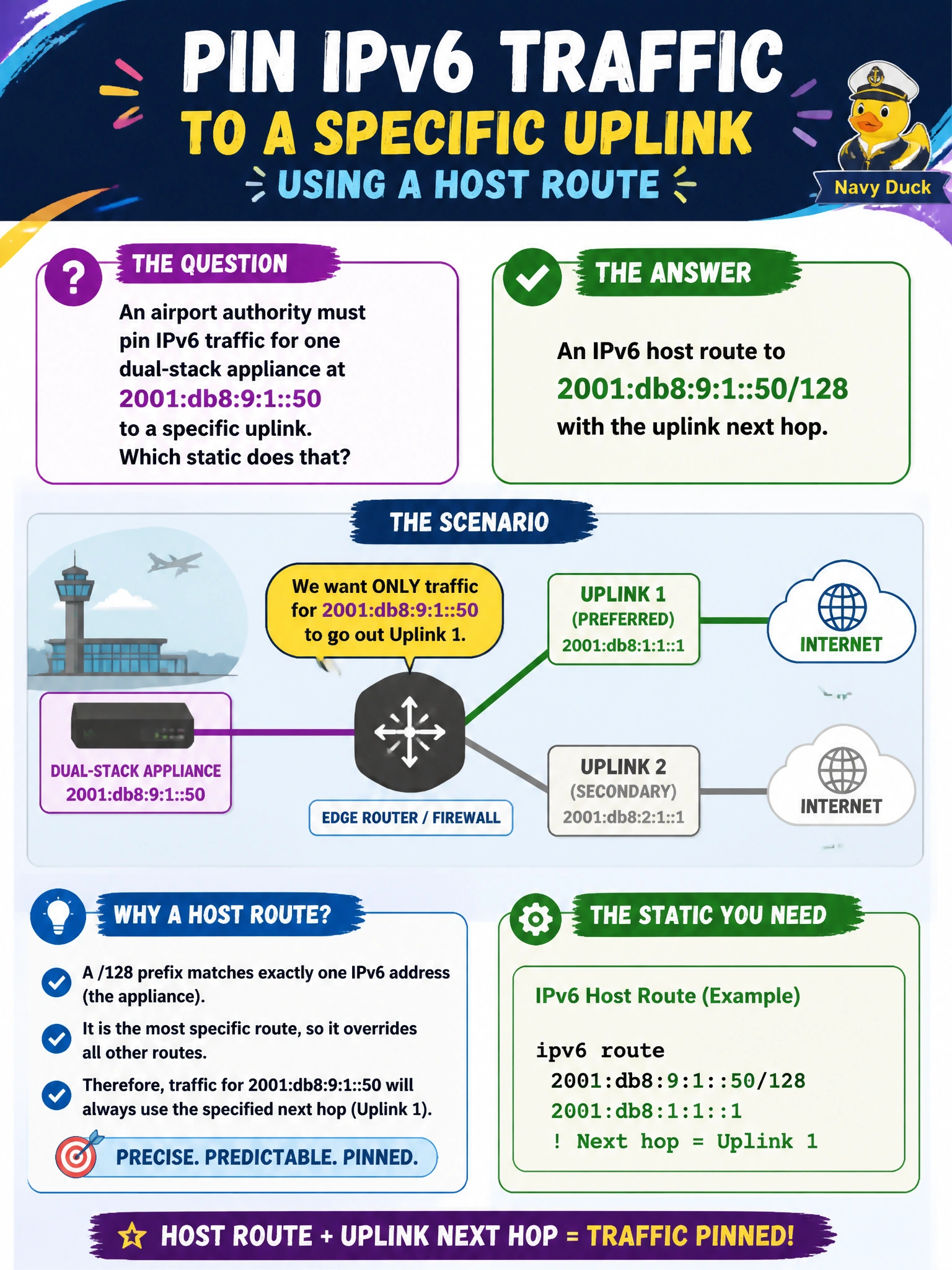
An airport authority must pin IPv6 traffic for one dual-stack appliance at 2001:db8:9:1::50 to a specific uplink. Which static does that?
Select an answer to reveal the explanation.
Short Explanation
You’re pinning just one appliance, so use a /128 host route with the uplink next hop—not a /48 summary or an IPv4 default. That keeps the chosen path specific to the appliance’s IPv6 address.
Full Explanation
To pin IPv6 traffic for the dual-stack appliance at 2001:db8:9:1::50 to a specific uplink, configure an IPv6 host route for that address with a /128 prefix length and the uplink next hop. Like an IPv4 /32, /128 is the longest unicast match, so only packets destined for this appliance take the pinned path; other addresses in the same /64 continue to use the network route or dynamic protocol path. This is a standard way to give one appliance a different egress without moving an entire prefix. An IPv6 network route for the entire /48 airport summary steers a much larger aggregate, not one appliance, and could redirect unrelated airport prefixes if pointed at that uplink. An IPv4 default route cannot forward IPv6 unicast traffic to 2001:db8:9:1::50; an A record does not make IPv4 and IPv6 routes interchangeable. A multicast FF02::5 static, used for OSPF AllSPFRouters, does not carry unicast appliance traffic and cannot replace normal unicast routing. Exam caveat: specify /128; a LAN /64 does not single out this host. Administrative distance is compared only among routes with equal prefix length, so a /128 wins over a /64 regardless of their administrative distances. Practical check: confirm the IPv6 routing table shows 2001:db8:9:1::50/128 via the chosen uplink, then test traffic to that appliance and another address in the same /64. Verify that only the appliance uses the pinned uplink while the other address follows the normal route.