
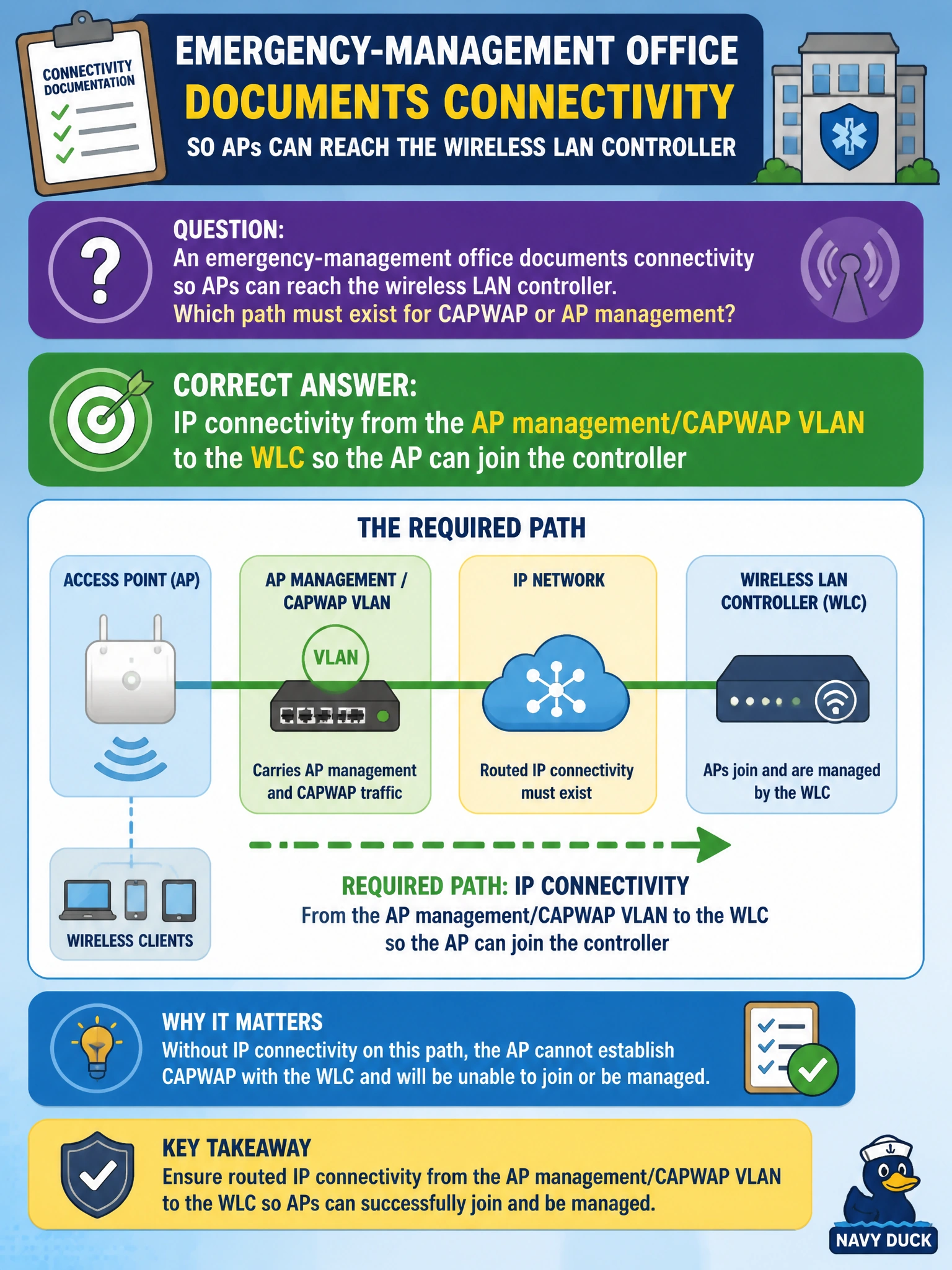
An emergency-management office documents connectivity so APs can reach the wireless LAN controller. Which path must exist for CAPWAP or AP management?
Select an answer to reveal the explanation.
Short Explanation
An AP that cannot talk to its WLC is a radio with no dispatcher. You need a clear IP path from the AP's management/CAPWAP VLAN to the controller — not a printer LAN fantasy or a serial link to a DVR.
Full Explanation
Controller-based APs join a wireless LAN controller over an IP path. For the emergency-management office, that means the AP management or CAPWAP VLAN must have routing (or L2 adjacency, if designed that way) to the WLC management address so CAPWAP can form and the AP can download configuration. Without that reachability, radios may power on but never become useful managed APs.
Limiting connectivity to a Layer 2 broadcast domain among printers with no IP path to the WLC does not help AP join. A serial T1 to a CCTV DVR is unrelated to CAPWAP. Relying on a public Internet default route while lacking an internal route to the WLC management address sends AP control traffic the wrong way and still fails join if the controller is internal.
Exam caveat: AP discovery can use DHCP options, DNS, or priming, but discovery helpers do not replace basic IP reachability and ACLs that permit CAPWAP (UDP 5246/5247 historically, plus platform specifics). Also ensure MTU/firewall rules do not silently drop the tunnel.
Operational check: from the AP subnet, ping or traceroute the WLC management address; on the WLC, confirm the AP appears as joining/joined; if not, check VLAN, SVI, routes, and ACLs on the CAPWAP path before blaming the AP hardware.