
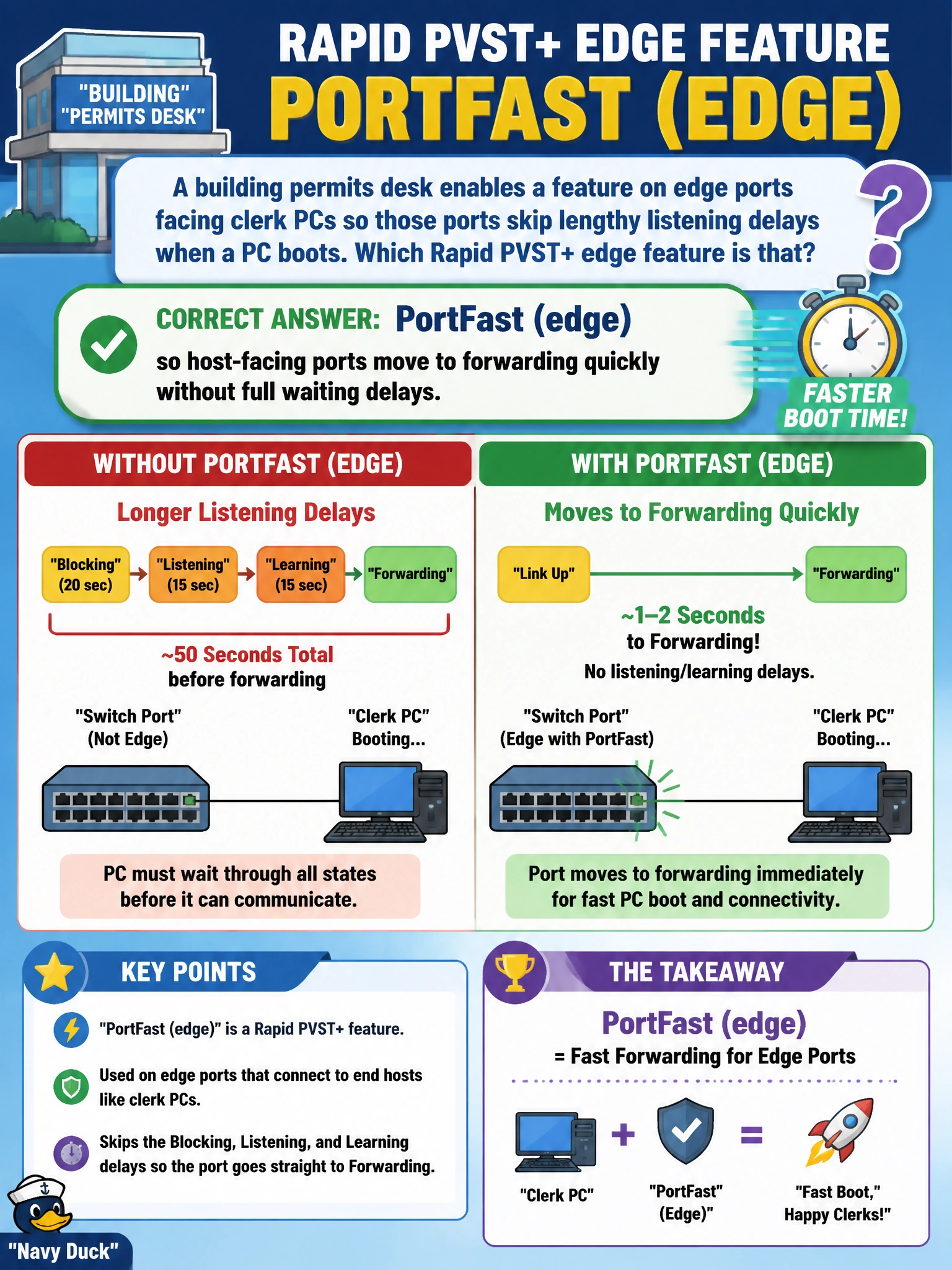
A building permits desk enables a feature on edge ports facing clerk PCs so those ports skip lengthy listening delays when a PC boots. Which Rapid PVST+ edge feature is that?
Select an answer to reveal the explanation.
Short Explanation
Clerk PCs aren’t switches—they don’t need the full STP waiting room. PortFast (edge) lets those access ports jump to forwarding so logins aren’t stuck staring at a spinning cable icon.
Full Explanation
At the building-permits desk, clerk PC edge ports should not wait through full listening/learning delays meant for potential switch-switch links. PortFast (edge) lets those host-facing ports move to forwarding quickly when a PC boots or a cable is connected, improving login time on municipal access ports. It is appropriate only where a single end host is expected, not on interswitch uplinks.
Root guard on every PC port so workstations never become designated bridges misapplies a distribution-facing STP protection feature to host ports; PCs are not competing as bridges if the port is truly an edge. Loop guard on access ports so DHCP snooping can bypass STP timers confuses loop guard (unidirectional-link protection on non-designated ports) with DHCP snooping and with PortFast’s timer bypass. BPDU filter on distribution uplinks so clerk PCs receive root BPDUs faster is the wrong feature and the wrong place—filtering BPDUs on uplinks is dangerous and unrelated to speeding host access ports.
Exam caveat: PortFast should be paired with BPDU guard. If a switch is plugged into a PortFast port, BPDUs can appear; guard err-disables the port instead of letting a rogue bridge influence the tree.
Operational check: enable PortFast/edge only on verified host ports at the permits desk, enable BPDU guard on those same ports, confirm rapid forwarding on PC connect, and ensure trunk uplinks to distribution do not have PortFast enabled.