
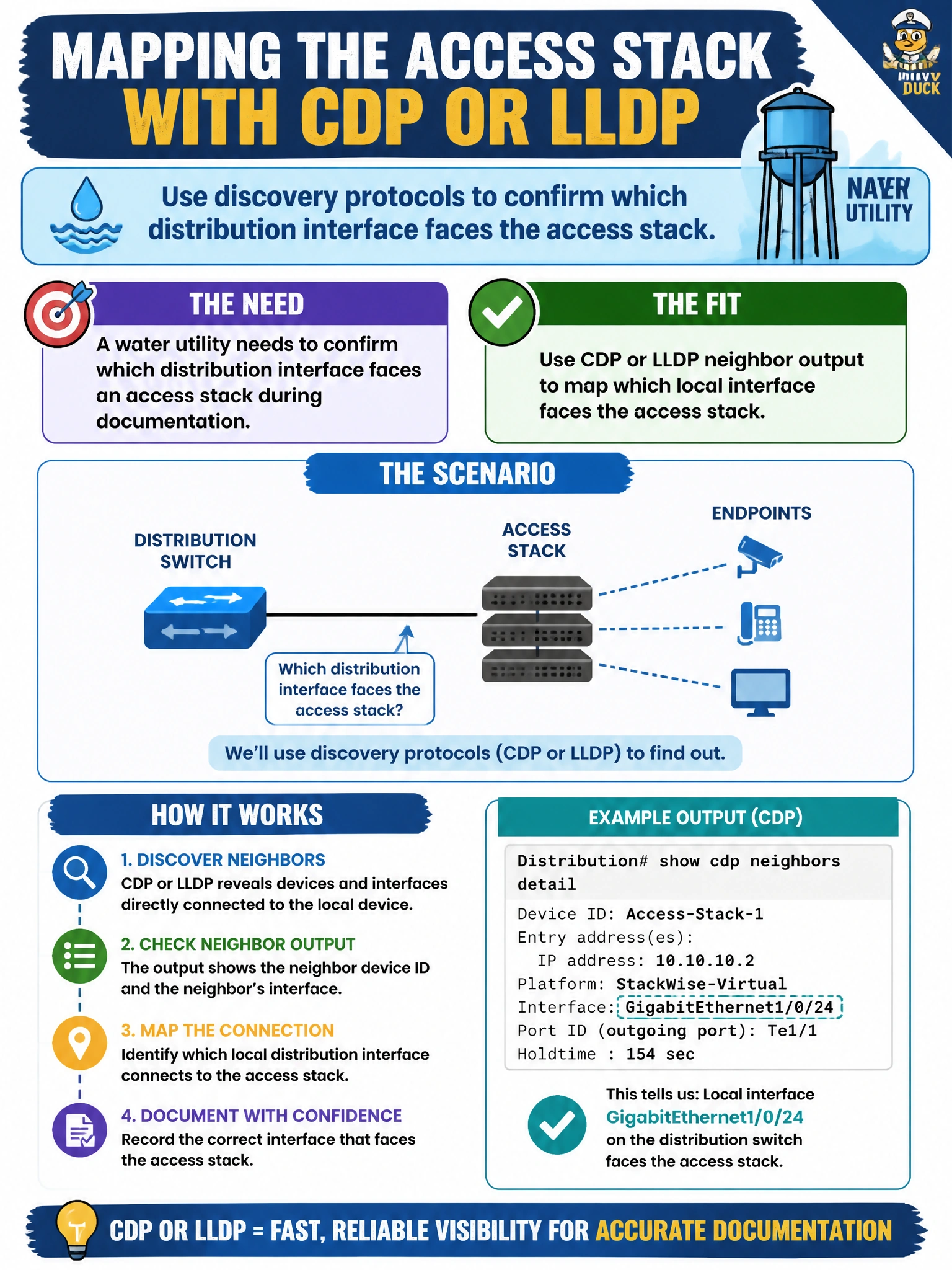
A water utility needs to confirm which distribution interface faces an access stack during documentation. Which Network Access use of discovery protocols fits?
Select an answer to reveal the explanation.
Short Explanation
Neighbor tables are the sticky notes on each cable—local interface, far device, far port. Pull CDP or LLDP output and you can draw the distribution-to-access map without crawling the tray.
Full Explanation
Water-utility documentation of which distribution interface faces an access stack is a classic Network Access use of CDP or LLDP. Neighbor tables list the local interface alongside the remote device and remote port identifiers for directly connected peers. Operators read that output to map distribution-to-access cabling without crawling trays, confirming both physical adjacency and the logical port pairing used in change plans.
Parsing syslog severity 0 messages does not systematically reconstruct Layer 2 neighbor relationships; severity 0 is emergency logging, not a topology protocol. DHCP relay helper addresses point to DHCP servers for client subnets; they do not identify which fiber strand faces which access stack. Comparing OSPF router IDs learns Layer 3 adjacency and routing identity, not the physical closet cabling map that CDP/LLDP neighbor output provides.
Exam caveat: discovery proves direct Layer 2 adjacency on a link. It does not prove Layer 3 reachability, VLAN trunk correctness, or STP role health. Use it as a cabling and inventory tool, then verify trunks and STP separately.
Operational check: collect CDP/LLDP neighbor detail on the distribution switch, record local interface to remote hostname and port, cross-check against the fiber schedule, and update the municipal topology drawing before approving access-stack maintenance.