
A fleet garage inventories Cisco closet switches before a weekend cutover and needs a quick view of directly connected Cisco neighbors. Which approach fits?
Select an answer to reveal the explanation.
Short Explanation
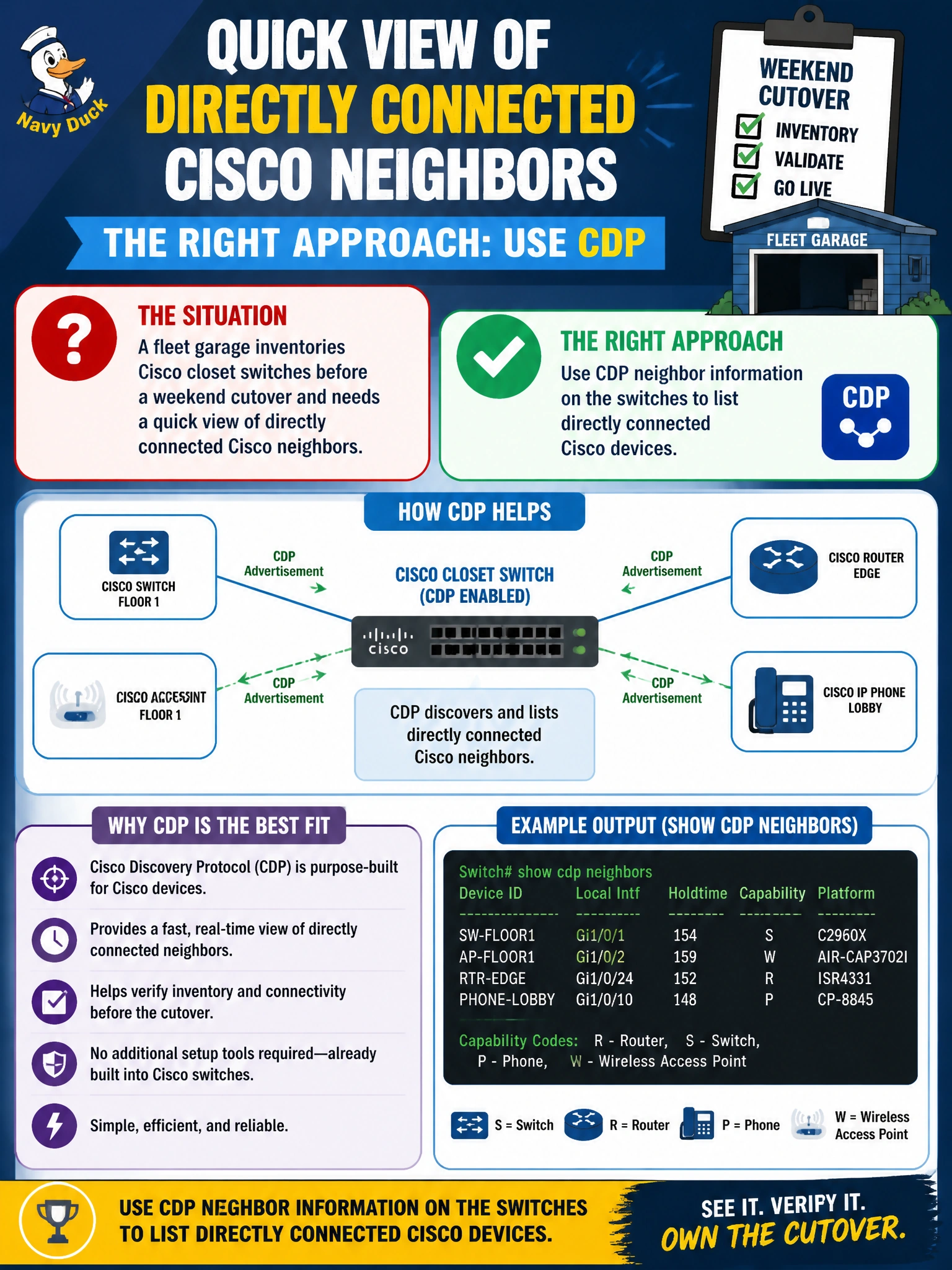
For your weekend cutover, CDP gives you a quick view of directly connected Cisco neighbors. Run show cdp neighbors on the switches to see which devices are plugged into each closet port.
Full Explanation
For the fleet garage, CDP neighbor information is the fastest accurate way to inventory directly connected Cisco closet switches. CDP is Cisco’s Layer 2 discovery protocol: each capable device advertises its identity, local interface, platform, and related details to immediate neighbors. You can read the neighbor table to confirm which chassis is on which cable before a weekend cutover, without relying on Layer 3 reachability or external directories. This suits a municipal maintenance workflow where physical adjacency and port mapping matter more than routing tables. OSPF passive interfaces affect whether a routing process forms adjacencies or advertises a network; they do not list Layer 2 switch hostnames on a closet cable. Traceroute from a PC VLAN follows Layer 3 hops and TTL expiry, not switch chassis identities on an Ethernet segment. DNS reverse lookups of management IPs may name devices that are reachable, but they do not prove direct Layer 2 adjacency on a specific local interface as CDP does. Exam caveat: CDP shows directly connected neighbors, with only limited multi-hop variants in some contexts; it is not a campus-wide topology database, and non-Cisco devices typically will not appear. Operational check: where policy allows, enable CDP on trusted interswitch links, run neighbor detail before the cutover, map each local port to the remote device and port, save the inventory with the change ticket, and disable CDP on untrusted edge ports afterward if security policy requires it.