
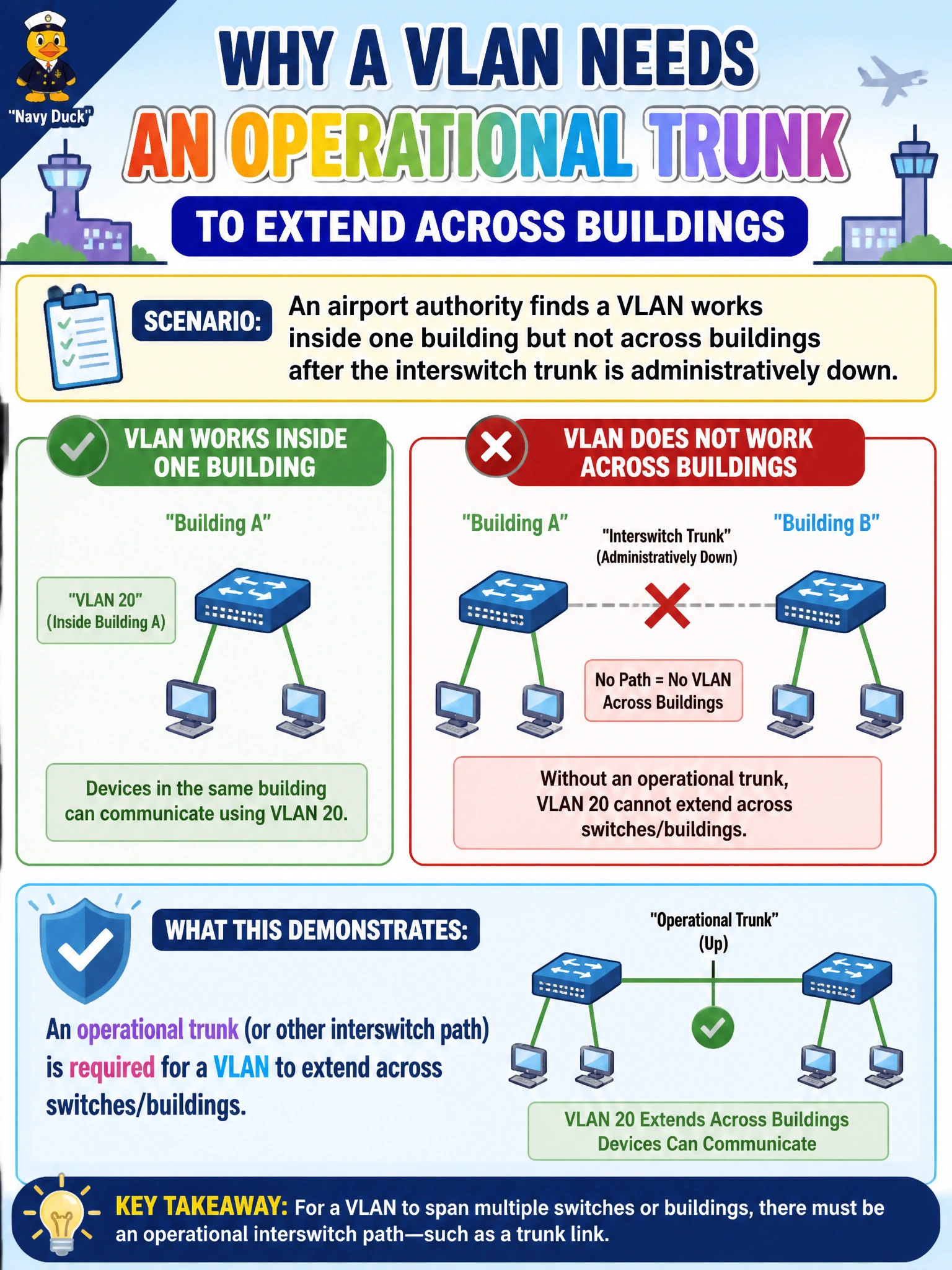
An airport authority finds a VLAN works inside one building but not across buildings after the interswitch trunk is administratively down. What does that demonstrate?
Select an answer to reveal the explanation.
Short Explanation
If the highway between buildings is closed, the department VLAN stops at the city limits. Local switching still works; cross-building Layer 2 needs that trunk up. Admin-down uplinks are a simple root cause with a loud symptom.
Full Explanation
When an airport-authority VLAN works inside one building but fails across buildings after the interswitch trunk is administratively down, the demonstration is straightforward: a VLAN extends across switches only while an operational trunk (or other interswitch path) forwards that VLAN. Local switching and access-port behavior can remain healthy in Building A while Building B is unreachable at Layer 2 because the highway between them is shut. Administrative shutdown removes the data-plane path regardless of how correctly VLANs were numbered. Restoring an up trunk (or alternate L2 path) is required for cross-building extension. VLANs do not replicate through wireless controllers as a substitute when all Ethernet trunks are shut—controller dynamic interfaces may map SSIDs to VLANs, but they do not magically bridge Ethernet closets across an admin-down campus trunk. Access ports do not automatically build alternate trunks using LLDP when the primary is down; LLDP is discovery, not spare-trunk creation. Native VLAN traffic does not bypass administrative shutdowns on uplink interfaces—shutdown disables the link for tagged and untagged frames alike. Exam caveat: symptoms that are local-OK/remote-fail after an uplink shut point first at interswitch path state, not at end-host VLAN config. Operational check: check interface admin/oper status on both ends of the building uplink, bring the trunk up, confirm the VLAN is allowed and active, and retest cross-building ARP/connectivity for the affected airport VLAN.