
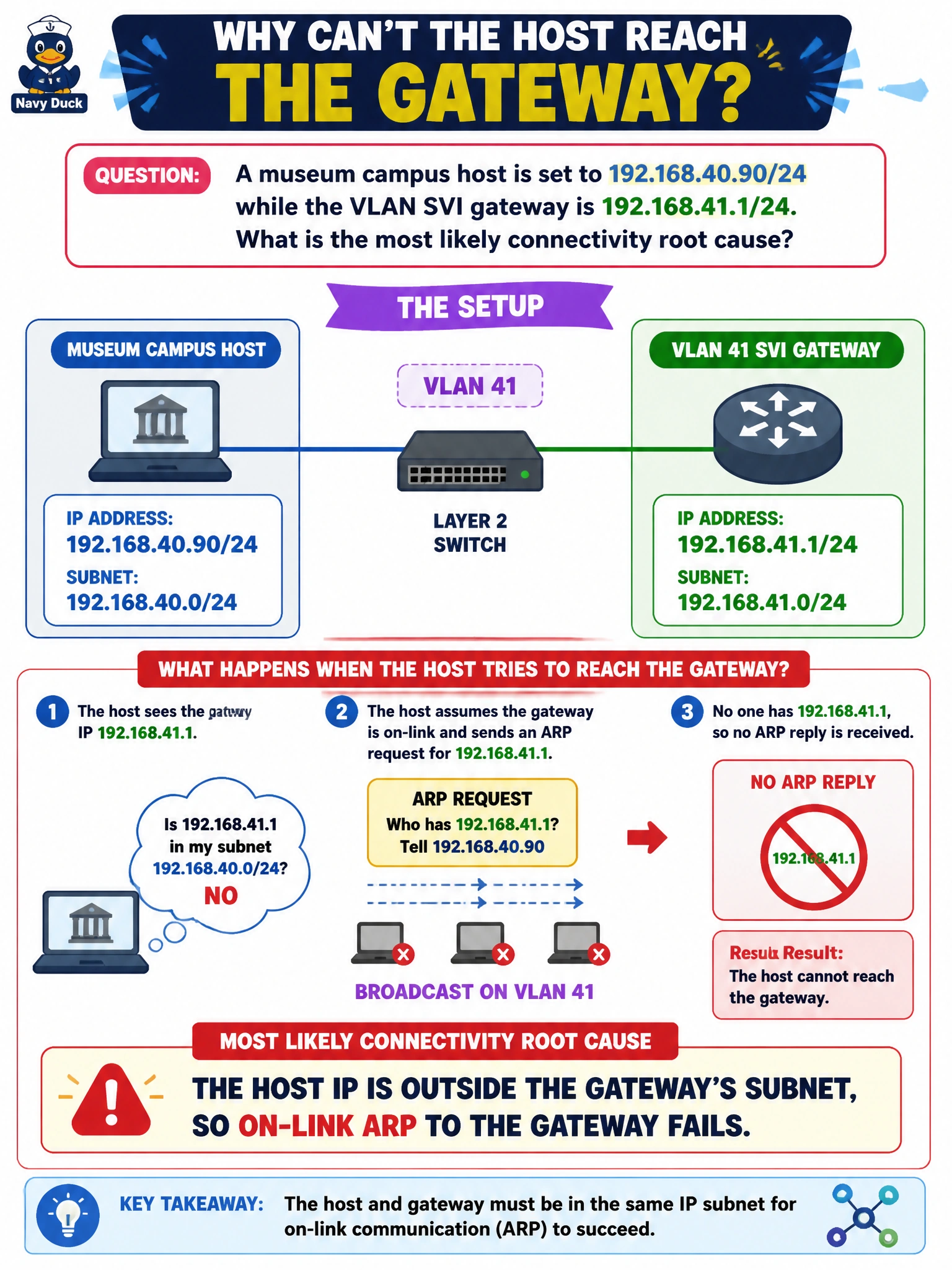
A museum campus host is set to 192.168.40.90/24 while the VLAN SVI gateway is 192.168.41.1/24. What is the most likely connectivity root cause?
Select an answer to reveal the explanation.
Short Explanation
The PC thinks it lives on the .40 street, but the gateway is parked on the .41 street. Same mask length does not help if the network numbers differ — ARP never finds that gateway on-link.
Full Explanation
A museum campus host is configured as 192.168.40.90/24 while the VLAN SVI gateway is 192.168.41.1/24. With a /24 mask, the host’s network number is 192.168.40.0/24 and the gateway’s network number is 192.168.41.0/24. Those are different subnets. The host therefore believes its default gateway is not on-link, so it will not successfully ARP for 192.168.41.1 on the local VLAN as its gateway (or will ARP for a destination thinking the gateway is local when it is not). The most likely root cause is a subnet mismatch between host IP and gateway IP.
The claim that host and gateway share the same subnet so ARP alone will fix reachability is false—the third octets differ under /24. Saying the /24 mask is invalid on museum campuses and must become /16 invents a nonexistent rule; /24 is valid, but both ends must share the same network number. Disabling IPv6 before any IPv4 gateway can answer is unrelated; this failure is pure IPv4 addressing inconsistency.
Exam caveat: when gateway and host “look close” numerically, still compare network IDs under the configured mask. A one-off typing error in the third octet of a /24 is a classic ticket cause.
Operational check at the museum desk: compare host IP/mask to SVI IP/mask; correct the host to 192.168.41.x/24 (or move the SVI into .40/24 per design); verify ARP for the gateway MAC; ping the gateway then a remote intranet target. Document the VLAN’s intended subnet so imaging templates cannot ship the wrong third octet again.