
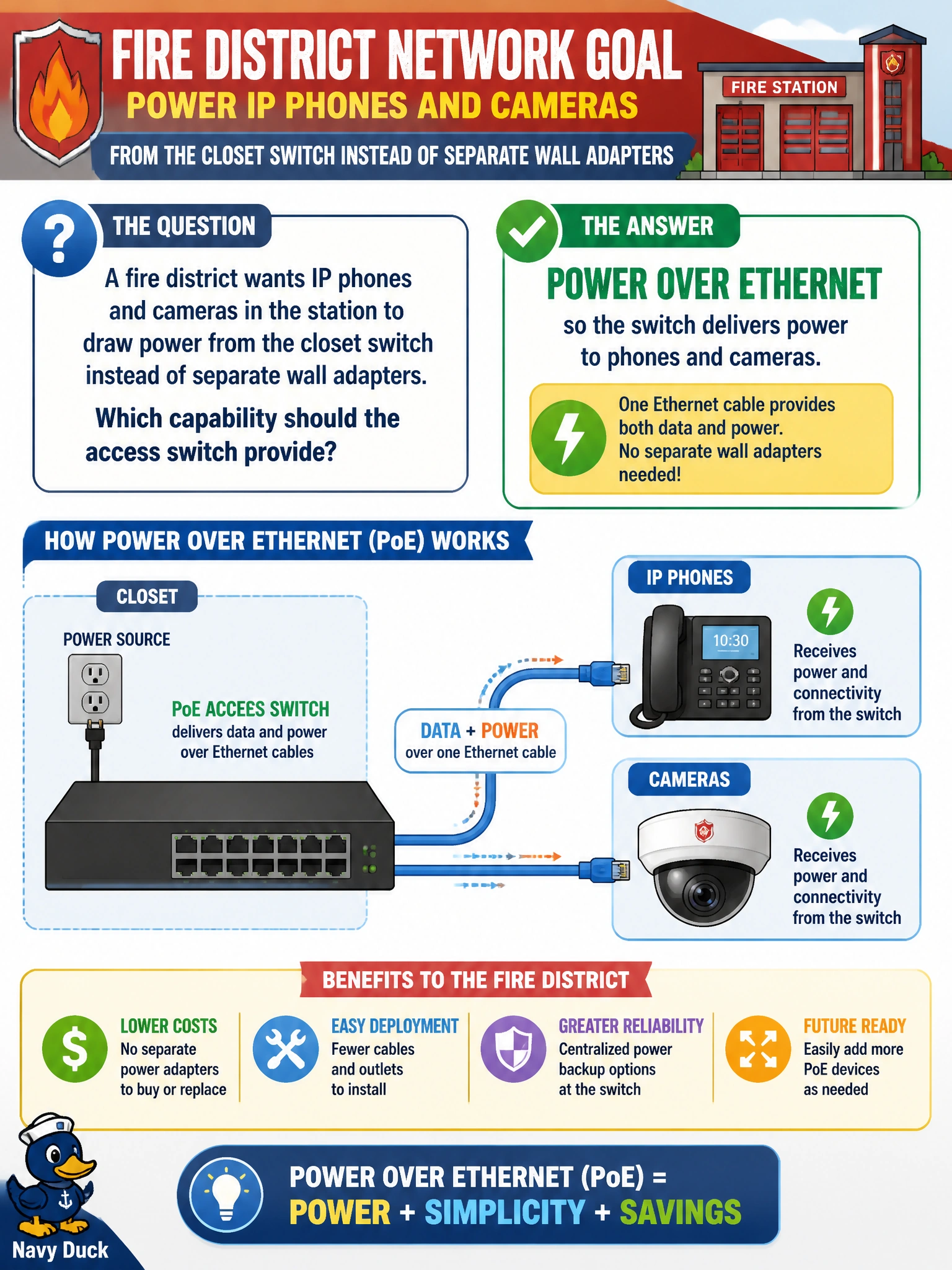
A fire district wants IP phones and cameras in the station to draw power from the closet switch instead of separate wall adapters. Which capability should the access switch provide?
Select an answer to reveal the explanation.
Short Explanation
Phones and cameras are like gadgets that want juice through the same Ethernet cord. PoE is that built-in power from the switch. BGP, GRE, and root guard solve routing and loop problems—not desk power.
Full Explanation
Fire-station IP phones and cameras commonly draw DC power from the Ethernet link so the district avoids separate wall adapters at every endpoint. Power over Ethernet (PoE) on the access switch is the capability that delivers that power over the same cable that carries data, which matches the operational goal of powering phones and cameras from the closet switch. Selecting PoE on the access layer is therefore the correct design choice for this requirement.
BGP route reflection so phones learn Internet paths from the switch fails by concept: BGP is an exterior/interior routing protocol role, not a power-delivery feature, and phones do not need route reflection to obtain PoE. GRE tunneling so cameras encapsulate frames inside another IP header fails because GRE is an overlay encapsulation technique unrelated to supplying watts to endpoints. Spanning Tree root guard solely to elect a root bridge for the district fails because root guard is a STP protection feature controlling which bridges can become root—it does not power phones or cameras.
Exam caveat: Match the capability to the endpoint need. Power questions map to PoE/PoE+/UPoE budgets and port configuration, not to routing protocols, tunnels, or STP features that often appear as distractors in campus feature lists.
Operational check: Verify the access switch supports the required PoE standard and has enough power budget for the planned phones and cameras, enable PoE on the access ports, and confirm endpoints boot and register without local power bricks. If CDP/LLDP power negotiation or show power inline shows denied/insufficient power, fix budget or class settings before blaming call-manager or camera NVR configuration.