
At a bank, branch sessions normally last a few minutes, the critical-asset address list is unchanged, and one session to an uncommon address stays up the entire business day. Which network-profile element broke?
Select an answer to reveal the explanation.
Short Explanation
A meeting that was supposed to last a few minutes and instead ran all day broke the clock, not the building directory. You can see the branch lifetime no longer matches, while the critical-asset address list stayed the same. The trap is blaming that address list, a server's installed apps, or the cipher suite.
Full Explanation
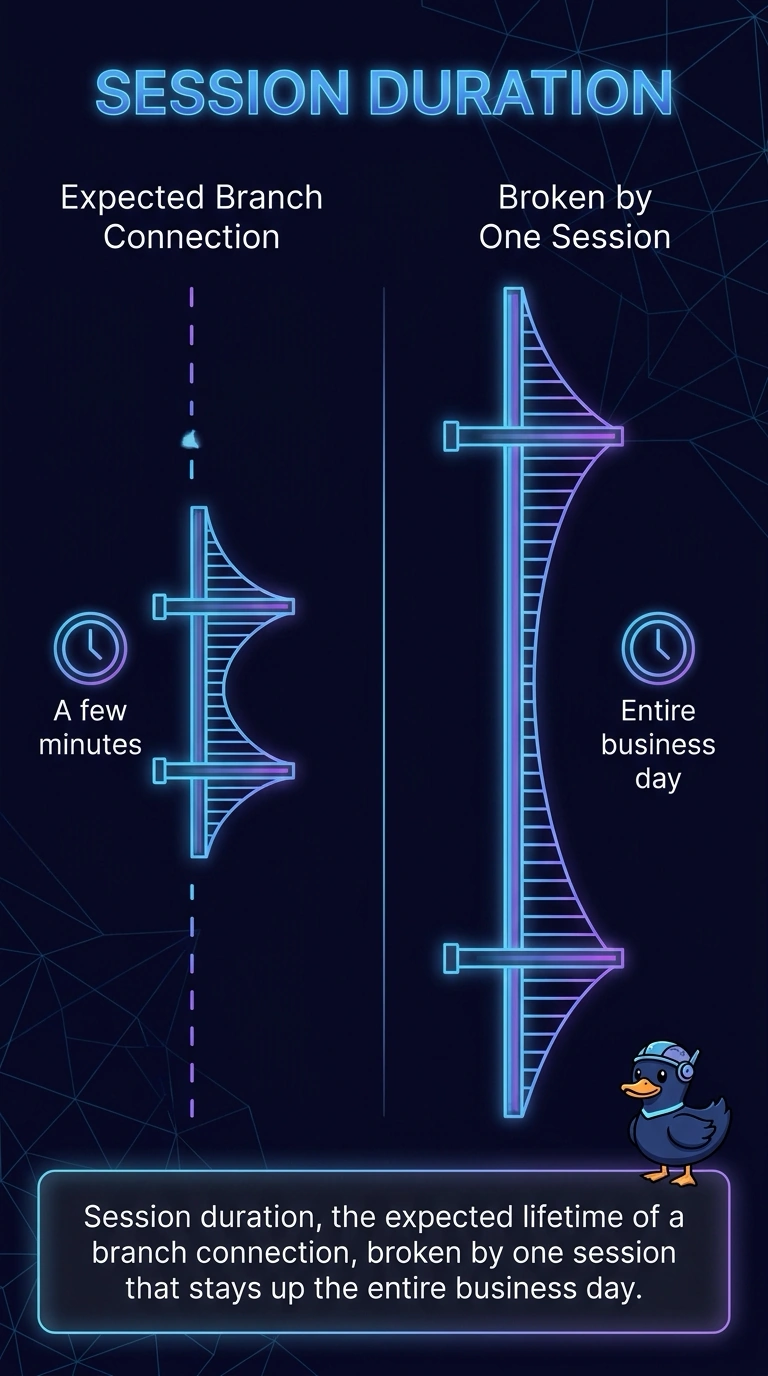
Session duration in a network profile is how long connections normally last. Branch sessions usually last a few minutes, and one session stays up the entire business day, so that element no longer matches the profile. The critical-asset list in this case did not change, so the broken element is the lifetime. Session duration, the expected lifetime of a branch connection, broken by one session that stays up the entire business day, is the element that broke. The critical-asset address list, left unchanged from the branch profile already on file at the bank, cannot be the element that broke when it was not changed. The installed-application list recorded for one branch server as part of its server profile describes software on a server, and it is not the network-profile lifetime that departed from a few minutes. The cipher suite negotiated when the long-lived branch session was established this morning is a handshake detail, not the profile field that records how long branch sessions last. On the exam, a long session can still be legitimate, and the question is which profile field no longer matches, not whether the session is malicious. In operations, compare the session start and end with the usual few-minute branch pattern, and confirm the address list really was unchanged.