
At a logistics hub, two different files traveled inside two TCP sessions between the same pair of IP addresses. What must be separated before either file can be carved from the capture?
Select an answer to reveal the explanation.
Short Explanation
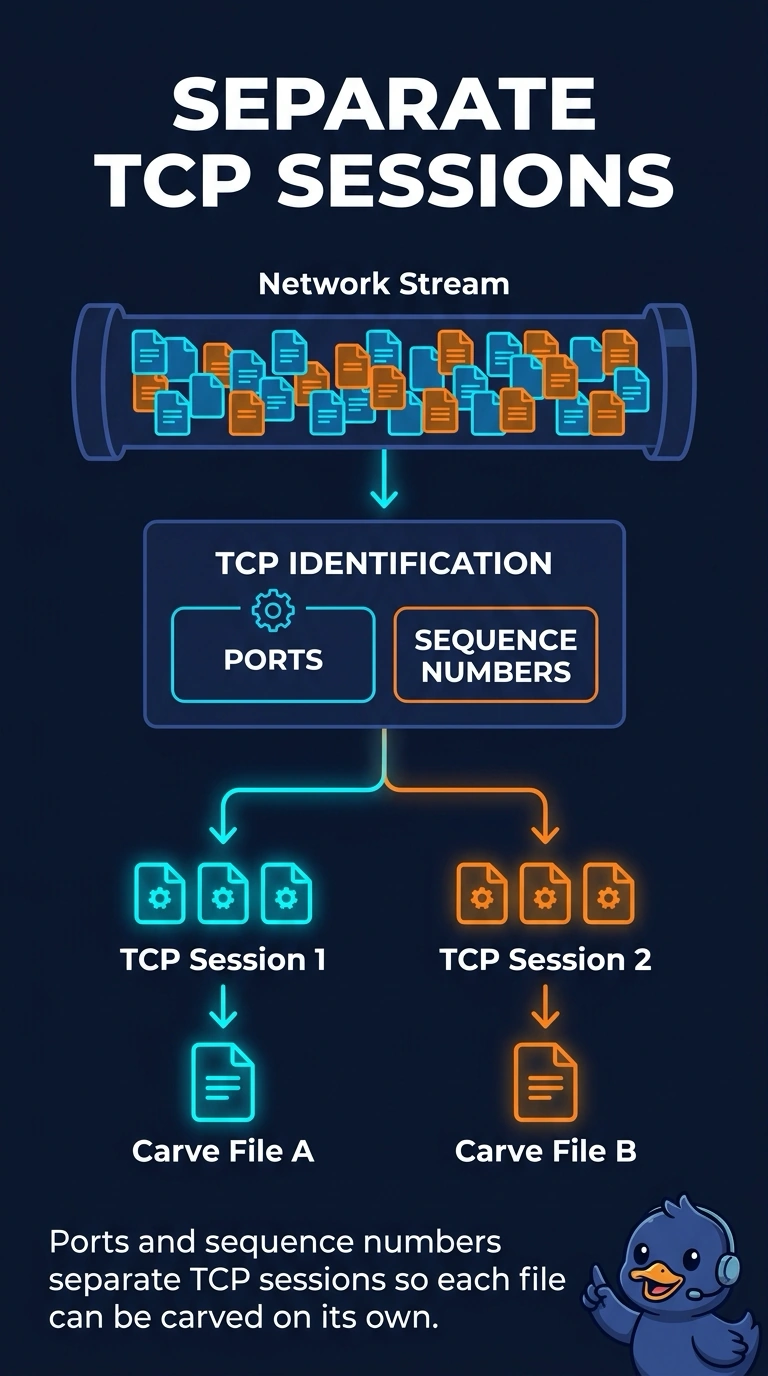
Two parcels on one truck still need their own tracking numbers. You separate the TCP sessions by ports and sequence numbers before you carve either file. The trap is splitting on a MAC address, a DNS timer, or a VLAN name.
Full Explanation
The right selection is "The two TCP sessions, using ports and sequence numbers so each file can be carved on its own". The IP pair is shared, so it cannot tell the files apart. Each TCP session has its own ports, and each session has its own sequence space that puts that file's bytes back in order. The statement "Only the Ethernet source address, keeping both file transfers on that single hardware address" fails when both transfers leave the same host, because one hardware address then covers both sessions. The statement "The DNS time-to-live from a related lookup, using that cache timer as the split between files" is a cache timer on a name lookup and does not mark where one file ends and the other begins. The statement "The VLAN name configured on the hub switch, using that label as the split between the files" is a switch label that can be the same for both sessions, so it does not isolate either byte stream. Exam caveat: if both files had ridden a single TCP session, you would split objects inside that one stream; this capture has two sessions and they must be split first. Operational check: group the packets by source and destination addresses, ports, and protocol, then reassemble each session's sequence numbers on its own.