
At a university, a student lab image has an empty shell history, and the distribution authentication log shows a command that cleared that history. What do those two records show?
Select an answer to reveal the explanation.
Short Explanation
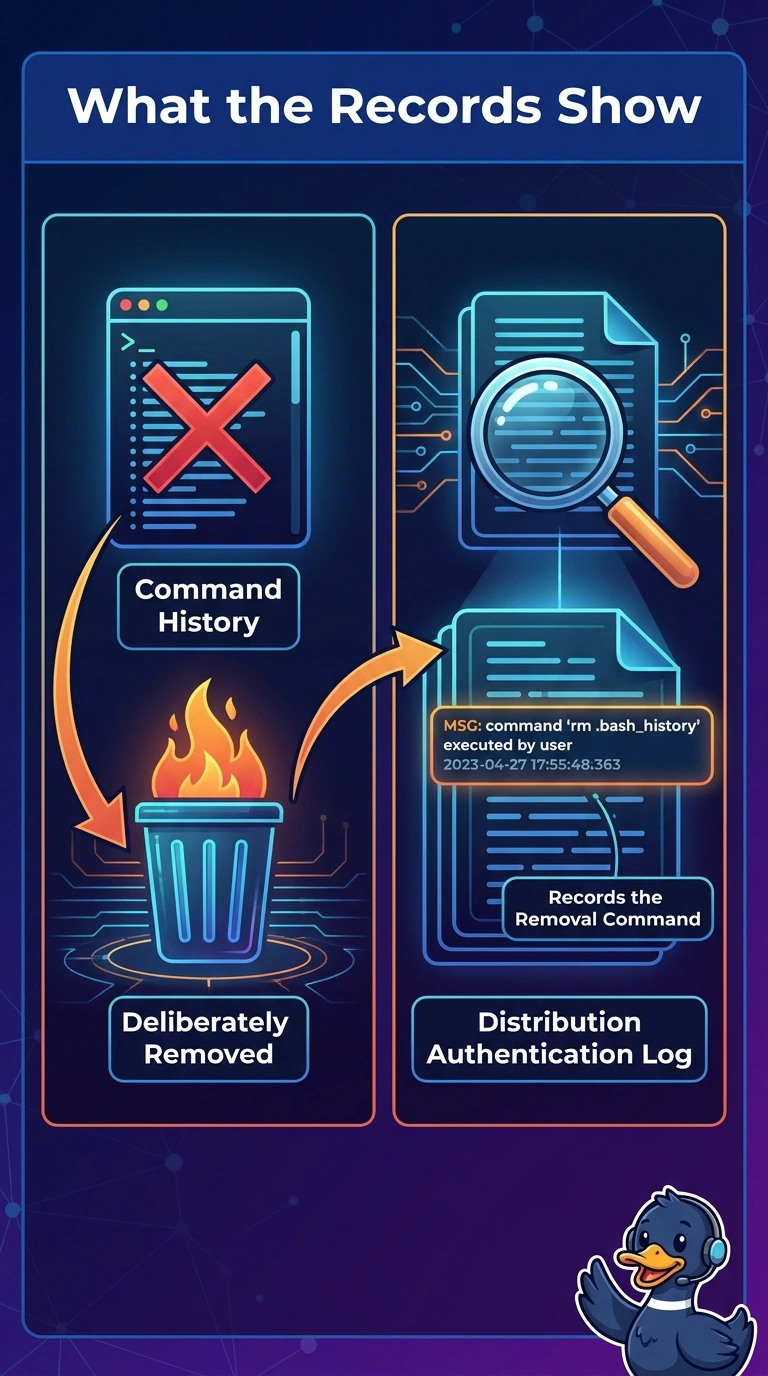
An empty notebook means little until you find the line that says the pages were torn out. You have an empty shell history plus a logged command that cleared it, so the history was removed on purpose. The trap is blaming a shell that cannot log, a host nobody used, or a VPN that is down.
Full Explanation
An empty shell history can be innocent until a second record explains it. Here the distribution authentication log shows a history-clearing command, so the reading is The command history was deliberately removed, and the log records the command that did it. The shell on this lab image has never been able to store command history for any login cannot be right, because a clear command is meaningful only where history exists and was targeted. The host was never logged into, so no session record can exist for this lab image contradicts the authentication log, which already recorded the command. The campus VPN is down, so remote lab sessions cannot write a shell history here does not erase an existing history and does not write a clearing command into the log. The authentication-log line is what turns an empty history into a deliberate wipe. Exam caveat: a brand-new shell can also have an empty history; the clearing command is what makes this removal deliberate. Operational check: preserve the authentication log, note the account and time of the clear, and search that same window for other commands from the account.