
Compliance analysts, risk owners, and auditors at a municipal hospital each need role-appropriate modern UI experiences rather than only classic list forms. What platform capability should the implementer emphasize?
Select an answer to reveal the explanation.
Short Explanation
Different jobs need different cockpits. Point folks at IRM workspaces built for compliance, risk, and audit instead of one admin console or a CSM hand-me-down. Keep the work on-platform.
Full Explanation
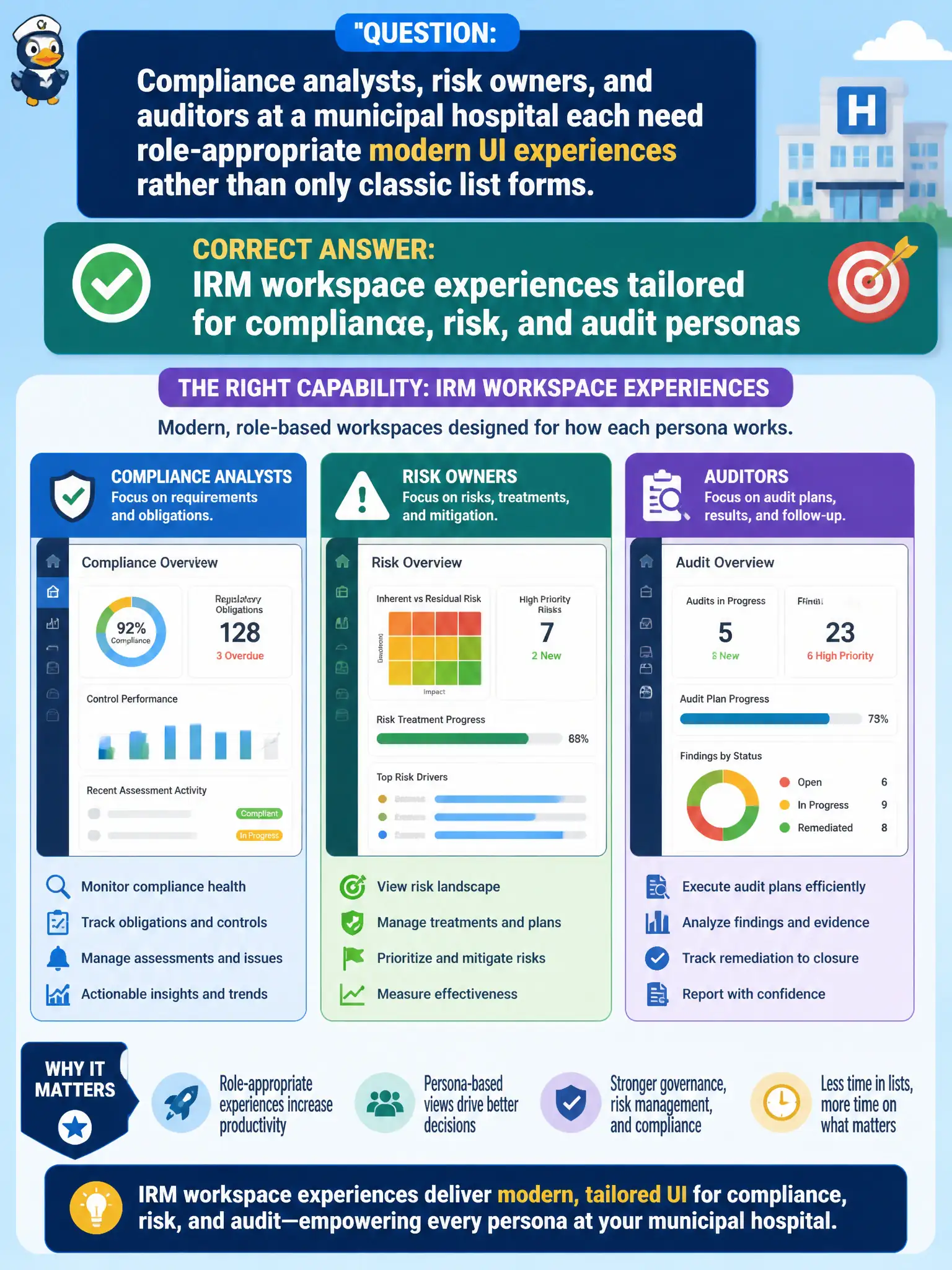
Compliance analysts, risk owners, and auditors at a municipal hospital need role-appropriate modern UI experiences through IRM workspace experiences tailored for those personas—not only classic list forms. Workspaces align navigation and tasks to how each line of defense works on-platform. Persona UX is part of successful IRM adoption.
A single shared CSA admin console as the only UI for all GRC personas over-privileges and mismatches work patterns. External desktop databases disconnected from the instance create shadow GRC. CIS-CSM customer workspaces repurposed as risk and audit UI misuse customer-service experiences for assurance work.
Exam caveat: emphasize IRM workspaces for compliance/risk/audit personas; admin consoles and CSM workspaces are not the intended answer.
Operational check: enable appropriate IRM workspaces; assign persona roles; walk each persona through a core task (attest, assess, fieldwork) in their workspace rather than classic-only forms.
Workspace enablement should map compliance, risk, and audit personas to distinct landing experiences and lists, reducing classic-form hunting. Validate that CSM or CSA admin consoles are not used as the primary GRC UI for those personas.