
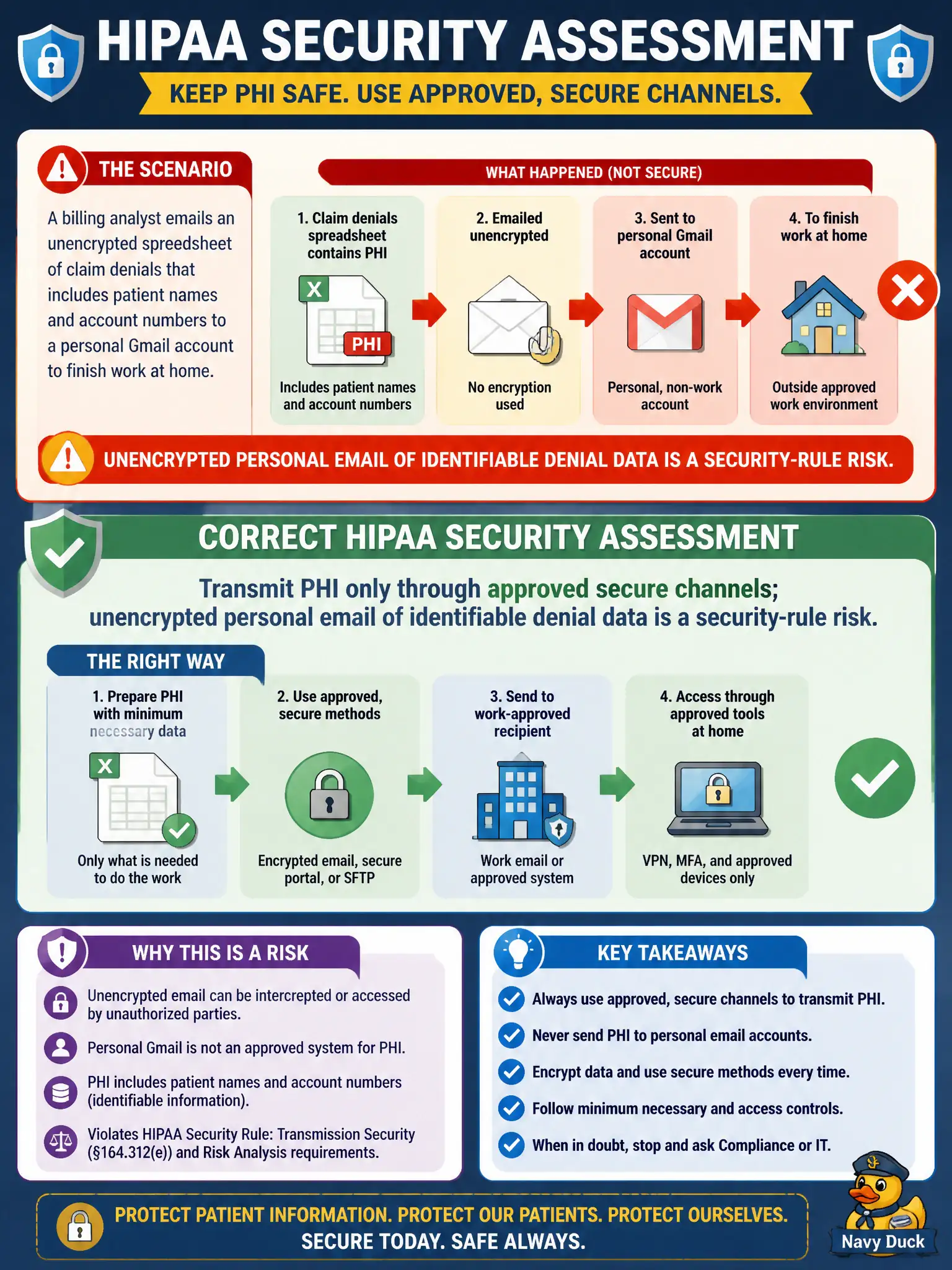
A billing analyst emails an unencrypted spreadsheet of claim denials that includes patient names and account numbers to a personal Gmail account to finish work at home. What is the correct HIPAA security assessment?
Select an answer to reveal the explanation.
Short Explanation
Personal Gmail isn't a secure tunnel for patient-named denial files. If the spreadsheet has identifiers, it needs the practice's approved encrypted path—not a convenience send to finish work on the couch.
Full Explanation
The HIPAA Security Rule requires appropriate safeguards for electronic PHI, including transmission security. Emailing unencrypted files containing patient identifiers to a personal account exposes PHI outside approved systems and controls. When a billing analyst emails an unencrypted spreadsheet of claim denials including patient names and account numbers to a personal Gmail account to finish work at home, the correct assessment is that PHI must be transmitted only through approved secure channels; unencrypted personal email of identifiable denial data is a Security Rule risk for the civic practice. Workforce members should use organization-approved secure email, VPN, or encrypted portals. Preferring personal email because consumer spam filters are stronger fails security governance. Claiming denial spreadsheets are never PHI if CPT codes appear without ICD-10-CM fails—names and account numbers are identifiers. Claiming HIPAA allows any email method if the employee intends to delete the file afterward fails; intent to delete does not authorize insecure transmission. Exam caveat: work-from-home access must still use approved secure pathways; convenience is not a security control. Operational check: contain the exposure (recall/delete where possible), report a security incident, force password/device checks, retrain on approved remote workflows, and review DLP controls for the municipal RCM team.