
An animal control HQ uses vManage to find sites with a degraded underlay path. Which operational signal commonly highlights that condition for a transport color?
Select an answer to reveal the explanation.
Short Explanation
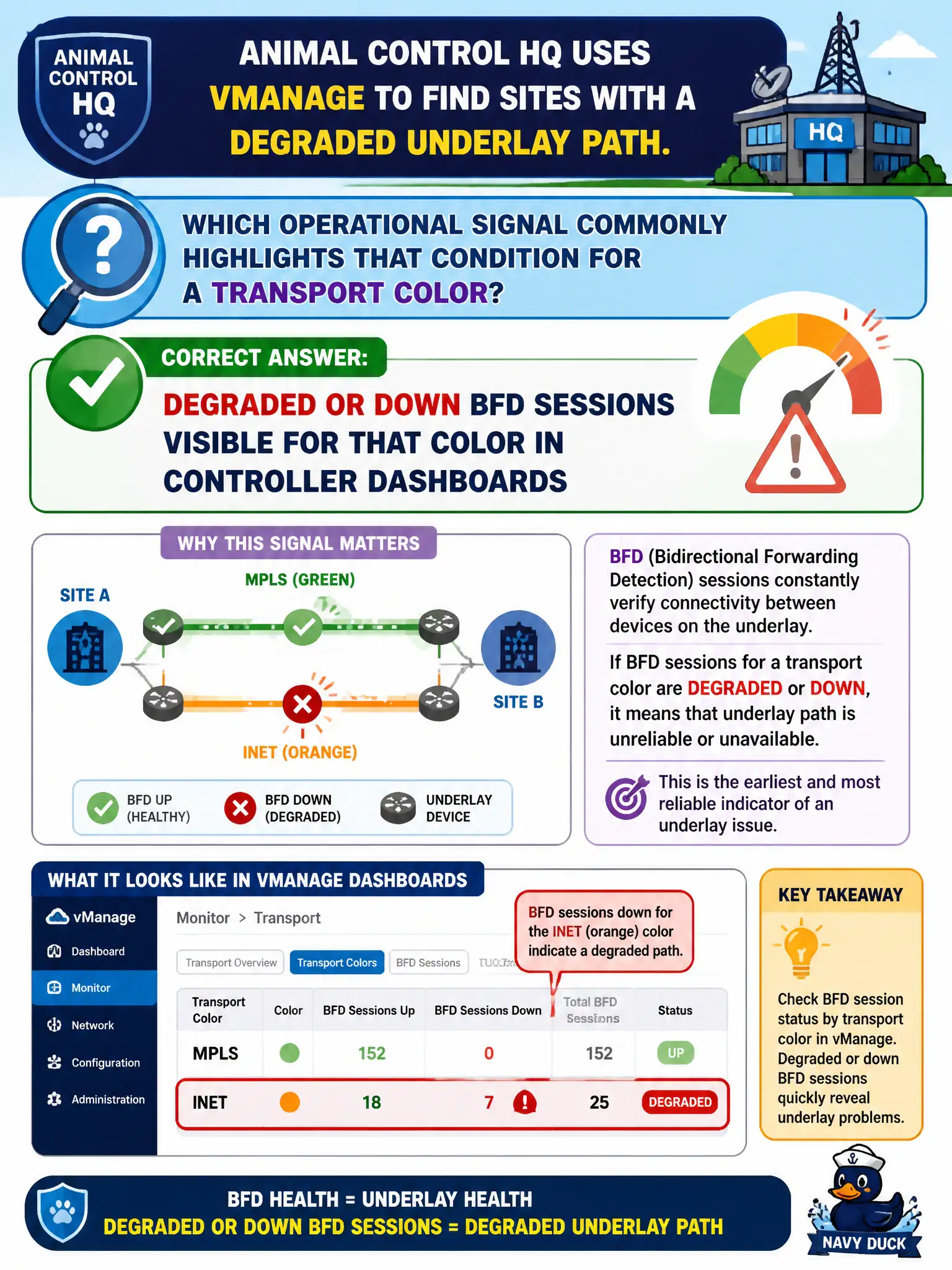
When a color goes sick, BFD is usually the canary. vManage dashboards that show degraded or down BFD on a transport tell you the underlay path is unhappy. That’s the first place ops should look.
Full Explanation
BFD sessions on SD-WAN transport colors provide liveliness and path-quality signals that controller dashboards expose when an underlay path degrades or drops. Animal-control operators hunting a degraded WAN path should treat degraded or down BFD state for that color as a first-class indicator of underlay trouble affecting the Edge’s ability to use that transport. Correlating BFD with loss and latency views speeds isolation versus guessing at LAN protocols.
Loss of Spanning Tree BPDUs on an SD-WAN fabric overlay confuses campus LAN STP with WAN path liveliness. Absence of NetFlow on a LAN switch without WAN indicators does not explain underlay color health. Higher OSPF hello intervals negotiated on a service VPN are a LAN or VRF timer topic, not the primary underlay degradation signal for transport colors.
Exam caveat: underlay path health in SD-WAN is tightly tied to BFD and color state visible to controllers—start there before LAN protocol rabbit holes.
Operational check: in vManage, filter the affected site and color, confirm BFD state plus loss and latency, correlate with provider tickets, restore or fail over traffic, and clear the incident only after control and data planes recover on the civic site.