
A city engineering team wants shared Jira MCP servers for every clone without committing tokens. Where should the MCP config live?
Select an answer to reveal the explanation.
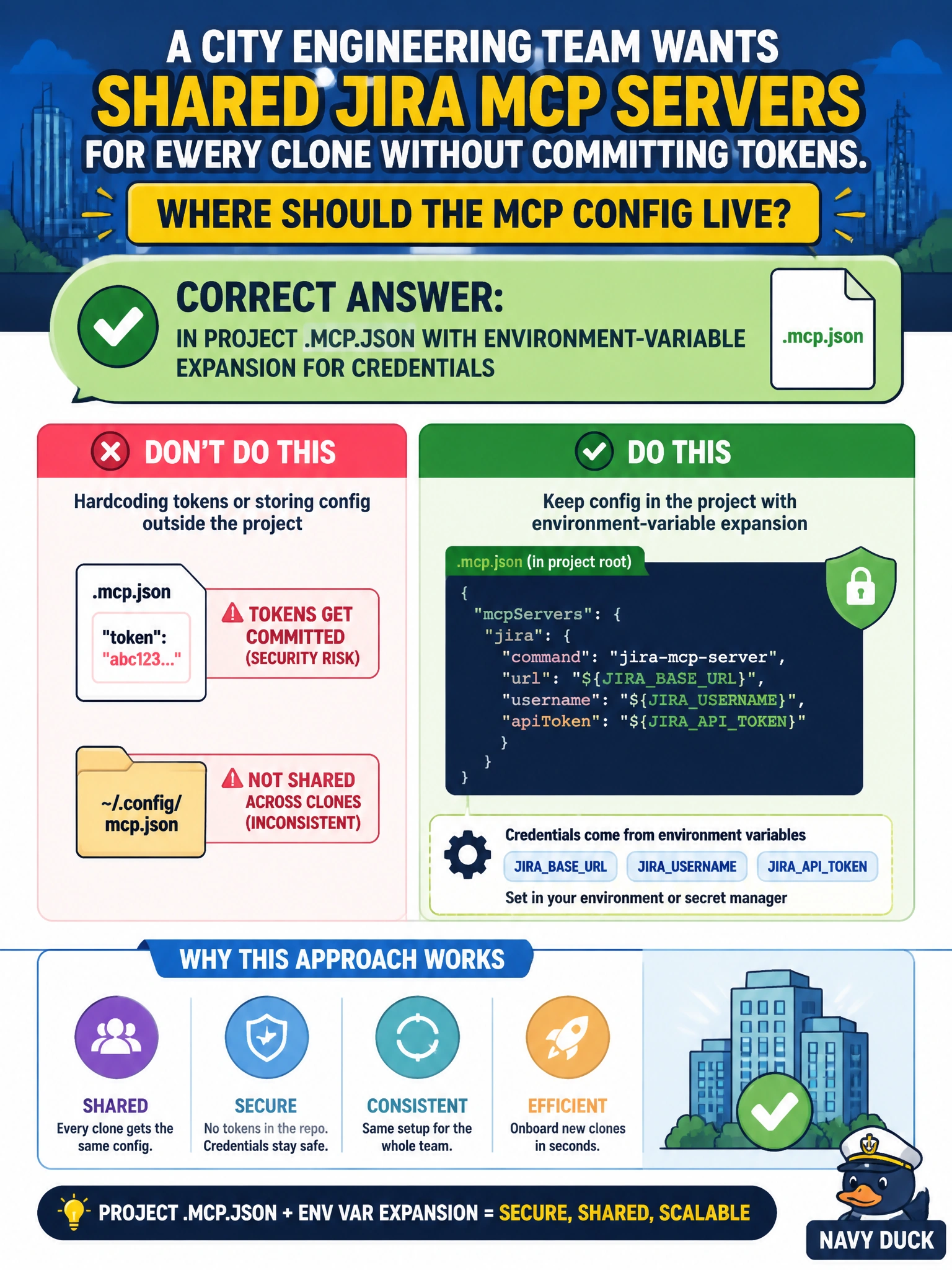
Short Explanation
Shared city tooling belongs in the repo's .mcp.json, with tokens pulled from env vars—not pasted into git. Everyone gets the same Jira MCP without leaking secrets.
Full Explanation
Shared MCP configuration for a city engineering team must be distributable through the repository while keeping secrets out of git. The correct place for shared Jira MCP servers that every clone should load is project .mcp.json, with credentials supplied through environment-variable expansion rather than literal tokens. That pattern gives every engineer the same server definitions on clone and keeps personal access tokens in local or CI secret stores.
Why the correct option works: .mcp.json is the project-scoped MCP config surface teammates inherit. Environment-variable expansion (for example JIRA_TOKEN) means the file can be committed safely: structure and server URLs are shared; secrets remain outside version control. New clones get identical Jira MCP wiring once their environment is populated.
Why the other three fail by concept: keeping config only in each developer’s clipboard notes outside any config file prevents reproducible onboarding and drifts per laptop. Hard-coding personal access tokens directly in CLAUDE.md commits secrets into git history and mixes narrative guidance with credentials. Relying on a one-off chat message that never persists across sessions means the next session or teammate has no MCP definition at all.
Exam caveat: distinguish project MCP config (.mcp.json) from prose guidance (CLAUDE.md) and from user-scoped personal MCP experiments. Operational check: open project .mcp.json, confirm servers reference env vars rather than raw tokens, clone into a clean environment, set the required variables, and verify Jira MCP tools appear for every engineer without anyone pasting tokens into the repo.