
A housing caseworker wants Claude Code to propose a sequence of file edits to a benefits-calculation script and get explicit sign-off before anything is changed, given the high stakes of miscalculating a resident's subsidy. Which mode fits?
Select an answer to reveal the explanation.
Short Explanation
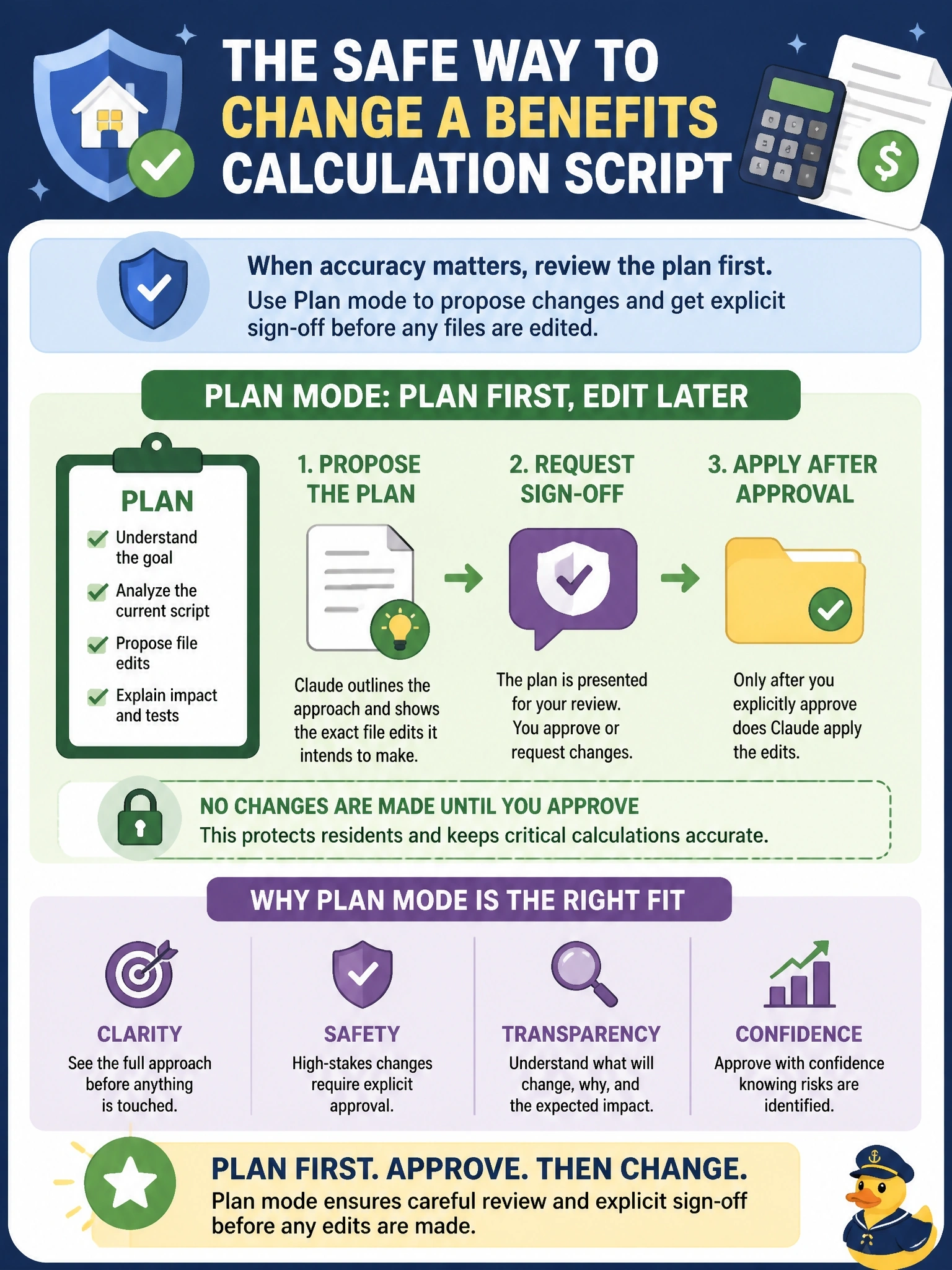
Plan mode is showing the supervisor the proposed subsidy recalculation before touching the ledger. Sign-off first, edits second—which is the order a benefits script deserves.
Full Explanation
The right amount of ceremony scales with the cost of being wrong. A benefits-calculation script that determines a resident's subsidy sits at the high end of that scale, so the workflow needs a checkpoint that exists before any file is written rather than after.
Plan mode has Claude Code lay out its intended sequence of edits and the reasoning behind them, and holds off applying anything until the caseworker's team signs off. The review happens while the change is still a proposal, which is the only point at which catching a flawed subsidy calculation costs nothing but a conversation.
Direct execution applies changes immediately, so a miscalculation is already live in the script by the time anyone reads it—review after the fact is remediation, not approval. Batch mode is about editing multiple unrelated scripts at once and supplies no pre-edit checkpoint of any kind. Read-only mode blocks edits from ever being made, which stops the work rather than gating it, and the team does want the change once it is approved.
Exam caveat: plan mode fits uncertain or high-stakes multi-file work; applying it to a one-line, well-understood fix is pure overhead. Operational check: start the task in plan mode and confirm no file on disk has changed until the plan is explicitly accepted.