
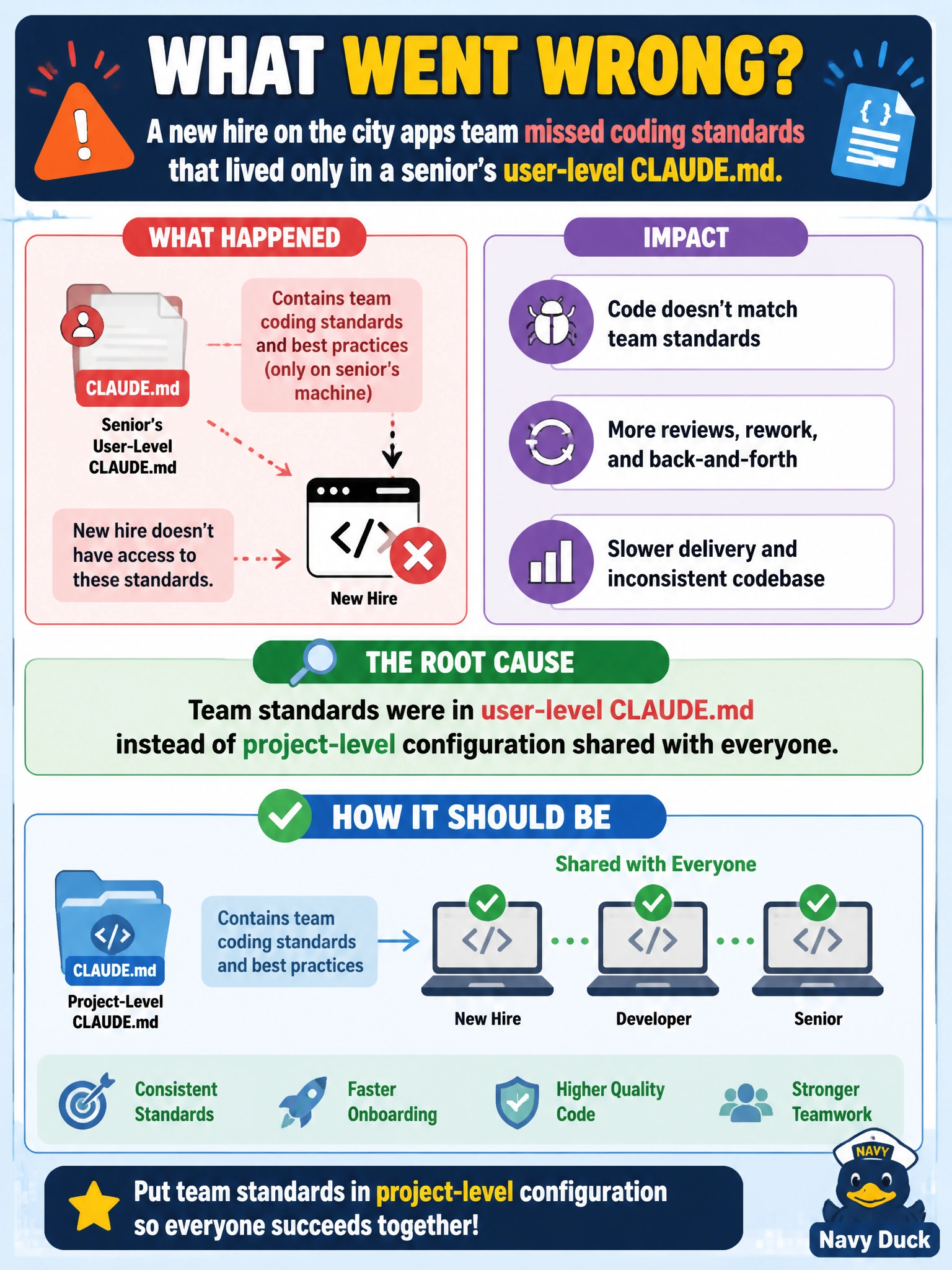
A new hire on the city apps team misses coding standards that lived only in a senior's user-level CLAUDE.md. What went wrong?
Select an answer to reveal the explanation.
Short Explanation
If the coding rules live only in one person's user CLAUDE.md, new hires never see them—like house rules taped inside someone's locker, not on the break-room wall.
Full Explanation
CLAUDE.md hierarchy separates personal preferences from team standards. When a new hire on the city apps team misses coding conventions that lived only in a senior’s user-level CLAUDE.md, the failure mode is misplaced scope: team standards were stored in user-level config instead of project-level configuration that version control shares with everyone.
Why the correct option works: user-level CLAUDE.md applies to one user on one machine; project-level CLAUDE.md is cloned with the repo. Putting mandatory civic coding standards only in user scope guarantees contractors and new hires never see them, which matches the symptom in the stem.
Why the other three fail by concept: claiming project CLAUDE.md always overrides and hides all user preferences forever overstates hierarchy behavior and is not the diagnosis for missing shared standards. Saying slash commands cannot coexist with any CLAUDE.md hierarchy is false and unrelated. Claiming MCP servers automatically delete CLAUDE.md on each clone invents a nonexistent coupling.
Exam caveat: diagnose “who can see this file after clone?”—if the answer is only one laptop, it is not a team standard. Operational check: move shared conventions into project CLAUDE.md, commit, have the new hire clone fresh, and confirm /memory or session startup loads the project standards without needing the senior’s user file.