
After deploying a model to a Watson Machine Learning deployment space, what must a governance administrator configure in Watson OpenScale to begin monitoring that specific model?
Select an answer to reveal the explanation.
Short Explanation and Infographic
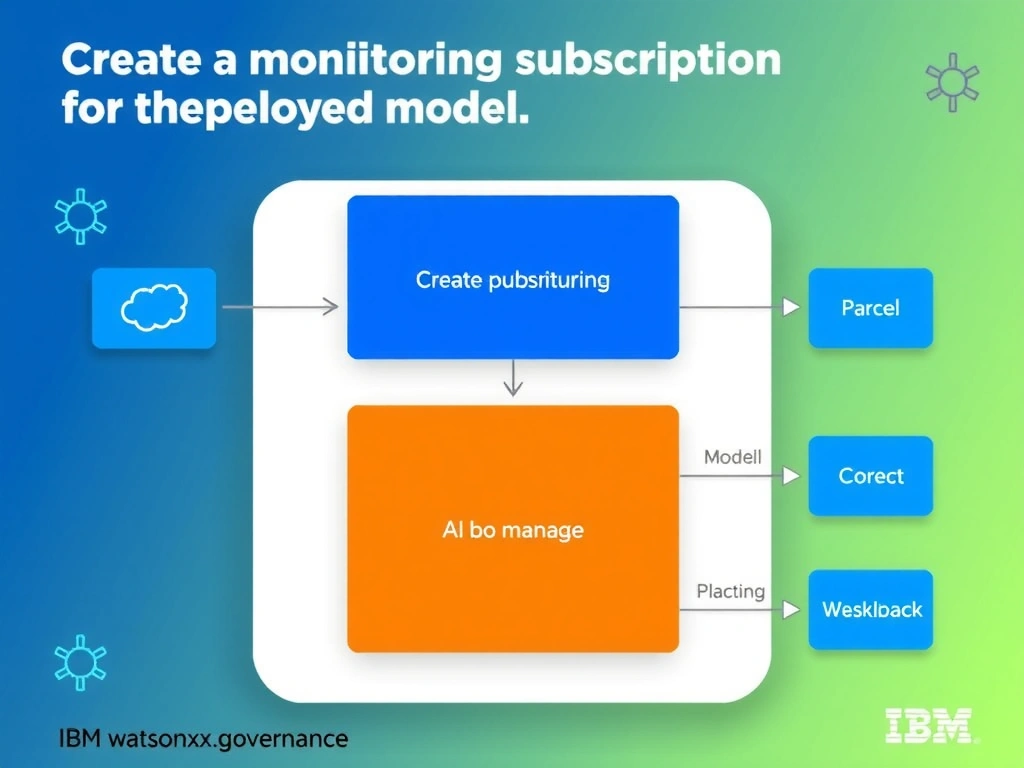
Think of it this way: in real-world AI governance, create a monitoring subscription for the deployed model. is exactly what teams reach for when they need to handle this scenario. Watson OpenScale monitors individual deployed models through subscriptions, which link a specific deployment to OpenScale's monitoring capabilities. On the exam, remember that this falls squarely under the 3.0 Configure watsonx.governance domain.
Full explanation below image
Full Explanation
Watson OpenScale monitors individual deployed models through subscriptions, which link a specific deployment to OpenScale's monitoring capabilities. Without a subscription, OpenScale has no awareness of the deployed model and cannot collect payload data or compute metrics. Creating the subscription is the foundational step that enables drift, fairness, and quality monitors to be configured. The correct answer, "Create a monitoring subscription for the deployed model.", directly addresses the scenario described because it aligns with the specific governance requirement in question. The incorrect options ("Assign an IAM access policy to the deployment space containing the model.", "Enable model explainability settings within the WML deployment space.", "Upload a model evaluation report to the OpenScale dashboard.") may seem plausible but do not satisfy the core requirement. Understanding the distinction between these concepts is critical for IBM watsonx.governance implementations and is frequently tested in the 3.0 Configure watsonx.governance section of the certification exam.