
Where in watsonx.governance does an administrator navigate to create a new model inventory for tracking AI assets?
Select an answer to reveal the explanation.
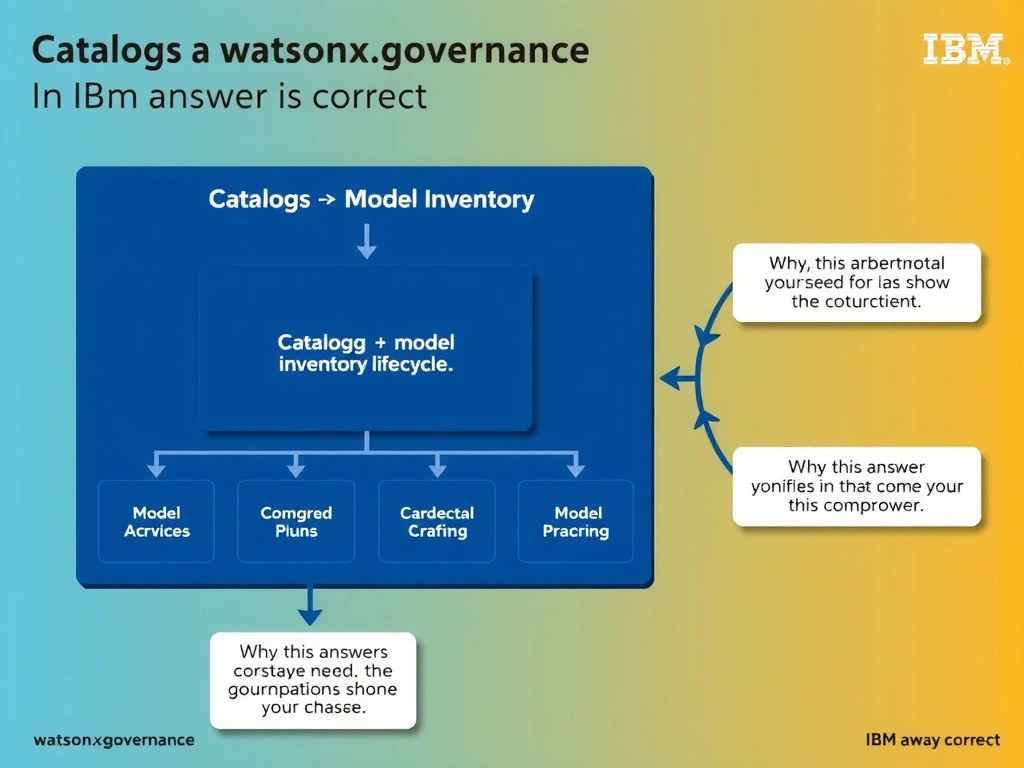
Short Explanation and Infographic
Think of it this way: in real-world AI governance, catalogs → model inventory is exactly what teams reach for when they need to handle this scenario. AI Factsheet model inventories are accessed and created through Catalogs → Model Inventory in watsonx. On the exam, remember that this falls squarely under the 3.0 Configure watsonx.governance domain.
Full explanation below image
Full Explanation
AI Factsheet model inventories are accessed and created through Catalogs → Model Inventory in watsonx.governance. Once an inventory is created, AI use cases and their associated Factsheets are organized within it to provide end-to-end lifecycle traceability. The correct answer, "Catalogs → Model Inventory", directly addresses the scenario described because it aligns with the specific governance requirement in question. The incorrect options ("AI use cases → New Inventory", "Watson OpenScale → Inventory Manager", "Projects → Model Registry") may seem plausible but do not satisfy the core requirement. Understanding the distinction between these concepts is critical for IBM watsonx.governance implementations and is frequently tested in the 3.0 Configure watsonx.governance section of the certification exam.