
A bank deploys a fraud detection model to production via Watson Machine Learning. Without any manual intervention, what does watsonx.governance automatically do to the associated use case?
Select an answer to reveal the explanation.
Short Explanation and Infographic
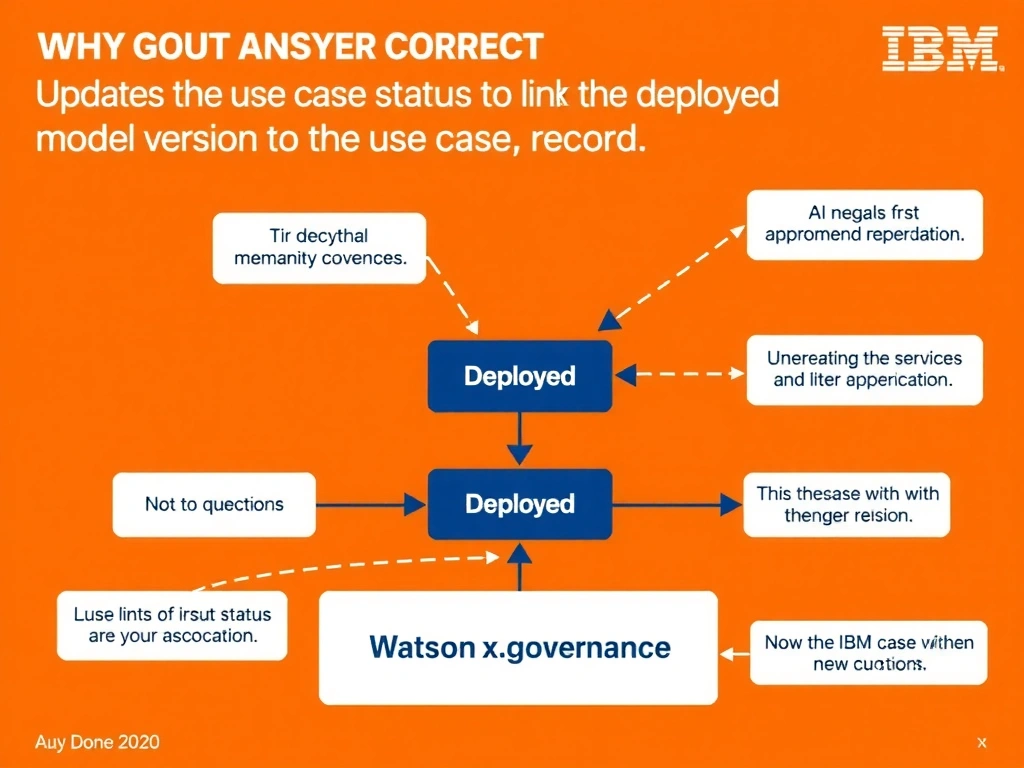
Think of it this way: in real-world AI governance, updates the use case status to deployed and links the deployed model version to the use case record is exactly what teams reach for when they need to handle this scenario. watsonx. On the exam, remember that this falls squarely under the 2.0 AI Lifecycle Governance domain.
Full explanation below image
Full Explanation
watsonx.governance uses lifecycle tracking to automatically update use case status when deployment actions occur in integrated model runtimes such as Watson Machine Learning. When a model is deployed, the platform detects the event and advances the use case to Deployed status while recording the deployment details in the AI Factsheet. This automation eliminates manual tracking gaps and ensures the governance record accurately reflects the model's current operational state at all times. The correct answer, "Updates the use case status to Deployed and links the deployed model version to the use case record", directly addresses the scenario described because it aligns with the specific governance requirement in question. The incorrect options ("Sends an email notification to the model owner but does not change the use case status", "Creates a new use case entry for the deployed model", "Requires a manual status update from the model risk officer before the record changes") may seem plausible but do not satisfy the core requirement. Understanding the distinction between these concepts is critical for IBM watsonx.governance implementations and is frequently tested in the 2.0 AI Lifecycle Governance section of the certification exam.